12 Best Tools to Automate Course Completion Certificates in 2026

I think we can all agree that seeing students finish a course is one of the best feelings for any creator. You put in the work, and they did too. Sending out that official course completion certificate feels like the perfect final step, a real marker of their achievement.
But let’s be honest, manually creating and sending a unique certificate for every single student can turn into a huge headache, especially as your courses grow. I’ve been there, spending hours fiddling with templates and email lists. It’s time consuming, prone to errors, and frankly, it just doesn’t scale.
That’s why I put together this list. We’re going to dive into the best tools to automate course completion certificates. We’ll look at everything from dedicated platforms that offer verifiable digital credentials to the built in features of your favorite LMS.
My goal is to help you find the perfect solution that saves you time, looks professional, and gives your students the recognition they deserve, all on autopilot. I’ll cover options for every budget and technical skill level, including third party services and automation platforms like Zapier.
Each option I review includes a breakdown of its best features, potential downsides, pricing, and who it’s truly best for. You’ll find direct links and screenshots to help you visualize how each tool works. Let’s find the right fit to streamline your workflow.
1. Accredible
Accredible is a fantastic choice if you’re looking for an enterprise level platform to automate course completion certificates. It goes way beyond just sending a PDF. It focuses on creating professional, verifiable digital credentials that students can easily share on platforms like LinkedIn. For course creators who prioritize brand credibility and providing real value to their students, Accredible is a top tier solution.
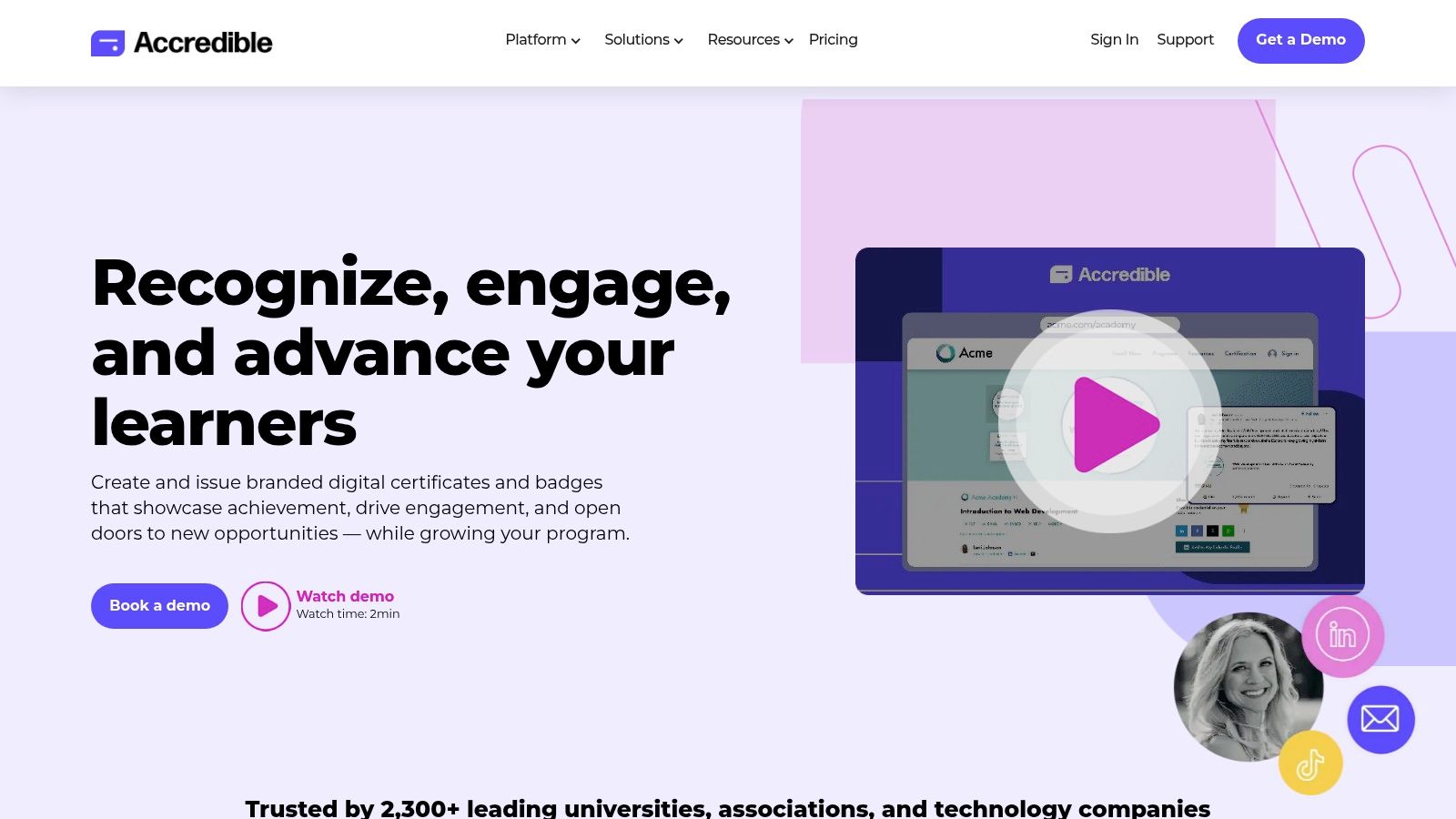
This platform excels at scale. If you’re managing thousands of students or offering multiple credentials, its robust automation and integration capabilities are a lifesaver. You can connect it directly to your LMS, use Zapier for custom workflows, or leverage its API for a completely bespoke setup. The analytics also provide deep insights into how your certificates are being shared, which can be a powerful marketing tool. The shareability of these credentials also helps boost student motivation and, as a result, can improve overall course completion rates, a topic you can learn more about on LearnStream.io.
Key Details & Use Case
- Best For: Established educational institutions, corporate training programs, and large scale online course businesses that need verifiable, shareable credentials.
- Standout Feature: Verifiable digital credentials with an optional blockchain layer. Each credential gets a unique, shareable URL that recipients and employers can use to verify its authenticity instantly.
- Pricing: Plans are based on the number of unique recipients per year, not the number of certificates issued. This is great if you offer multiple courses to the same student body. Entry level plans start around $960/year.
- Pros: Powerful automation, deep analytics, and high end security features. The “unique recipient” pricing model is very cost effective for programs with repeat learners.
- Cons: The price point can be high for brand new course creators or those with very small student cohorts. It might be overkill if you just need a simple PDF generator.
You can learn more at their website: https://www.accredible.com
2. Certifier
Certifier is a brilliant option for small to medium sized businesses and solo course creators who need a powerful, yet accessible, tool to automate course completion certificates. It strikes a perfect balance between professional features and user friendliness, making it easy to design, issue, and track digital credentials without needing a huge budget or a development team. If you want robust automation features with transparent pricing and a solid free plan to start, Certifier is hard to beat.
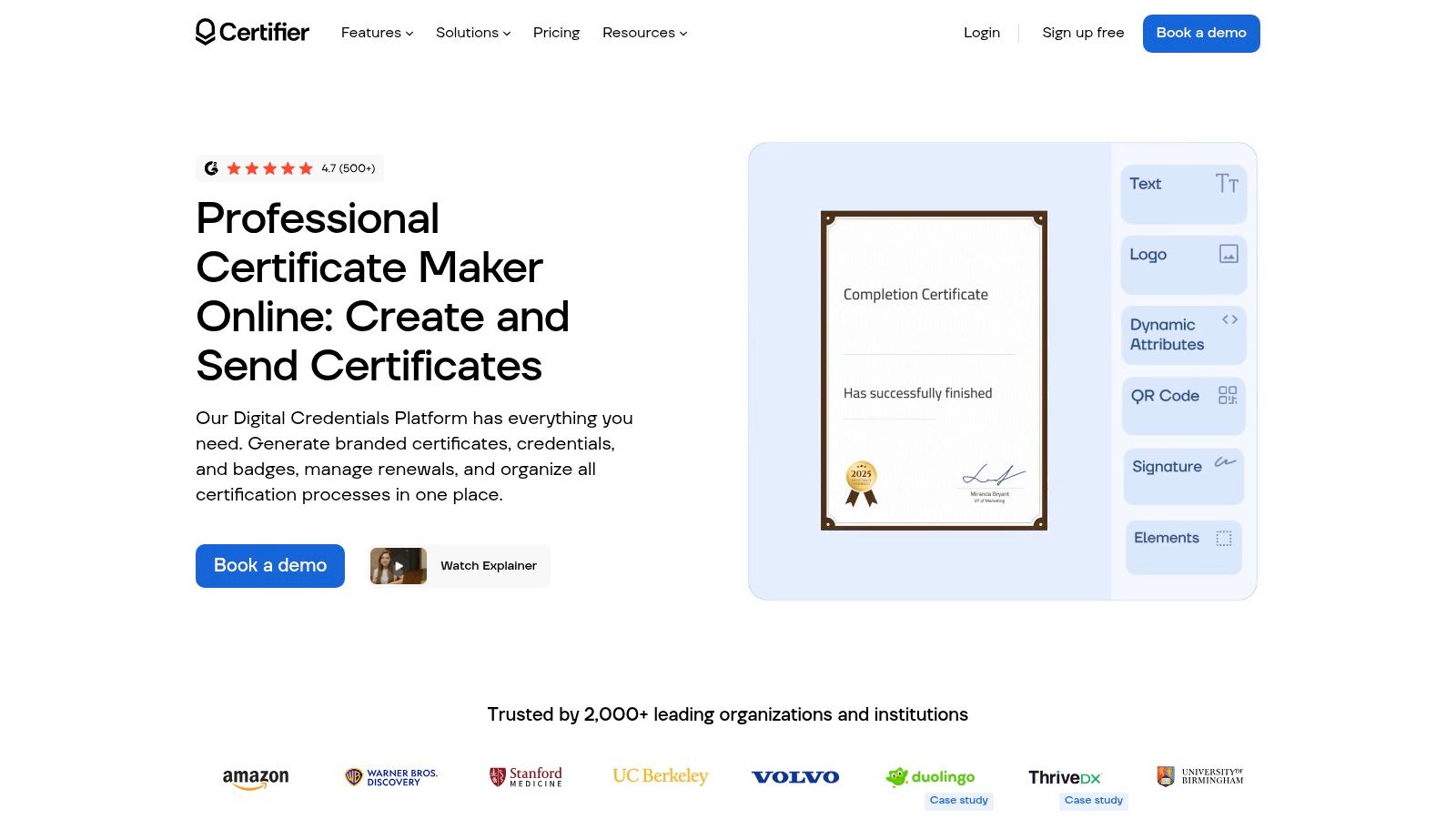
This platform shines with its self serve approach. You can get up and running quickly using its template library and intuitive drag and drop editor. The automation capabilities are also impressive for its price point. You can connect Certifier to your existing tools through Zapier, Make, or its API to automatically issue certificates when a student finishes a course. It also includes analytics to see how your credentials are being used, giving you valuable feedback on your program’s reach.
Key Details & Use Case
- Best For: Solo entrepreneurs, small businesses, and growing online academies that need an affordable, scalable solution for issuing professional certificates and badges.
- Standout Feature: A very generous free plan combined with a powerful, template based visual editor. You can design and issue up to 250 credentials per year for free, which is perfect for testing the waters or for programs with smaller cohorts.
- Pricing: Offers a free plan for up to 250 credentials/year. Paid plans are based on the number of credentials issued annually and start at very accessible price points, making it easy to scale as you grow.
- Pros: Excellent free tier and transparent, affordable pricing. The automation and integration options (Zapier/Make/API) are robust for SMBs. It’s incredibly easy to use.
- Cons: Lower tier plans have annual limits on the number of credentials you can issue. Some advanced branding and verification features are only available on higher priced plans.
You can learn more at their website: https://certifier.io
3. Sertifier
Sertifier is a strong contender if your main goal is straightforward, rules based automation for your course completion certificates. It strikes a great balance between powerful features and ease of use, making it accessible for teams that don’t want a complex setup. The platform focuses on creating a seamless experience from course completion to certificate delivery, with a heavy emphasis on tracking how recipients engage with their new credentials.
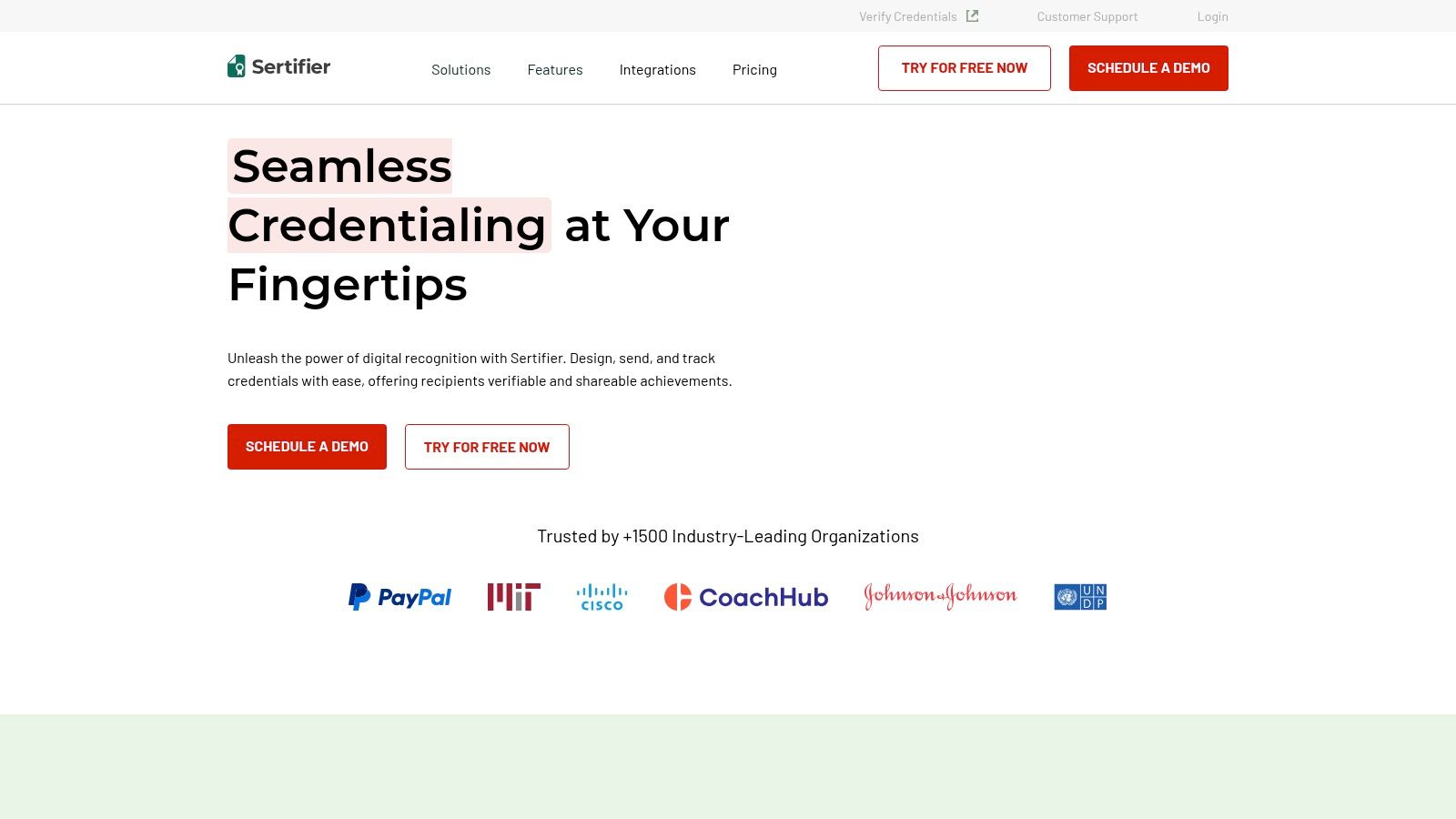
This platform shines with its broad integration ecosystem. You can easily connect it to popular LMS platforms like Thinkific, Moodle, and Canvas, or use Zapier to link it to nearly any other tool in your stack. Sertifier’s analytics dashboard gives you valuable insights into share rates and views, helping you understand the social impact of your courses. Each certificate and badge comes with a verifiable, branded page and a QR code, adding a layer of authenticity that students appreciate.
Key Details & Use Case
- Best For: Small to medium sized course businesses, bootcamps, and corporate trainers who need reliable automation and engagement analytics without a huge price tag.
- Standout Feature: The combination of detailed recipient analytics and a user friendly automation engine. You can set specific triggers and see exactly how, where, and when your students share their achievements.
- Pricing: Offers a free plan for up to 250 recipients. Paid plans are very competitive, starting around $50/month, and are based on the number of recipients and features.
- Pros: Very easy to set up automation triggers and integrations. The entry level pricing is affordable, and the analytics provide clear, actionable data.
- Cons: The lower tier plans have recipient caps, so you’ll need to upgrade as you grow. Full white labeling is reserved for the more expensive Enterprise plan.
You can learn more at their website: https://sertifier.com
4. SimpleCert
SimpleCert is a straightforward and effective tool for those who need a no fuss way to send and track course completion certificates. Its strength lies in its simplicity and a credit based system, which is perfect for creators running webinars, workshops, or continuing education programs with predictable attendee numbers. It provides a solid middle ground between basic PDF generators and complex enterprise systems.
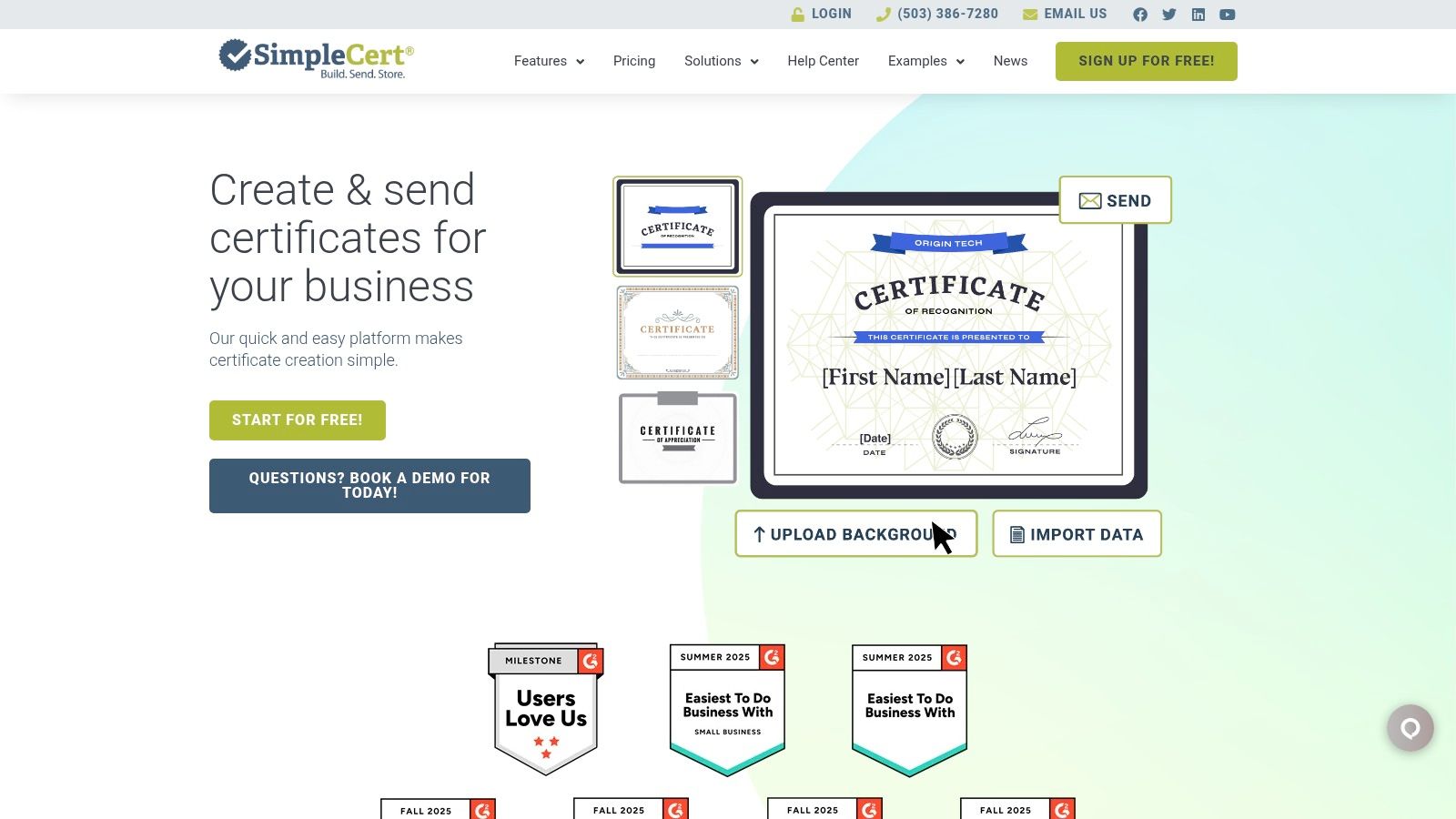
This platform is particularly useful when you need to provide learners with easy access to their credentials after the fact. Features like the recipient portal allow students to view and download their certificates anytime, reducing your administrative workload. The QR code verification adds a nice layer of authenticity without being overly complicated. For automation, you can connect SimpleCert to other apps using its API or services like Zapier to trigger certificate issuance when a student completes a course in your LMS.
Key Details & Use Case
- Best For: Small to medium sized businesses, workshop hosts, and continuing education providers who need a predictable, low cost certificate solution.
- Standout Feature: The credit based system. You purchase bundles of credits to issue certificates, which makes budgeting simple and predictable, especially for one off events or courses with a set number of participants.
- Pricing: Based on monthly or annual credit bundles. Plans start with a free trial and paid options begin around $12/month for a small bundle of certificate credits.
- Pros: Very low cost of entry with predictable pricing. The recipient self service portal is a great feature for reducing support requests from students.
- Cons: The credits model can become a bit of a planning headache if you have fluctuating or high volume student enrollment. Some advanced design features, like two sided certificates, are locked behind higher tier plans.
You can learn more at their website: https://simplecert.net
5. Certify’em
If your entire workflow lives inside Google Workspace, Certify’em is one of the quickest and most efficient tools to automate course completion certificates you’ll find. It’s a Google Forms add on that transforms a simple quiz into an automated certificate issuing machine. For educators, event coordinators, or small course creators who need a fast, no frills solution without leaving the Google ecosystem, this is an excellent choice.
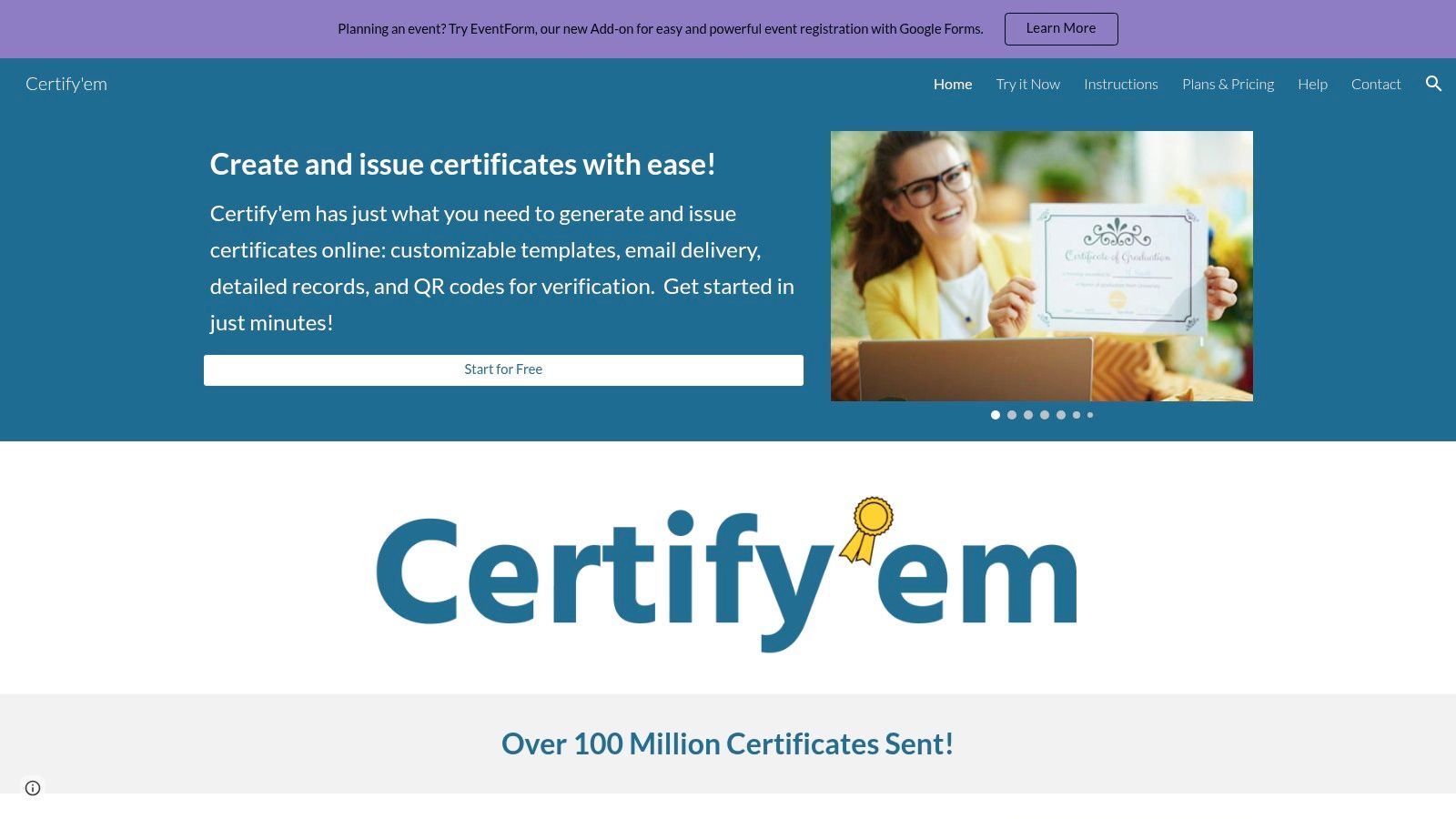
The beauty of Certify’em is its simplicity. You create your certificate template in Google Slides, link it to a Google Form, set a passing score, and you’re done. When a student passes the quiz, the add on automatically generates a personalized PDF certificate and emails it to them. It’s a set it and forget it system that is perfect for workshops, internal training quizzes, or lightweight online courses where a formal digital credential isn’t the primary goal.
Key Details & Use Case
- Best For: Teachers, workshop hosts, and small businesses who use Google Forms for quizzes and assessments and need a simple, low cost certificate solution.
- Standout Feature: Seamless integration with Google Forms and Google Slides. The entire setup process happens within your familiar Google environment, making it incredibly intuitive and fast to implement.
- Pricing: Offers a free tier with a daily quota. Paid plans are very affordable, starting around $24/year, with higher tiers offering larger daily send limits and features like QR code verification.
- Pros: Extremely easy to set up for anyone familiar with Google Workspace. It’s one of the most budget friendly options available.
- Cons: Entirely dependent on the Google ecosystem and its email quotas. The design and customization options are limited by what’s possible in Google Slides, which is less advanced than dedicated platforms.
You can learn more at their website: https://www.certifyem.com
6. Thinkific
If you want an all in one platform where your course content, payments, and certificates live under one roof, Thinkific is an excellent option. It’s a popular Learning Management System (LMS) that includes built in certificate automation, removing the need for third party integrations. This simplicity is a huge win for course creators who want to launch quickly without worrying about connecting different tools to automate course completion certificates.
The platform handles the entire student journey, from enrollment to certification. Once a student finishes a course, Thinkific can automatically generate a certificate for them to download. This streamlined workflow saves you administrative time and provides a smooth experience for your students. The focus is on providing a solid, native feature set that covers the essentials without extra complexity or cost.
Key Details & Use Case
- Best For: Solo course creators, entrepreneurs, and small businesses who need a single platform to host and sell their courses with integrated certificate functionality.
- Standout Feature: Seamless, built in automation. The certificate feature is a native part of the course completion workflow, not an add on. Each certificate also receives a unique ID, which helps with verification and recordkeeping.
- Pricing: Certificate features are available on paid plans, which start at $36/month (billed annually). They also offer a free plan to build a course, but you’ll need to upgrade for certificates.
- Pros: All in one platform reduces integration headaches and costs. The student experience is seamless, from learning to getting their certificate.
- Cons: The certificate design and customization options are less flexible than dedicated credentialing platforms. Some plans also include transaction fees on top of payment processor fees.
You can learn more at their website: https://www.thinkific.com
7. Teachable
For course creators already using Teachable as their all in one platform, its built in certificate feature is a convenient and straightforward option. You don’t need a separate tool to automate course completion certificates because the functionality is baked right in. It’s designed to be a simple, native solution for creators who want to reward students without the complexity of third party integrations.
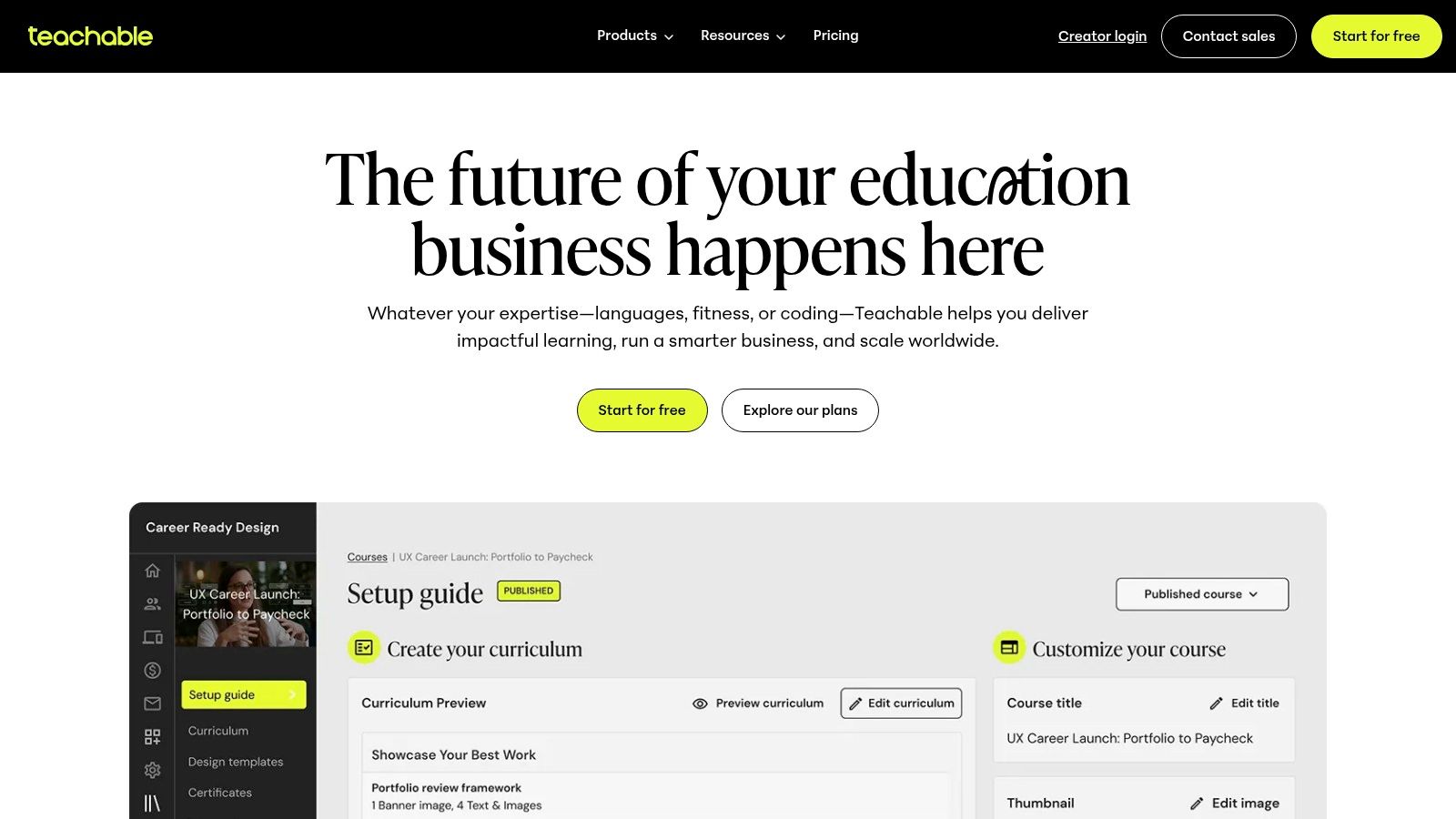
The platform offers a few default templates that look clean and professional, which you can issue automatically as soon as a student finishes a course. If you have some coding knowledge, you can create a completely custom certificate using Liquid and HTML. This blend of simplicity and optional customization makes it a great fit for many course models. It’s especially effective in structured programs like cohort based courses, where a final certificate marks a key milestone in a shared learning journey.
Key Details & Use Case
- Best For: Solo creators and businesses already hosting their courses on Teachable who need a simple, integrated certificate solution.
- Standout Feature: The native integration. There are no APIs to connect or extra subscriptions to manage. You can enable certificates on a per course basis with just a few clicks.
- Pricing: Certificate features are available on the Basic plan and above, starting at $39/month when paid annually.
- Pros: Extremely easy to set up if you’re a Teachable user. The option for custom coding provides a good degree of flexibility for those who need it.
- Cons: The default template selection is limited. The verification is not as robust as dedicated credentialing platforms like Accredible.
You can learn more at their website: https://www.teachable.com
8. LearnWorlds
LearnWorlds integrates certificate automation directly into its all in one course platform, making it a powerful choice if you want to keep everything under one roof. Instead of just being an afterthought, certificates are treated as a core part of the learning journey. You can set them up as learning activities that are automatically awarded once a student completes a specific module, passes an exam, or finishes the entire course.
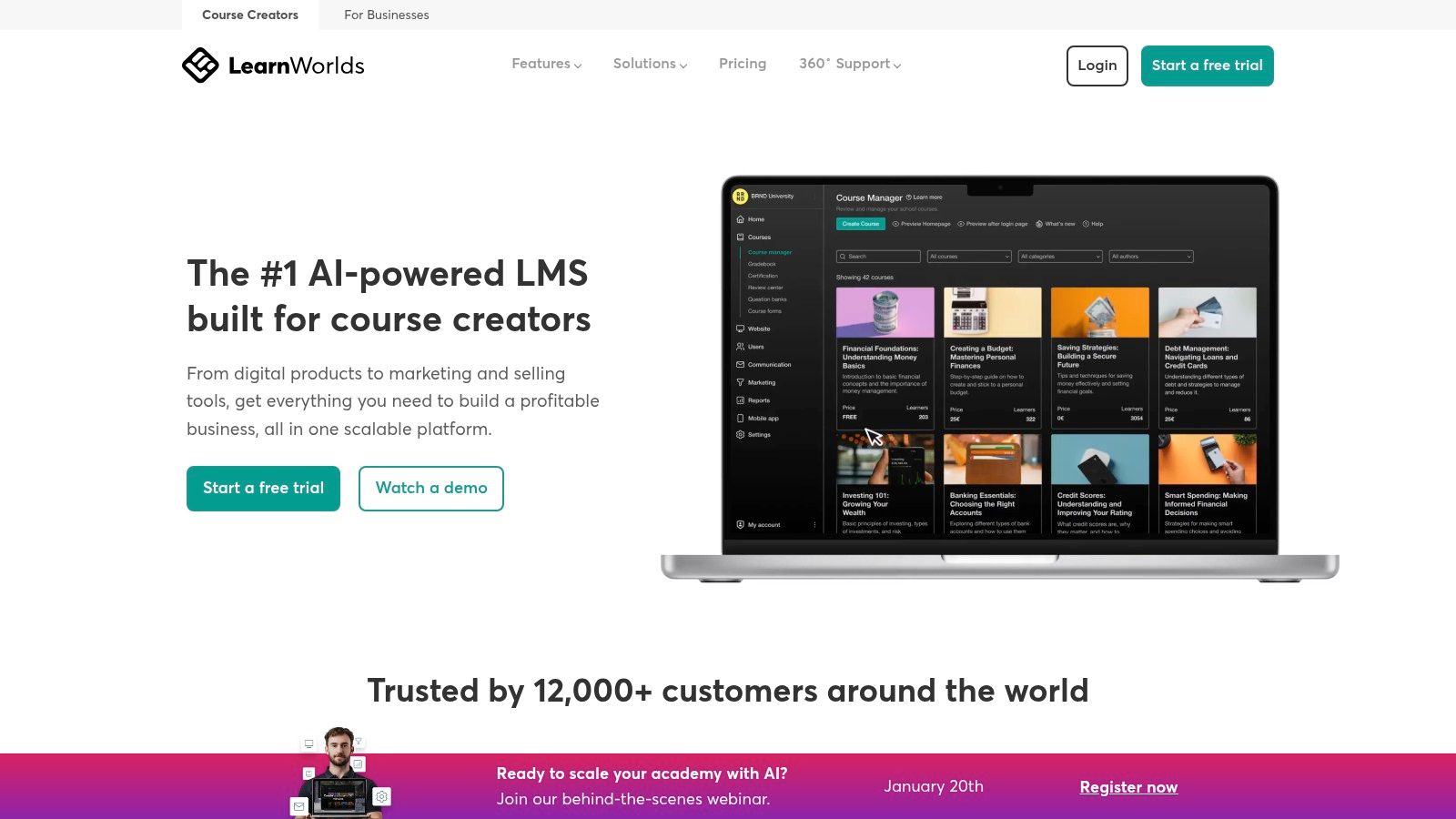
This approach gives you fine grained control over the student experience. The rules based issuance means you can motivate students with credentials at multiple points in their path. For course creators looking for a robust LMS that also handles certificates without needing external tools, LearnWorlds is an excellent solution. As a comprehensive platform, it’s worth exploring if you’re deciding on a place to host and sell your content, and you can see how it stacks up as one of the best platforms to sell online courses on LearnStream.io.
Key Details & Use Case
- Best For: Course creators and businesses looking for an all in one LMS that has robust, built in certificate automation without needing third party tools.
- Standout Feature: Treating certificates as “learning activities.” This allows you to set precise rules for when a certificate is issued, like after passing a final exam or completing a set of key modules.
- Pricing: Certificate features are available on all plans, starting with the Starter plan at $29/month. More advanced customization and PDF key mapping require higher tier plans like the Pro Trainer ($99/month).
- Pros: Seamless integration within the LMS, fine grained control over completion criteria, and a flexible template workflow for branded PDFs on higher plans.
- Cons: Full template customization is locked behind more expensive tiers. The setup process involves more steps than a simple one click certificate plugin.
You can learn more at their website: https://www.learnworlds.com
9. Kajabi
If you’re already using or considering an all in one platform for your online business, Kajabi is a powerful contender with built in certificate automation. It’s designed to be a complete ecosystem for creating, marketing, and selling your courses, memberships, and coaching programs. The native certificate feature is a huge plus because it means one less third party tool to manage and pay for, making it one of the most streamlined tools to automate course completion certificates.

The automation is simple yet effective. Once a student completes a course, Kajabi automatically generates and emails them a PDF certificate. You can customize key fields like your logo, course title, student name, and completion date. While it may not offer the deep verification features of specialized services like Accredible, it covers the essentials perfectly for most course creators. For those needing more power, it integrates with Zapier, allowing you to connect to other certificate platforms if needed.
Key Details & Use Case
- Best For: Course creators and entrepreneurs who want a single, integrated platform to run their entire online knowledge business, including course delivery and certificates.
- Standout Feature: The native, built in certificate functionality. It’s seamlessly integrated into the course completion workflow, requiring minimal setup and no external subscriptions for basic certificate needs.
- Pricing: Kajabi’s pricing is for the entire platform, starting at $149/month. Certificate features are included in all plans, but advanced automation capabilities vary by tier.
- Pros: It’s an excellent all in one solution that simplifies your tech stack. The built in certificates are convenient and professional enough for most use cases.
- Cons: The certificate design and customization options are more limited than dedicated providers. The overall platform cost is higher if you only need the certificate feature.
You can learn more at their website: https://kajabi.com
10. LearnDash
If your online course lives on WordPress, LearnDash is a powerhouse solution for creating and automating course completion certificates directly within your website. It’s a full featured Learning Management System (LMS) plugin that gives you complete control over the student experience. You won’t need a third party service, as certificate generation is a core, integrated part of the system. This is perfect for creators who want to keep everything under one roof.
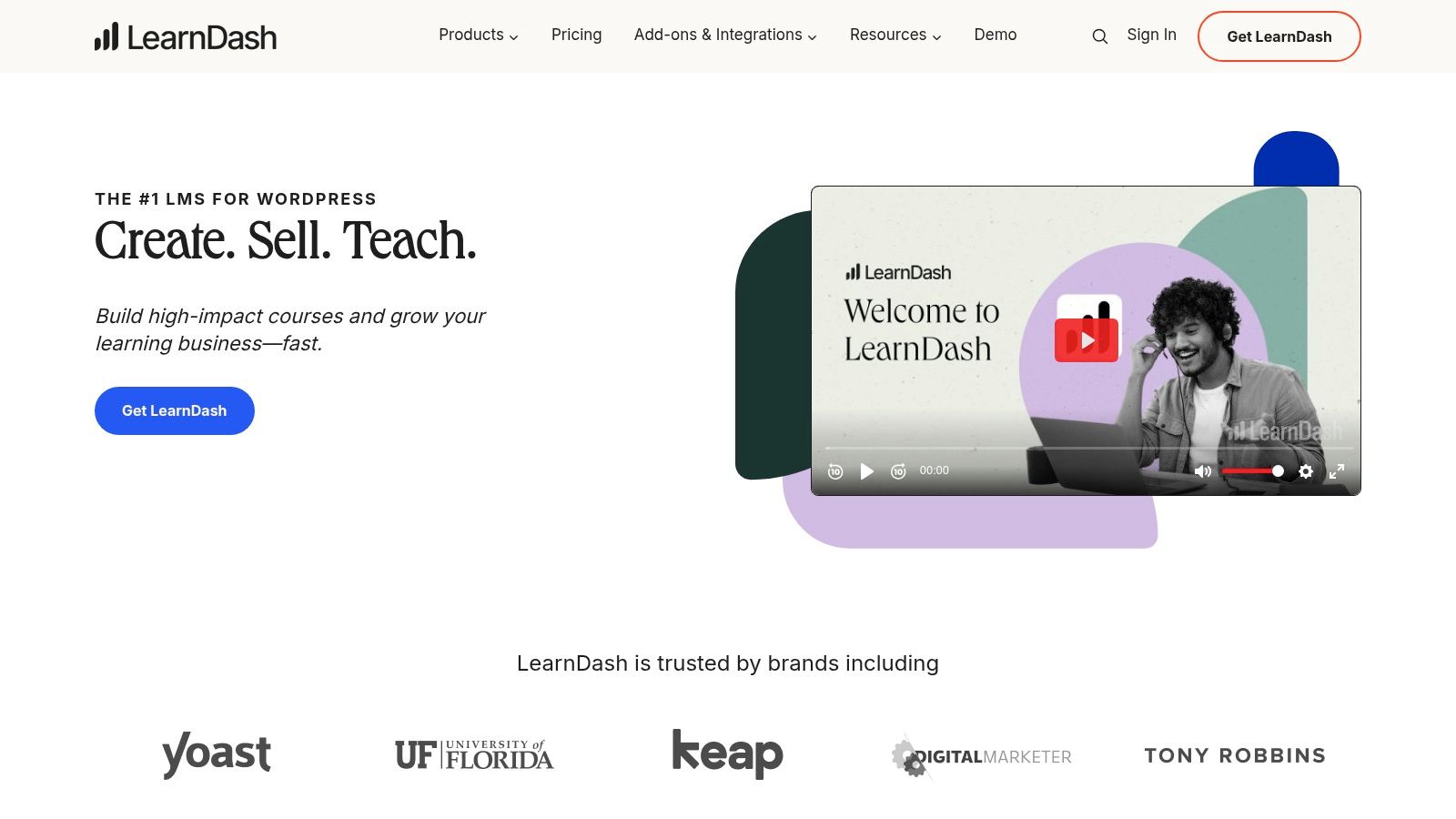
The built in Certificate Builder uses the familiar WordPress block editor, making it easy to design custom certificates without touching any code. You can set specific triggers, so a certificate is automatically awarded when a student finishes a course, passes a quiz with a certain score, or completes a specific learning path. Since it’s all on WordPress, you can leverage thousands of other plugins to extend its functionality, creating truly unique automation workflows for your students.
Key Details & Use Case
- Best For: WordPress users, from solo course creators to large institutions, who want a deeply integrated LMS and certificate solution on their own website.
- Standout Feature: The native, block based Certificate Builder. It allows for drag and drop design and uses shortcodes to dynamically pull in student data like their name, course title, and completion date right onto the certificate.
- Pricing: LearnDash is a premium plugin with annual licenses starting at $199 for one site, which includes all core features and add ons like the Certificate Builder.
- Pros: Total design control and ownership of your data on your own site. The automation is robust and tied directly to learning progress within the LMS. It’s a one time purchase (per year) rather than a per certificate fee.
- Cons: Requires you to manage your own WordPress hosting, security, and updates. The initial setup can be more involved than a standalone SaaS platform, and complex sites might require some technical help.
You can learn more at their website: https://www.learndash.com
11. LifterLMS
For course creators already invested in the WordPress ecosystem, LifterLMS is an absolute powerhouse. It’s not just a plugin, it’s a complete learning management system that includes certificate automation as a core feature. This is ideal if you want to keep everything under one roof, managing your courses, students, and certificates directly from your WordPress dashboard without relying on third party tools.
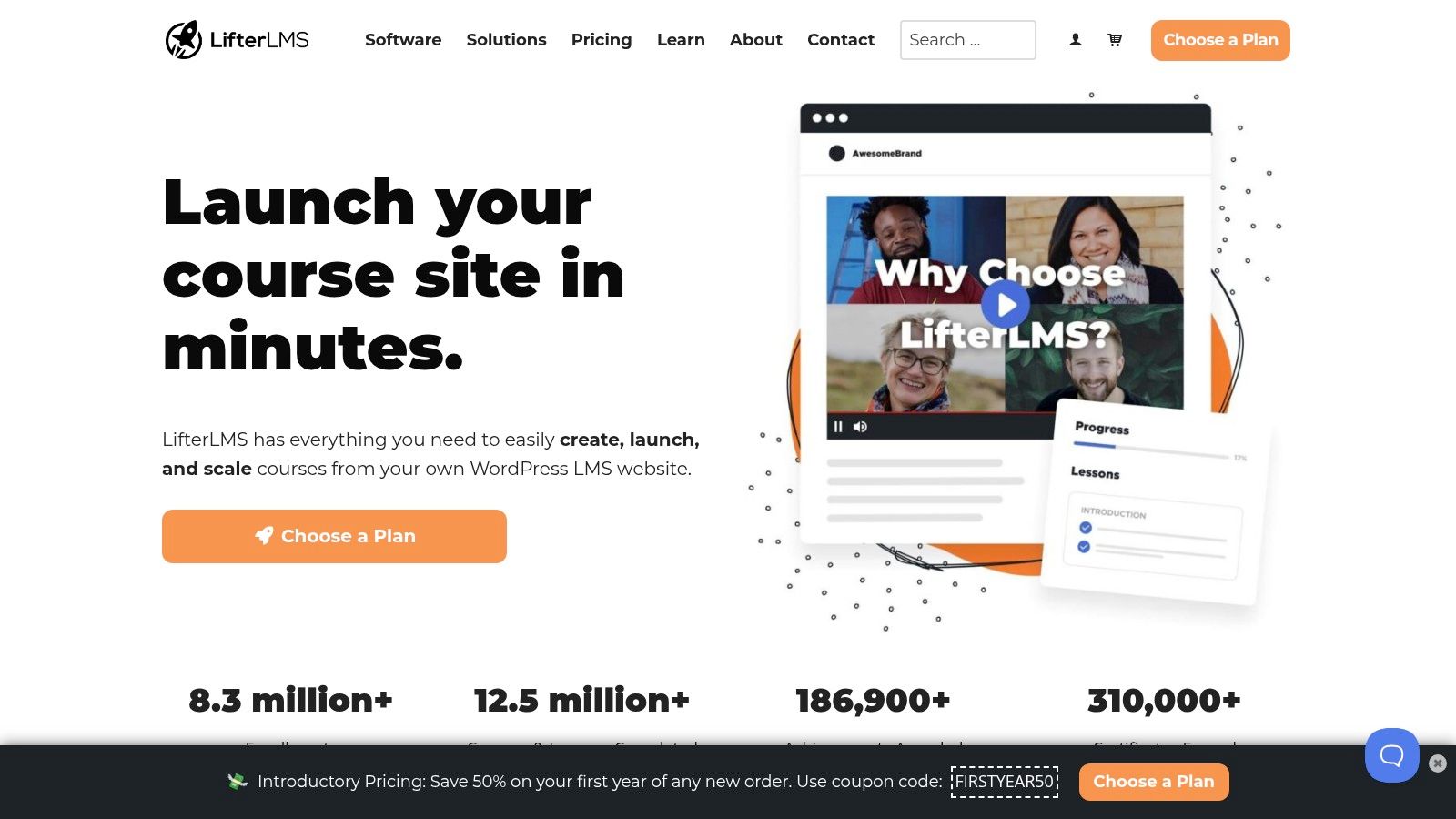
The platform’s built in “Engagements” system is how you set up the automation. You can create triggers to award a certificate instantly upon course or lesson completion. You can even add delays, which is great for adding a personal touch. The certificate designer uses the familiar WordPress block editor, making it easy to create and customize templates with dynamic information like student names, course titles, and completion dates.
Key Details & Use Case
- Best For: WordPress based course businesses and entrepreneurs who want an all in one solution for course delivery and certificate management.
- Standout Feature: The native “Engagements” system. It allows for flexible automation triggers beyond just course completion, giving you deep control over the entire student experience.
- Pricing: The core LifterLMS plugin, including the certificate functionality, is free. Advanced features and integrations are available through paid add ons or bundles, which start at $199/year.
- Pros: Generous free core plugin makes it accessible to start. Being fully integrated into WordPress provides excellent control over branding and the user experience.
- Cons: You are responsible for WordPress hosting and maintenance. Scaling up with premium add ons can become costly compared to some other platforms.
You can learn more at their website: https://lifterlms.com
12. Zapier
Zapier isn’t a dedicated certificate tool, but it’s one of the most powerful tools to automate course completion certificates, especially if your tech stack is unique. It acts as a digital glue, connecting the apps you already use. You can create custom “Zaps” that trigger when a student finishes a course in your LMS, automatically populating their name and course details into a Google Slides template, and then emailing it to them as a PDF. It’s perfect for bridging systems that don’t talk to each other directly.
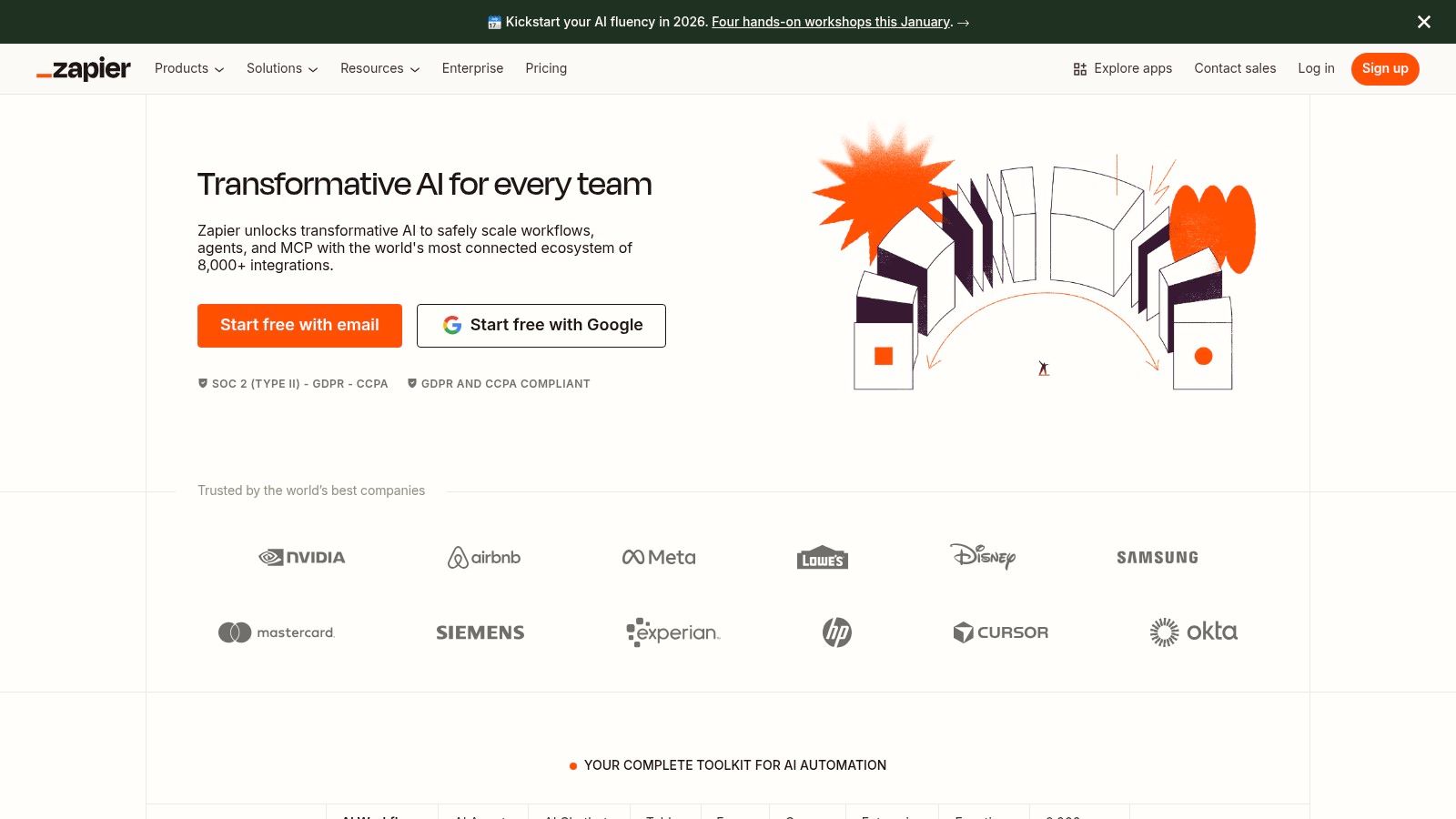
The real magic is its flexibility. With connections to over 7,000 apps, you can build a workflow that fits your exact needs without writing any code. For instance, a trigger from Thinkific could generate a certificate in Google Docs, save it to Dropbox, and notify your team in Slack simultaneously. For those already using or considering Zapier, you can further explore how to Master the Art of Zapier Automation for various business processes, including certificate issuance. It lets you create bespoke layouts when your LMS’s built in options are too limited.
Key Details & Use Case
- Best For: Course creators with a mixed tech stack or those who need a custom automation workflow that their LMS doesn’t support natively.
- Standout Feature: Its massive library of app integrations. You can connect virtually any LMS, CRM, or form builder to a document generator and email service, creating a completely custom pipeline.
- Pricing: Offers a free plan for basic Zaps. Paid plans are based on the number of “tasks” (actions your Zap performs) per month, starting around $19.99/month (billed annually).
- Pros: Extremely flexible, works with almost any platform, and is relatively easy to set up for non developers.
- Cons: Task based pricing can become expensive at high volumes, and complex Zaps require careful setup to avoid errors or hitting API limits.
You can learn more at their website: https://zapier.com
So, Which Tool Should You Choose?
Whew, that was a lot of information. But hopefully, you now have a much clearer picture of the landscape of tools to automate course completion certificates. The sheer number of options shows just how important this final step is in the student journey. The right tool really comes down to where you are in your course creation journey, what your budget looks like, and what your biggest priorities are.
Let’s break down the decision making process into a few key scenarios to help you find your perfect fit.
If You’re Just Starting Out
If you’re just getting your first course off the ground and are already using an all in one platform like Teachable, Thinkific, or Kajabi, my advice is to stick with their built in certificate features for now. They are simple, they work reliably, and most importantly, they let you focus your energy on what truly matters at this stage: creating amazing content and engaging with your first students.
You can always upgrade to a more sophisticated system later as your business grows. The key is to avoid getting bogged down by too many tools too early.
If Your Certificate’s Value is Paramount
Are you running a professional training program, a certification course, or a workshop where the certificate itself is a major selling point? If so, investing in a dedicated, third party platform like Accredible or Certifier is a very smart move.
These services provide verifiable, shareable digital credentials that seriously elevate the perceived value of your course. They offer features like blockchain verification and social sharing that give your students a credential they can be genuinely proud to display on their LinkedIn profiles. This isn’t just a PDF, it’s a professional asset.
If You’re a WordPress Power User
For my fellow course creators who love the flexibility and control of WordPress, your best bet is a powerful LMS plugin. LearnDash and LifterLMS are the clear leaders here. They offer robust, built in certificate generation that you can customize to your heart’s content.
While there might be a slightly steeper learning curve, the payoff is total control over the design, branding, and delivery of your certificates, all within the WordPress ecosystem you already know and love.
The Final Takeaway
Choosing the right tool helps you craft a professional and rewarding experience for your students. The certificate is often the final, satisfying touchpoint they have with your course. It celebrates their hard work, reinforces their achievement, and leaves them with a great lasting impression of you and your brand.
This kind of automation is a small but powerful part of a larger business strategy. If you’re looking to streamline other areas, you might find broader platforms helpful. For those looking to automate other aspects of their business, a wider range of solutions are available, such as the 12 best marketing automation software for small businesses in 2026.
So take a moment to assess your needs, pick the tool that aligns with your goals, and get back to doing what you do best: teaching.