12 Best Online Course Name Generator Tools

So you’ve poured your heart and soul into creating an amazing online course. The content is killer, the videos are polished, and you know it’s going to help a ton of people.
But then you hit a wall. A big one.
What in the world do you name it?
I’ve been there. You want something that’s catchy but clear. Creative but not confusing. It needs to tell people exactly what they’re getting while also sounding like something they absolutely need. It’s a lot of pressure, right? A great name can be the difference between a student clicking enroll or scrolling right past.
That’s where technology can lend a hand. We’re going to dive into the best Online Course Name Generator Tools out there. I’ve spent time with each of these, plugging in topics from ‘Beginner’s Sourdough Baking’ to ‘Advanced Python for Data Science’ to see what they spit out.
This guide is designed to save you time. Instead of you having to test a dozen websites, I’ve done the heavy lifting. For each tool, you’ll find a straightforward review, my honest take on its pros and cons, example outputs, and a direct link with a screenshot. My goal is to help you skip the trial-and-error and find the right tool to nail that perfect course title.
1. Heights Platform – Online Course Name Generator
The Heights Platform tool stands out because it was built by a course platform, specifically for course creators. This isn’t a generic business name generator that was repurposed. It is a focused tool designed to produce clear, benefit-driven titles that help attract students and improve sales conversions. It asks for your course topic and target audience, then generates a list of names structured around proven marketing formulas.
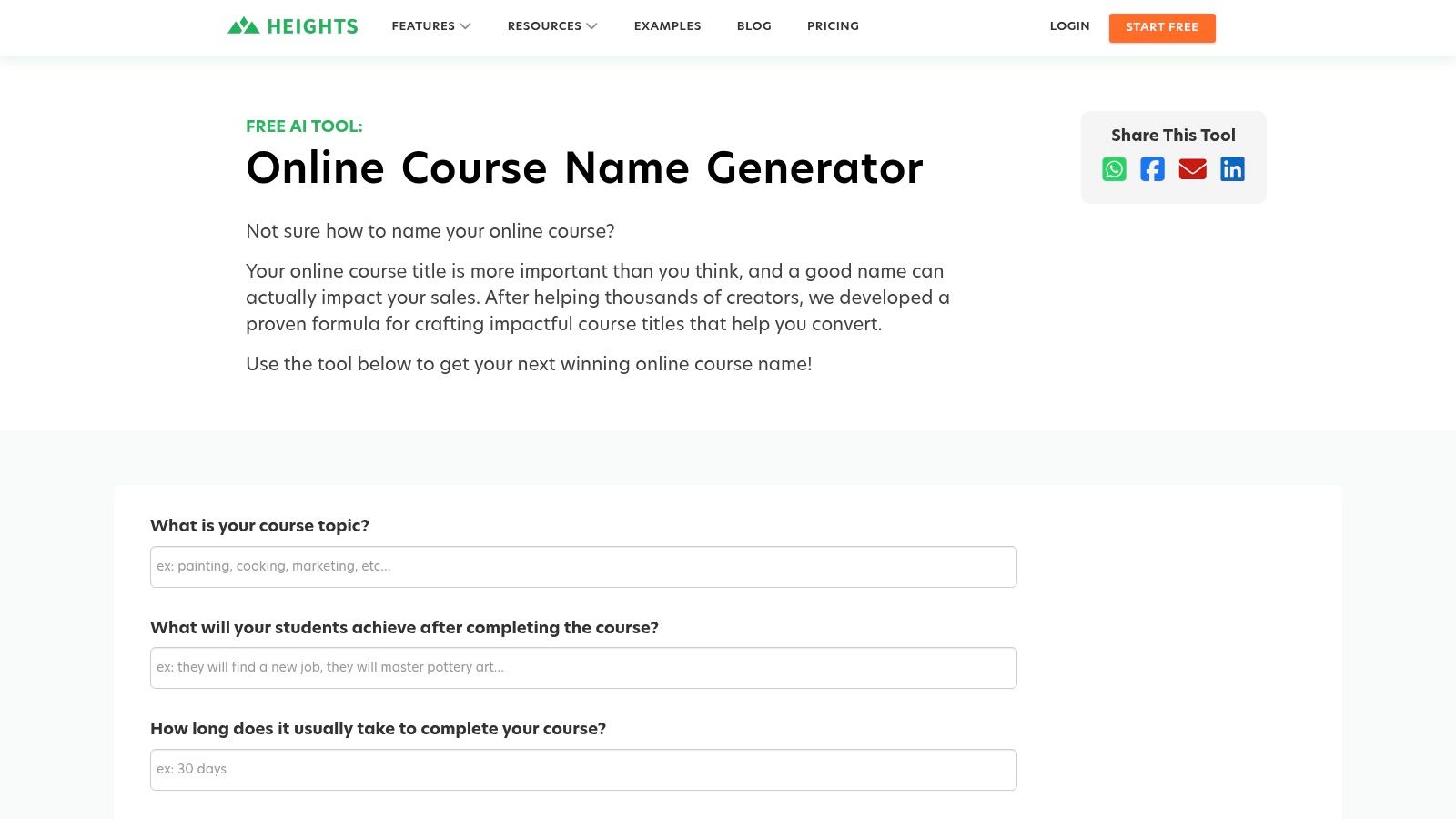
What I appreciate most is the educational component. The results page includes guidance on what makes a strong course title, which is invaluable context for new creators. This focus on creator success is a key differentiator and helps you understand the why behind the suggestions. It’s an essential first step when you’re learning how to create an online course to sell and need a name that works. The user interface is clean, fast, and requires no signup.
Key Details & My Take
- Pricing: Completely free to use.
- Best For: New course creators who need benefit-driven, straightforward name ideas without extra complexity.
- Pros: Purpose-built for online courses, backed by industry expertise, includes creator education.
- Cons: Outputs are text-only with no SEO data or domain availability checks, and you can’t export the list.
- My Tip: Use the generated names as a structural template. Swap keywords in and out of the suggested formulas like “The [Topic] Masterclass” or “[Result] for [Audience]” to quickly brainstorm dozens of variations.
Website: heightsplatform.com/tools/course-name-generator
2. Beamly – Online Course Name Generator
Beamly’s AI-powered generator is a modern tool built for creators who want fast, brand-aligned course name ideas. Unlike more formulaic generators, Beamly uses a prompt-based system where you describe your audience, desired vibe, and even provide examples of names you like. This allows it to generate titles that feel more creative and tailored to a specific brand identity. It’s a great choice for established creators or those with a clear vision.
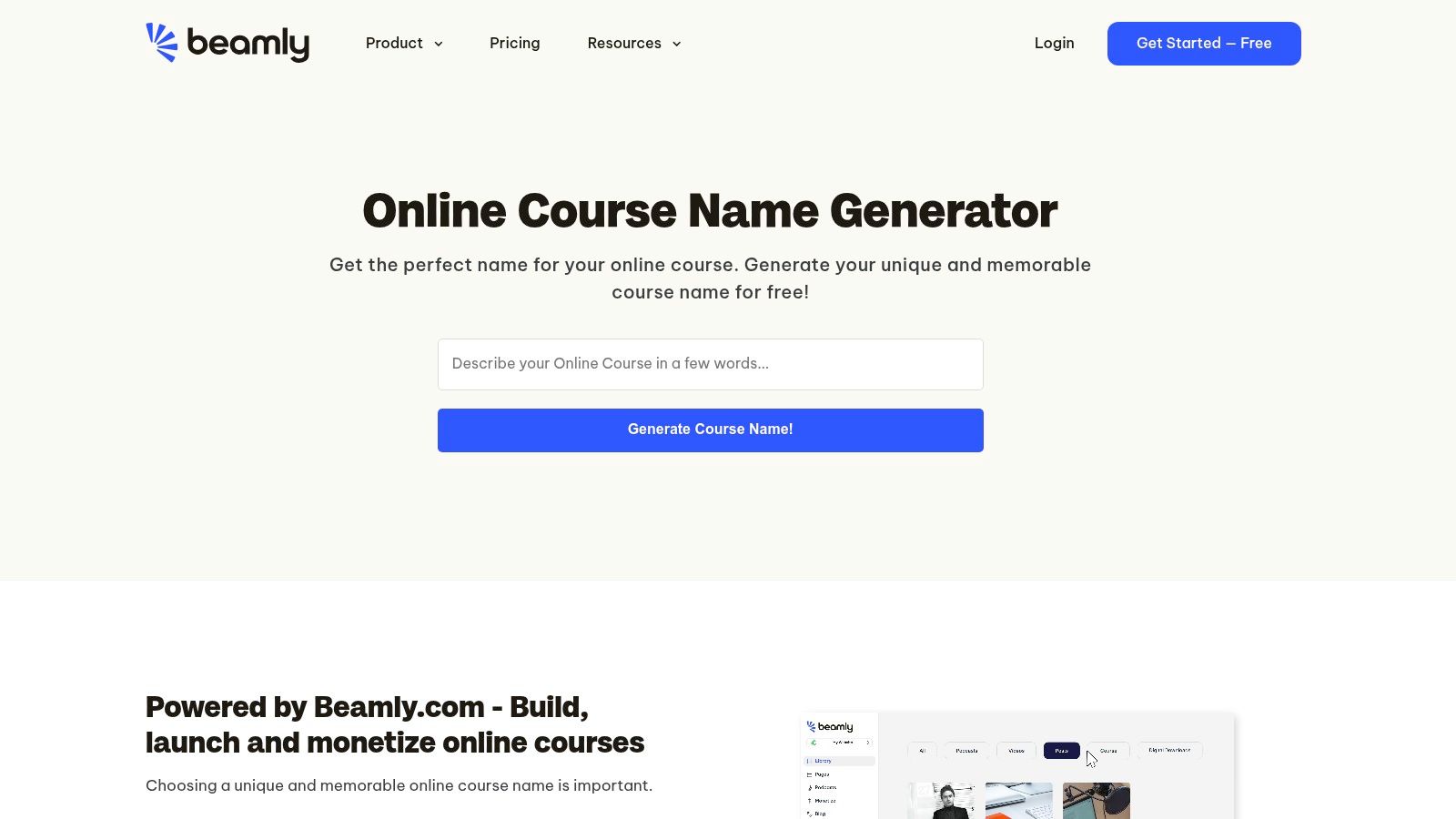
What stands out is how intuitive and quick the process is. The tool is part of Beamly’s larger ecosystem for course hosting, so the suggestions are designed with an “edupreneur” in mind. While you don’t need to use their platform, the integration is there if you find a name and want to immediately start building your course. The interface is clean, requires no signup for basic use, and allows for unlimited brainstorming iterations to get the perfect fit.
Key Details & My Take
- Pricing: Completely free to use.
- Best For: Creators who have a strong brand identity and want creative, vibe-focused names rather than just keyword-driven titles.
- Pros: Prompt-based AI offers more creative flexibility, has a clean and fast user interface, and allows for unlimited iterations.
- Cons: The quality of the output heavily depends on the quality of your prompt, and it lacks any SEO or domain availability tools.
- My Tip: Be very specific in your initial prompt. Instead of saying “a course for beginners,” try “a friendly, confidence-building watercolor course for anxious beginners who feel they have no artistic talent.” This level of detail will give the AI much better material to work with.
Website: beamly.com/online-course-name-generator/
3. Writecream – AI Course Title Generator (100% Free, No Login)
Writecream’s tool feels like a more versatile AI assistant that just happens to be great at generating course names. Unlike some simpler online course name generator tools, it provides granular control by letting you specify the target audience and even the desired tone, like “Formal” or “Engaging.” This helps produce a wider variety of creative and brand-aligned ideas right from the start. It’s a quick and efficient way to get a list of potential titles without signing up.
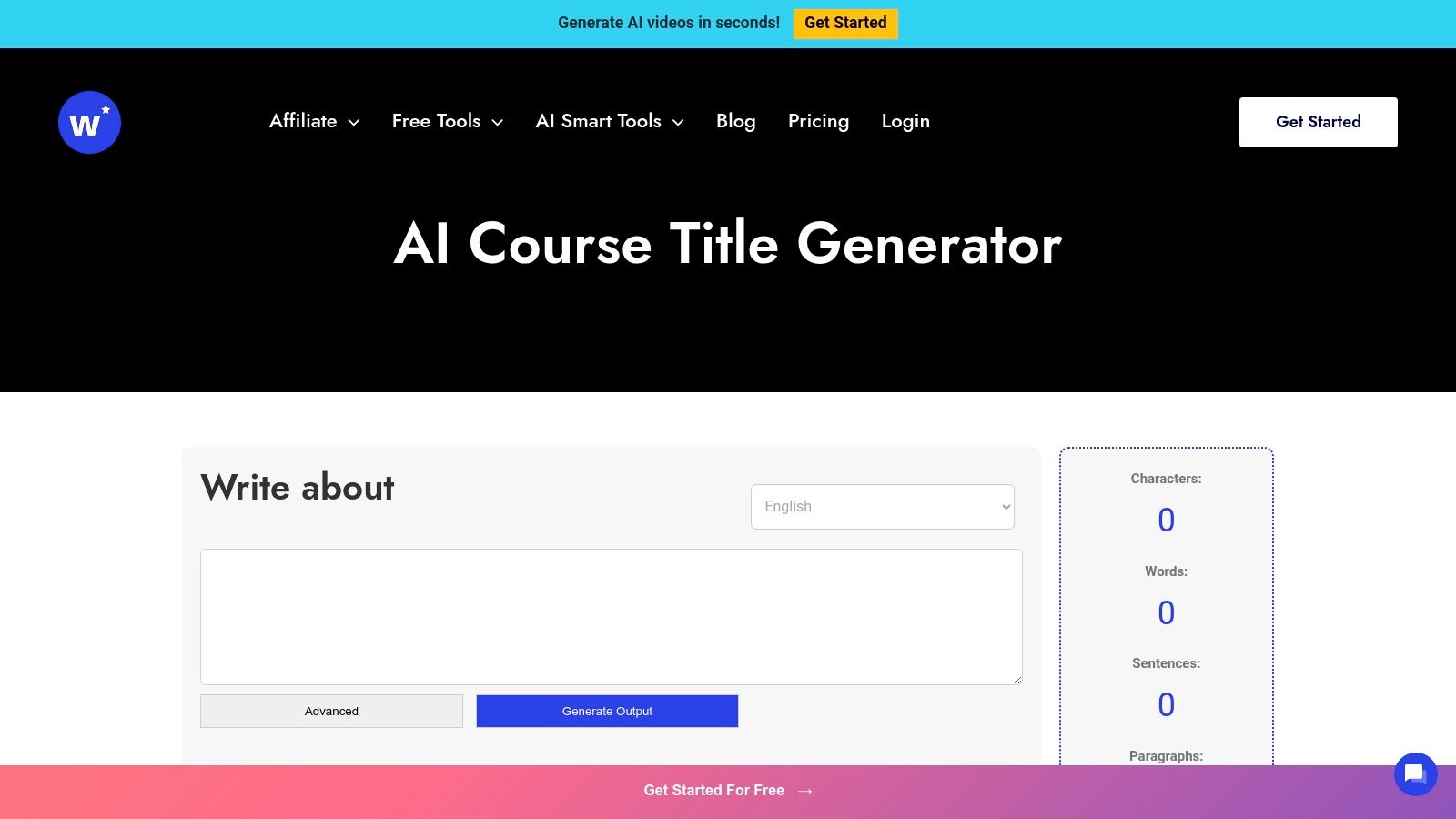
What really caught my attention was the unique audio preview feature. You can actually hear how each title sounds when read aloud, which is surprisingly helpful for catching awkward phrasing. Some of the suggestions also feel more SEO-aware, incorporating keywords in a way that sounds natural for search. While it’s part of a larger suite of AI writing tools, this specific generator is fast and powerful enough to stand on its own.
Key Details & My Take
- Pricing: Completely free to use.
- Best For: Creators who want to experiment with different tones and hear how their course title sounds when spoken.
- Pros: No account required, fine-grained control over tone, unique audio preview feature.
- Cons: Doesn’t provide scoring or side-by-side comparisons, and upsells for the broader AI suite can be visible.
- My Tip: Use the tone setting to generate different “flavors” of names. Create a “Formal” list for a professional audience and an “Excited” list for a more casual one. Then, mix and match the best parts from each.
Website: writecream.com/ai-course-title-generator/
4. CartMango – Free Course Name Generator
CartMango’s generator is built for speed and volume, making it an excellent brainstorming tool when you need a lot of ideas fast. You simply enter your course topic and target audience, and it produces up to 50 course titles plus 50 corresponding taglines in a single click. This high-volume output is its key differentiator. It’s incredibly useful for A/B testing or just seeing a wide range of potential angles for your course marketing.
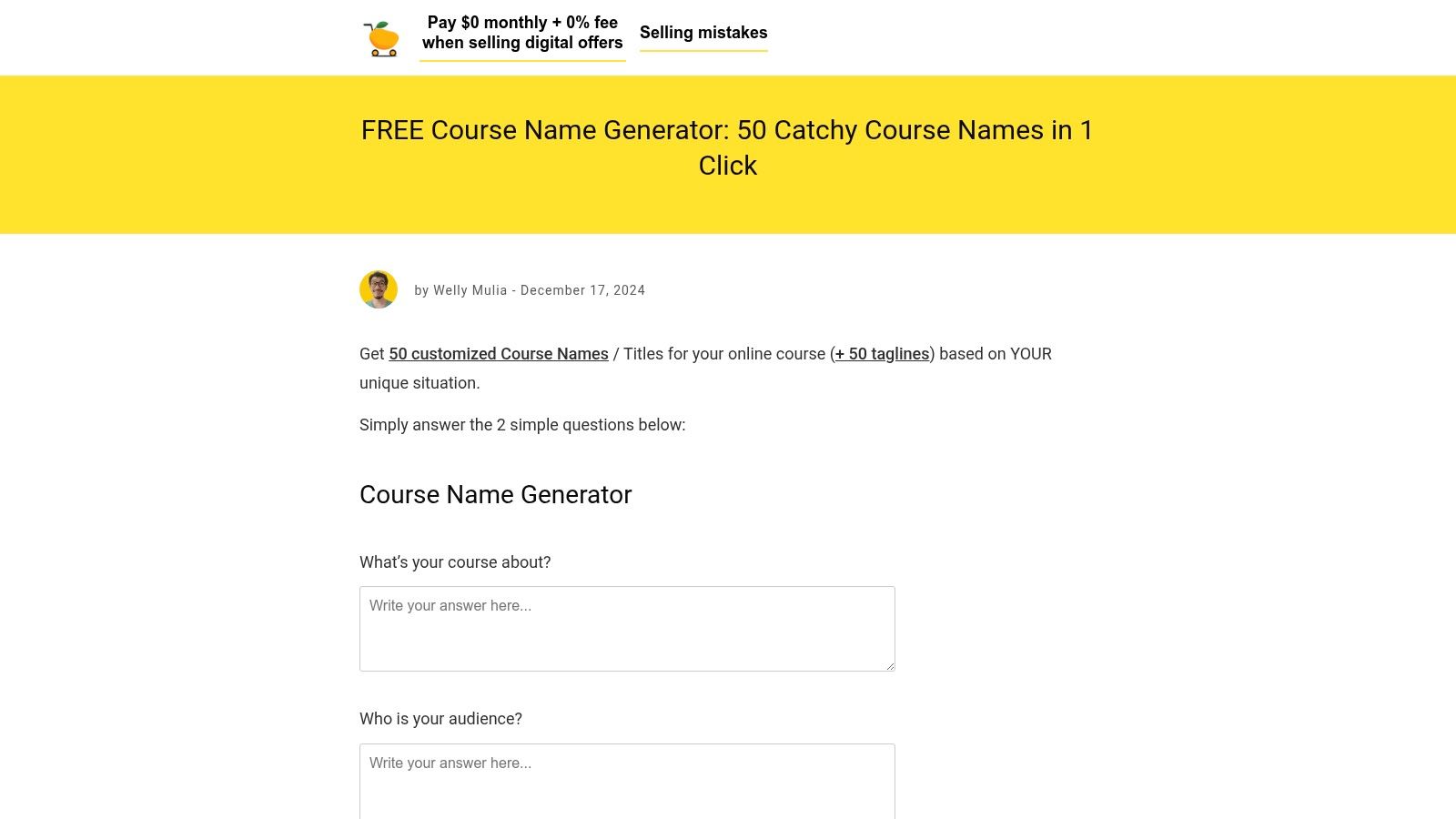
What I found most practical was the inclusion of taglines. These short, punchy phrases are perfect for social media bios, email subject lines, or ad copy, giving you usable marketing material right alongside your name ideas. The tool also links to a helpful guide on naming best practices, which adds some educational value. While the results can sometimes feel a bit repetitive, the sheer quantity makes it easy to find a few gems to refine.
Key Details & My Take
- Pricing: Completely free to use.
- Best For: Course creators who need a large volume of name and tagline ideas for brainstorming or A/B testing marketing copy.
- Pros: Generates a massive list of titles and taglines, provides useful copy beyond just the course name.
- Cons: Some of the suggestions can be repetitive, requiring you to sift through them, and there is no option to export the list.
- My Tip: Run the generator multiple times using slightly different keywords for your topic and audience. This will give you a huge pool of options. Combine your favorite title from one batch with a compelling tagline from another to create the perfect pair.
Website: cartmango.com/course-name-generator/
5. Uteach – AI Course Name Generator
The Uteach AI Course Name Generator is a great tool for creators who want an integrated workflow. Unlike standalone generators, this one is part of a larger suite of AI tools designed to build your entire course from the ground up. You start with the name, and from there, you can seamlessly move into generating course descriptions, outlines, and other materials. Its three-step “You talk, AI listens” process is fast and focuses on producing titles that highlight benefits and outcomes.
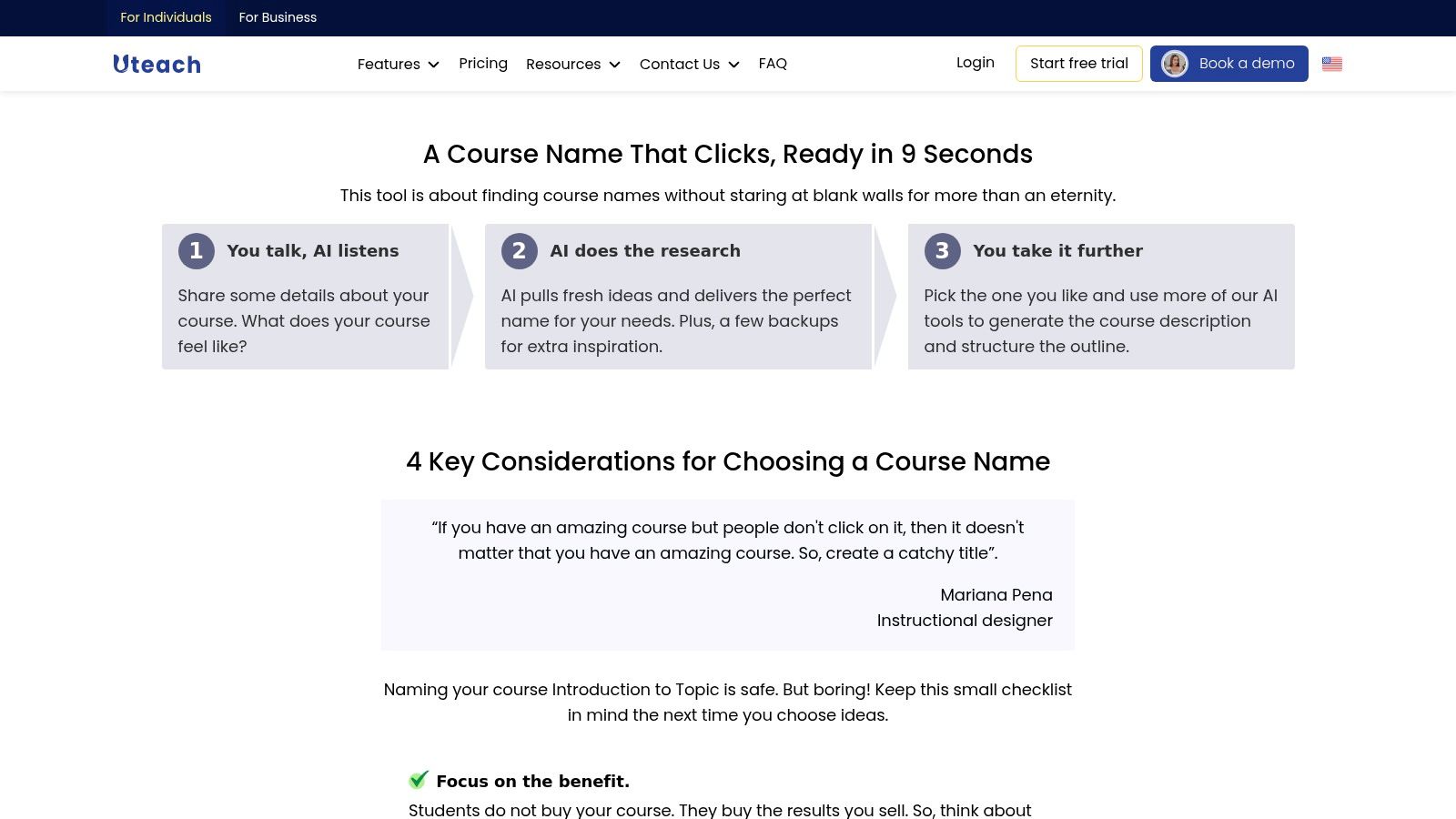
What makes this online course name generator tool so useful is its position as the first step in a complete creation process. If you plan to use AI for more than just the title, Uteach connects everything together, saving you time from copy-pasting between different apps. It’s designed for efficiency. The interface is clean and gets straight to the point, generating multiple alternatives with each run so you have plenty of options to consider without much effort.
Key Details & My Take
- Pricing: The generator is free to use on its own.
- Best For: Course creators who want to use an integrated AI toolchain to build their entire course, not just the name.
- Pros: Seamlessly connects to other AI course creation tools (like outlines and descriptions), fast and simple workflow, focuses on benefit-driven names.
- Cons: The AI performs best when given more detailed context, and it doesn’t offer any keyword data or SEO insights.
- My Tip: Provide the AI with a rich description of your target student and their main pain point. The more specific your input, the more tailored and effective the generated names will be.
Website: uteach.io/course-name-generator
6. Automateed – AI Course Name Generator
Automateed offers a streamlined AI tool that stands out for its iterative approach. Instead of a single input, it allows you to request up to three variations at once, generating 10 distinct ideas for each. This makes it a great option for rapid brainstorming, as you can test slightly different keywords or audience descriptors simultaneously to see which direction yields the best results. The interface is clean and starts with a simple niche-first input field.
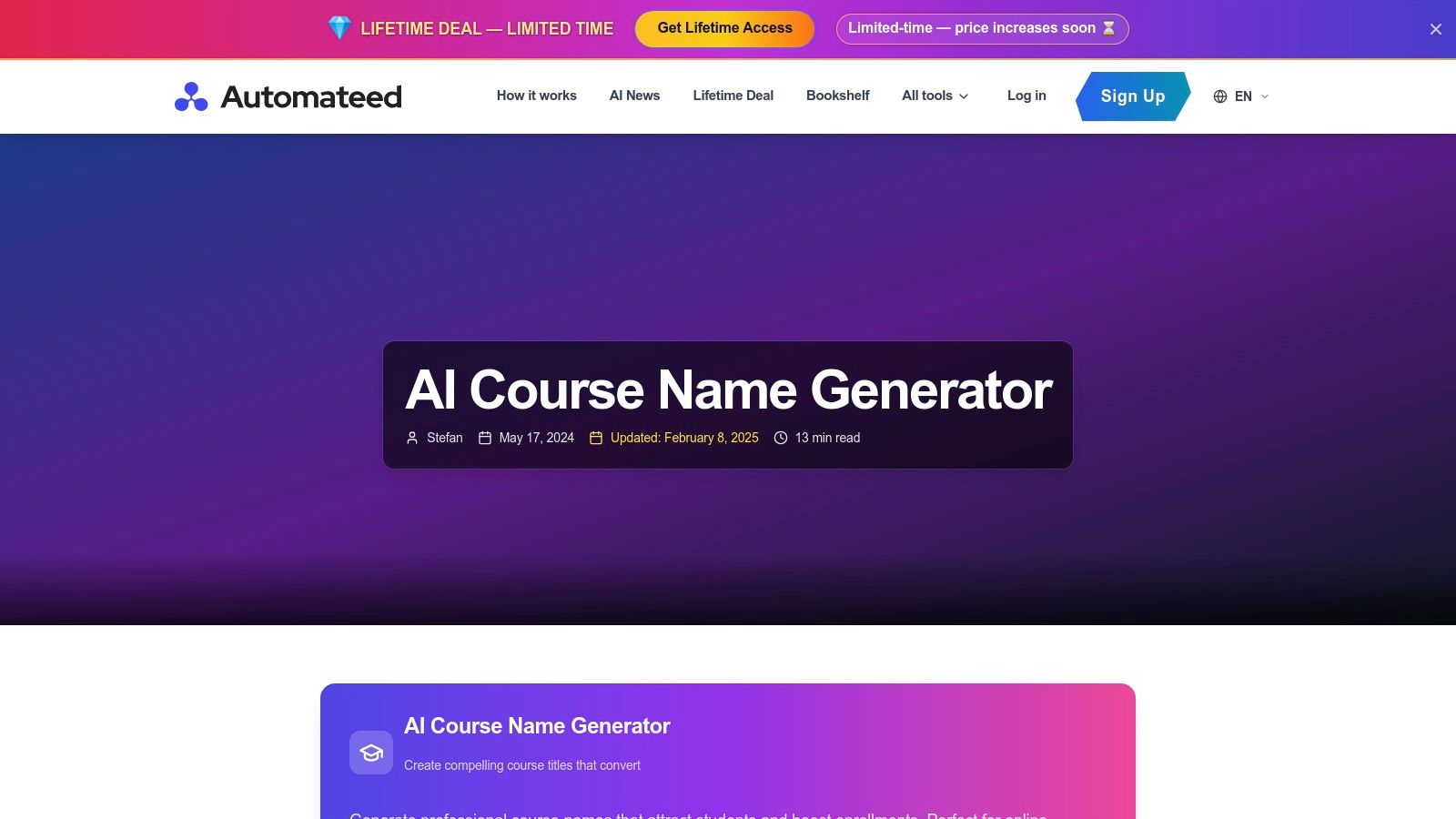
What I like is the built-in guidance. Before you even start, the tool explains the importance of a good name, giving you context for what to look for in the generated list. It’s a small touch that helps you think more strategically about your choice. The tool is quick and perfect for when you need a high volume of ideas without getting bogged down in complex settings.
Key Details & My Take
- Pricing: Free to use, though full dashboard features may require account creation.
- Best For: Course creators who want to quickly compare multiple name concepts or keyword variations side-by-side.
- Pros: Generates a high volume of ideas quickly, allows for A/B testing of concepts, clear and simple user interface.
- Cons: No integration with domain or SEO tools, requires a signup to access a full dashboard experience.
- My Tip: Use the three variation slots to test different benefit angles for the same course topic. For example, use “Beginner’s Guide to Sourdough,” “Effortless Sourdough Baking,” and “Mastering Artisan Sourdough” to see which type of phrasing generates more compelling titles.
Website: www.automateed.com/ai-course-name-generator
7. Nichesss – Course Name Generator (within 100+ AI tools)
Nichesss positions its course name generator as one tool within a much larger AI copywriting suite. This approach is powerful because it treats naming your course as the first step in a complete marketing workflow. You can generate a name, then immediately pivot to writing your course description, ad copy, and social media posts all within the same platform. The guided prompts for the name generator are straightforward, asking for a description of what the course is about and who it’s for.
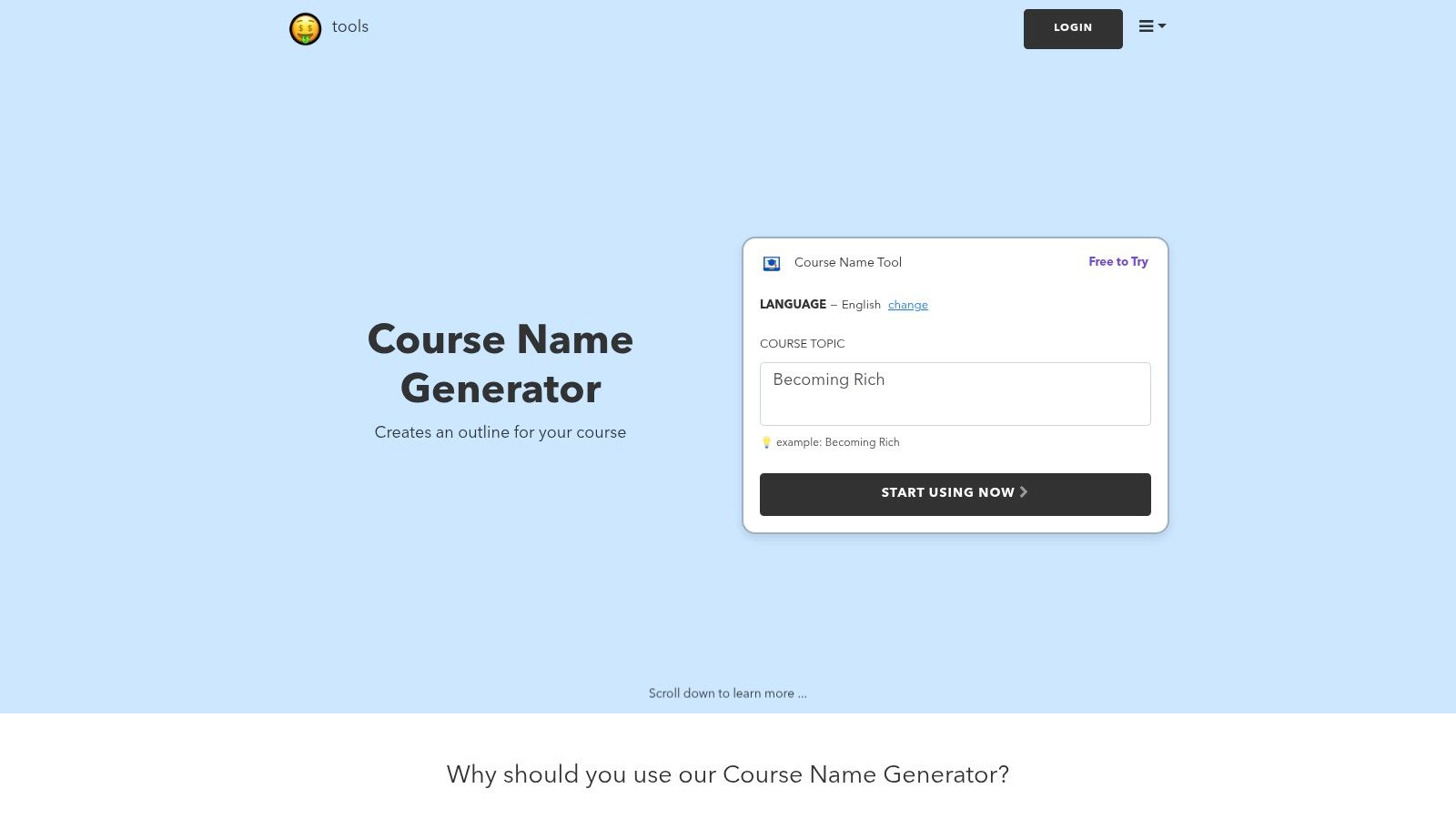
What I like is the all-in-one workspace feel. It’s designed for creators who want to centralize their content creation. Beyond course naming, leveraging AI can extend to various aspects of your online presence. For instance, you might be interested in exploring how AI can be used for Instagram growth to promote your new course. The main drawback is the required sign-up, which adds a barrier to just quickly testing ideas.
Key Details & My Take
- Pricing: Requires a free account to use the tool. Paid plans unlock more features.
- Best For: Creators who want a single AI platform for course naming, descriptions, and marketing copy.
- Pros: Centralized workspace with over 100 AI tools, very beginner-friendly interface and onboarding.
- Cons: Requires account creation to see any results, and output quality can be inconsistent without a detailed prompt.
- My Tip: After generating a name, use the “Business Ideas” or “Marketing Plan” tools within Nichesss. Input your new course title to brainstorm promotional angles and marketing strategies on the spot.
Website: nichesss.com/tools/course-name-generator-CSYd1GYfD
8. KoboCourse – Free AI Course Title Generator
KoboCourse offers a free and fast AI-powered tool that feels like a natural extension of its creator platform. Since KoboCourse focuses on hosting courses, live classes, and coaching sessions, its generator is tuned for creators who might be selling a variety of digital products, not just pre-recorded courses. It’s a straightforward, no-frills tool. You input your topic, and it instantly provides a list of potential titles. The simplicity is its main strength, offering quick inspiration without a complicated setup.
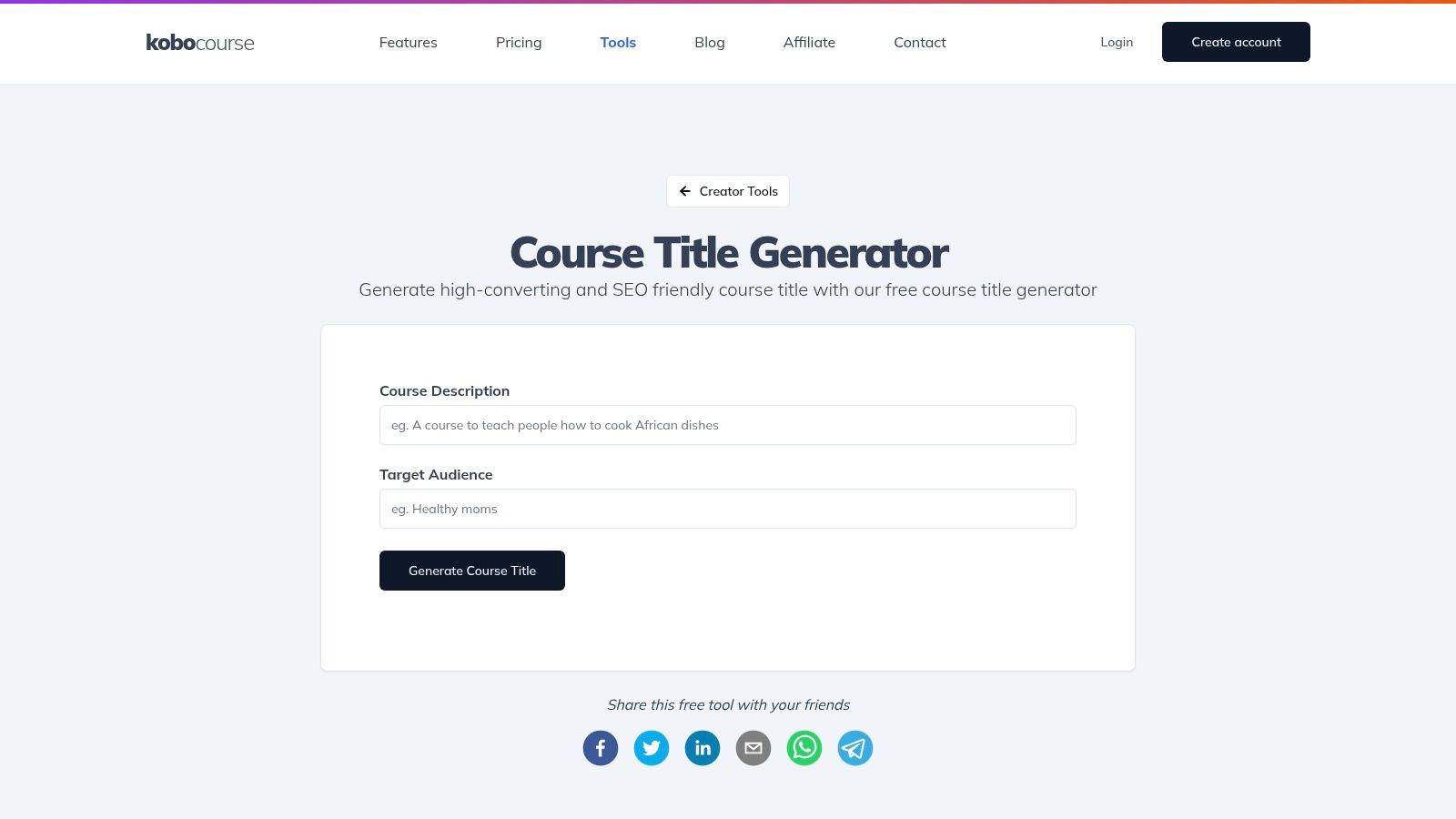
What I like is its integration into a broader suite of creator tools. If you’re considering using KoboCourse for ticketing or coaching, using their online course name generator tool is a convenient first step. While the website’s user interface can sometimes have minor quirks, the generator itself is effective and gets the job done. It’s a solid choice for creators who want immediate ideas and may use the platform’s other features later.
Key Details & My Take
- Pricing: Completely free to use.
- Best For: Creators who also sell live classes or coaching and want a quick, integrated tool for brainstorming.
- Pros: Fast and simple to use, directly connected to a platform with other creator tools like ticketing and coaching.
- Cons: Lacks granular controls for tone or SEO keywords, and the website can occasionally feel a bit clunky.
- My Tip: Use this tool for rapid-fire brainstorming. Generate a list and then take your top three ideas to another tool on this list that offers SEO or domain checks to validate them further.
Website: kobocourse.com/creator-tools/course-title-generator
9. Atom – Course Name Generator (within Business Name Generator)
Atom’s tool is a specialized ‘Course’ naming path inside its broader business name generator. This makes it unique because its primary function is to pair potential course names with available domain names. It’s built for creators who envision their course as a standalone brand with its own website, rather than just a product on a marketplace. You input keywords and select a style, and the AI presents brandable names alongside their domain availability status.
What I find most useful is how it streamlines the entire branding process. Instead of finding a name you love only to discover the URL is taken, Atom combines these two critical steps into one. This is perfect for those who want to build a dedicated landing page or a full brand around their educational content. The interface is clean and the AI-driven workflow lets you iterate quickly to find a name and URL that work together.
Key Details & My Take
- Pricing: Completely free to use.
- Best For: Course creators who are building a distinct brand and need a matching domain name from day one.
- Pros: Integrates domain availability checks, fast AI-powered brainstorming, helpful for creating a complete brand identity.
- Cons: Suggestions can feel more like brand names than descriptive course titles, offers less educational-specific guidance compared to course-first platforms.
- My Tip: Use the “Brandable” style filter to get creative, abstract ideas. Then, add a descriptive subtitle to it for your course listing (e.g., Brand Name: Synergy Spark, Subtitle: The Complete Guide to Team Collaboration).
Website: atom.com/business-name-generator/course
10. Writecream – Online Course Title Generator (variant page)
Writecream offers a second, slightly different tool specifically for course titles. While it shares the AI engine with their main generator, this variant page is laser-focused on online course phrasing. It provides an excellent opportunity to cross-reference ideas and see how a slightly tweaked prompt can yield new results. The interface is just as simple. You enter your course description, and the tool produces several creative options.
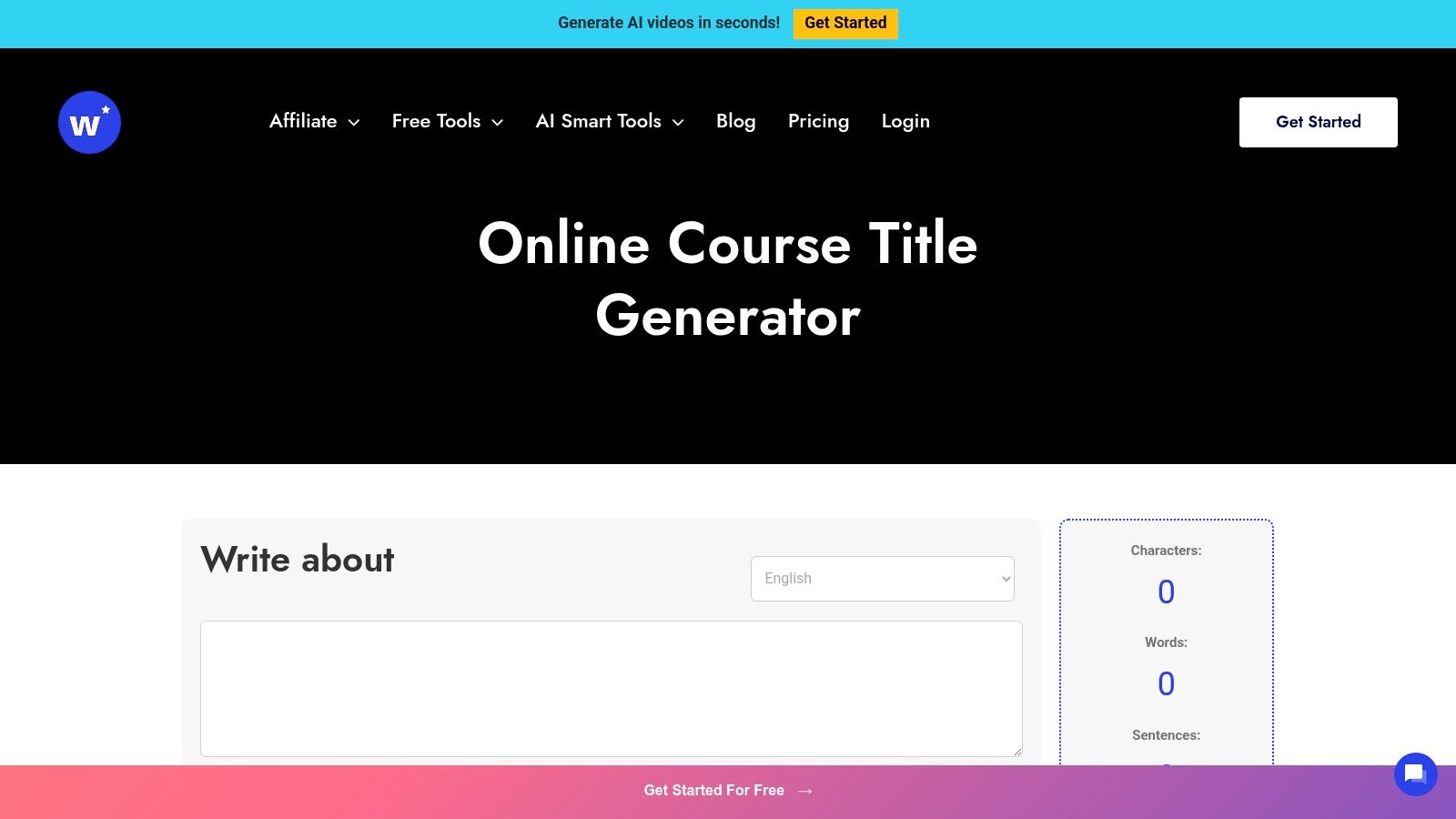
What I find most useful here is the ability to run two similar tools from the same company side-by-side. You can input the exact same course description into both Writecream generators and compare the outputs. This lets you A/B test the AI’s creativity and pick the best elements from each list. It’s a fast, no-login process that helps you quickly broaden your initial brainstorming list without having to learn a new platform.
Key Details & My Take
- Pricing: Free to use for a limited number of credits.
- Best For: Creators who want to compare slightly different AI-generated outputs from the same core technology.
- Pros: Very fast and easy to use, great for A/B testing against its sibling tool, no signup needed to get started.
- Cons: Significant feature overlap with the other Writecream tool, lacks advanced features like SEO data or domain availability checks.
- My Tip: Use this tool as your “second opinion.” After generating a list with another tool, run your core concept through this one to see if it sparks any new angles or keyword combinations you might have missed.
Website: www.writecream.com/online-course-title-generator/
11. Teachable – AI Curriculum Generator
Teachable’s tool is less of a standalone name generator and more of an integrated first step in their AI-powered curriculum builder. You start by entering your course topic, and the AI suggests a name. From there, it generates a full course outline, including lesson titles and descriptions. This approach is ideal for creators who plan to use the Teachable platform and want to streamline their entire workflow from naming to building. It keeps everything in one ecosystem, which is a huge time-saver.

The main benefit is its seamless integration. Once you approve the AI-generated outline, you can import it directly into the Teachable course builder with a single click. While it’s not as robust for pure brainstorming as other online course name generator tools, its value lies in its efficiency. It’s built for action, moving you quickly from an idea to a structured course draft within the platform where you’ll ultimately sell it.
Key Details & My Take
- Pricing: Free to use, but requires a Teachable account to access the tool.
- Best For: Course creators already committed to or strongly considering the Teachable platform.
- Pros: Combines naming and curriculum creation into a single, efficient workflow. Directly integrates with the Teachable course builder.
- Cons: Requires account creation to use. The naming function is a feature of a larger tool, offering less control and fewer creative options than dedicated generators.
- My Tip: Use this tool after you have a solid course idea. It’s less for initial brainstorming and more for validating a name while simultaneously building out your curriculum framework on the Teachable platform.
Website: teachable.com/ai-curriculum-generator
12. Skill Lake – AI Course Generator (title selection included)
Skill Lake takes a different approach by integrating its name generator directly into a full AI-powered course creation workflow. This tool is designed for corporate training teams and enterprise users who need to build comprehensive learning modules within an LMS. Instead of being a standalone generator, the naming step is the first part of a larger process. It connects your title directly to learning outcomes, audience, and skill level before building the rest of the course.
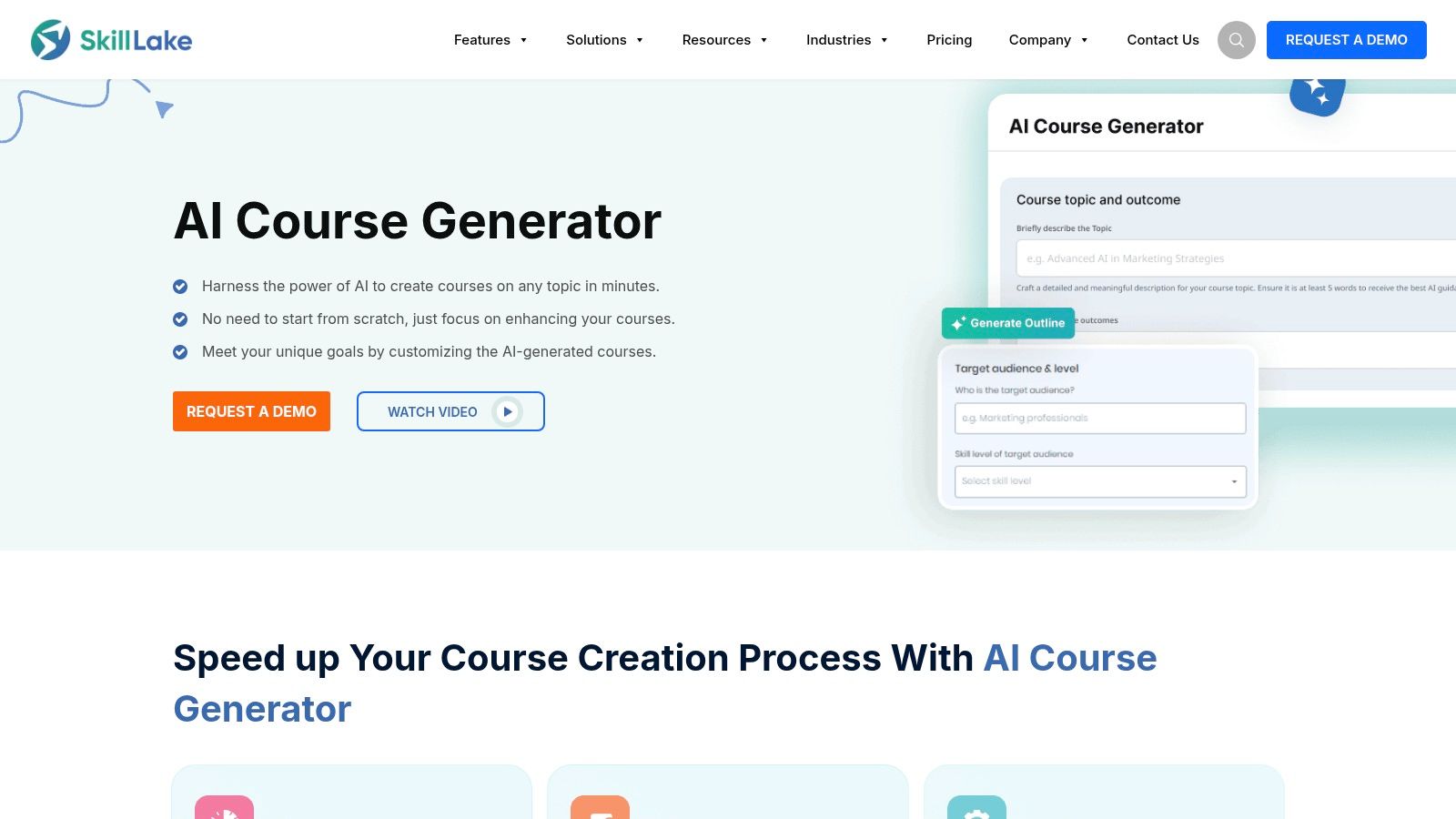
What I find interesting here is the workflow itself. It forces you to align the course name with specific educational goals from the very beginning. After generating and selecting a title you like, the platform uses that context to help you create the rest of the content. This is a powerful way to ensure consistency from the name to the final lesson, which is crucial in corporate settings. It’s a great example of how a name can anchor your entire course outline and structure. The interface is clean and guides you through each step logically.
Key Details & My Take
- Pricing: Included as part of the Skill Lake platform. Access typically requires a demo or sales inquiry.
- Best For: Corporate training managers and instructional designers working within an enterprise LMS ecosystem.
- Pros: Title generation is tied directly to learning outcomes and course structure, enterprise-focused workflow.
- Cons: Not a free, standalone tool for quick brainstorming. It’s a feature within a paid platform.
- My Tip: Even if you don’t use the platform, adopt its methodology. Before you search for a name, clearly define your target audience and learning objectives. This will help you evaluate any generated name for strategic fit, not just catchiness.
Website: www.skilllake.com/features/ai-course-generator
Comparison of 12 Online Course Name Generators
| Tool | Key features | Output & UX | Best for / Target audience | Price & access |
|---|---|---|---|---|
| Heights Platform – Online Course Name Generator | Outcome-driven title suggestions, creator education | Clear, conversion-focused titles, text-only outputs | Course creators focused on sales & clarity | Free, no login |
| Beamly – Online Course Name Generator | Prompt-based workflow, unlimited iterations, hosting tie-in | Fast ideation, clean UI, can be generic if prompts vague | Edupreneurs brainstorming brandable names | Free, integrates with Beamly hosting |
| Writecream – AI Course Title Generator (100% Free) | Tone & language controls, SEO-aware suggestions, audio readout | Quick testing, voice preview, no scoring/comparison | Creators needing tone control & rapid tests | Free, no account required |
| CartMango – Free Course Name Generator | Bulk generation (50 titles + 50 taglines), tagline suggestions | High-volume outputs, good for A/B testing, occasional repetition | Users needing many ideas quickly for testing | Free, no CSV export |
| Uteach – AI Course Name Generator | 3-step workflow, multiple alternatives, links to description/outline tools | Fast on-page AI, best with richer context inputs | Creators building end-to-end within Uteach | Free on-page, tied to Uteach toolchain |
| Automateed – AI Course Name Generator | Up to 3 variations per run, 10 ideas per variation, niche-first input | Good volume & quick iteration, clear guidance | Rapid iteration for idea generation | Free trial, account may be required |
| Nichesss – Course Name Generator | Course tool inside 100+ AI copy tools, help bot, guided prompts | Central workspace, beginner-friendly, output varies by prompt | Creators wanting full AI copy suite | Free account required, paid tiers for more |
| KoboCourse – Free AI Course Title Generator | Instant title ideas, adjacent creator tools (email, coupons, tickets) | Fast, creator-focused UI, limited tone/SEO controls | Creators selling live classes or coaching | Free, part of KoboCourse tools |
| Atom – Course Name Generator (within Business Name Gen) | Domain availability suggestions, style & keyword inputs, iterative workflow | Good for brand + URL pairing, suggestions can be more “brand-like” | Creators naming a course as standalone brand + domain | Free tool (business name generator) |
| Writecream – Online Course Title Generator (variant) | Online-course-specific prompts, multiple variations, copy-to-clipboard | Fast A/B comparisons vs sibling tool, feature overlap | Quick cross-checking of online-course phrasing | Free, no login on page |
| Teachable – AI Curriculum Generator | Naming step inside AI curriculum, one-click outline insertion | Integrated workflow, fewer naming controls | Creators publishing directly on Teachable | Requires Teachable account, platform feature |
| Skill Lake – AI Course Generator | Inputs for topic/outcomes/audience/skill level, title selection, outline follow-up | Enterprise/LMS workflow, aligns titles with learning outcomes | Corporate training teams and LMS admins | Platform feature, demo/sales (not standalone free) |
From Generated Idea to Perfect Course Title
We’ve explored a dozen different online course name generator tools, from comprehensive platforms like Heights Platform and Teachable to quick, free options like Writecream and CartMango. By now, you should have a solid list of potential titles and a much clearer idea of what’s possible.
The biggest takeaway is that these tools are fantastic for smashing through creative blocks and generating a high volume of ideas quickly.
However, the real magic happens when you step in. An AI-generated name is a spark, but your expertise and brand voice are what fan it into a flame. The journey from a generated concept to a final, perfect title is a human one.
Making the Final Choice: Your Strategic Checklist
So, how do you choose the best tool and refine its output? It really depends on your specific needs.
- For quick, no-fuss inspiration: If you just need a burst of ideas without signing up for anything, tools like Writecream’s Free AI Generator or KoboCourse are your best bet. They are fast, free, and get the job done.
- For brand-aligned, comprehensive options: If you’re building out your entire course and want a name that fits a larger ecosystem, the integrated generators within platforms like Heights Platform or Skill Lake are invaluable. They consider your broader course structure from the start.
- For maximum creative flexibility: A tool like Nichesss offers a name generator as part of a larger AI toolkit, giving you the power to generate names, then immediately start drafting ad copy or module descriptions with the same platform.
Actionable Next Steps to Finalize Your Course Name
Once you have a shortlist of names from these online course name generator tools, don’t just pick one at random. It’s time to put on your strategist hat and refine your options.
- Check for Clarity and Outcome: Does the name clearly communicate what the student will achieve? “Beginner’s Guide to Sourdough Success” is much stronger than “Sourdough Basics.”
- Say It Out Loud: Some names look great on paper but are awkward to say. A title that rolls off the tongue is easier to remember and share.
- Perform a Quick Search: Before you commit, Google the name. Is it already in use by a competitor? Is the domain name or social media handle available?
- Get Feedback: Run your top three choices by a few people who represent your ideal student. Ask them which one makes them most curious to learn more.
Ultimately, a great course name does more than just describe your content. It makes a promise, sparks curiosity, and sets the stage for the value you’re about to deliver. While the principles are similar to other creative fields, understanding the nuances is key. For a deeper dive into this, there are some great strategies for choosing a compelling title that can help you think like a marketer.
These tools are your launchpad. Use them to brainstorm, explore different angles, and find that initial spark. Then, apply your own knowledge of your audience and your unique teaching style to craft a title that isn’t just good, but unforgettable. Now go on and name your masterpiece.