Top Spaced Repetition Tools for Online Course Creators
You spent weeks building your course. You recorded the lessons, wrote the worksheets, cleaned up the slides, and probably answered the same student questions enough times to turn them into a polished FAQ.
Then a few weeks pass, and the weak spot shows up.
Students watched the videos, but they can’t recall the core framework. They finished the module, but they’re fuzzy on the steps. Some disappear after the first burst of motivation, and the ones who stay often need reminders on things you know you already taught well.
That problem usually isn’t content quality. It’s memory.
Spaced repetition matters because it’s tied to the classic forgetting curve work of Hermann Ebbinghaus, which later e-learning explainers summarize as showing learners can lose more than half of newly learned information within just a few days if they don’t revisit it, which is why many course designs now use review intervals like 1 day, 1 week, and 1 month instead of relying on a single final quiz, while pairing that spacing with retrieval practice to strengthen long-term memory more effectively than passive rereading, as discussed in LearnDash’s overview of spaced repetition and microlearning.
For course creators, this changes how you think about retention. You stop treating the lesson as the finish line and start treating recall as part of the product. That works especially well when you’re also building strategies for student independence, because students retain more when they have structured chances to retrieve, apply, and revisit key ideas on their own.
The good news is you don’t need to rebuild your whole business to use spaced repetition tools for online course creators. You just need the right category of tool for how you teach.
1. EdApp
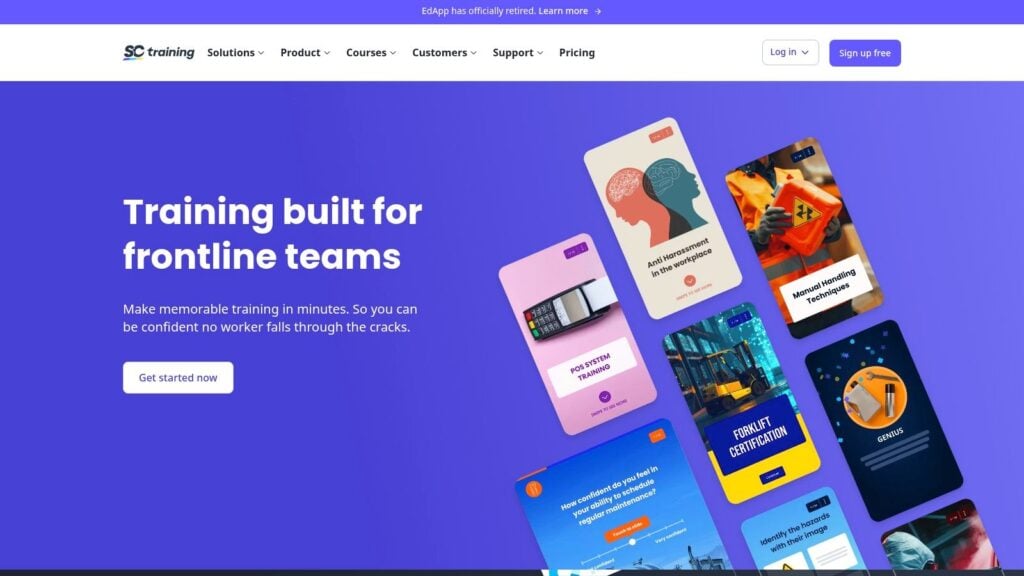
If you want spaced repetition built into the same place where you host and assign training, EdApp is one of the cleaner options.
Its Brain Boost feature makes the most sense for creators who already like microlearning. Instead of sending students to a separate flashcard app, you build short lessons inside the platform and let EdApp turn that into repeated review. That’s a better fit for onboarding courses, compliance content, product training, and skill refreshers than for a deep seminar-style course with lots of nuanced discussion.
Why it works well for busy course teams
The big advantage is workflow. Your content and review live in one system, so you’re not duct-taping an LMS to a flashcard tool and hoping the learner keeps up.
That matters because one of the biggest gaps in the market is implementation. Plenty of articles explain the theory, but creators still need a practical way to add spaced review without rebuilding their LMS or creating so much friction that learners stop returning. The usability problem is real, and even supportive summaries of spaced repetition note that consistency is decisive for whether the method works at all, as reflected in this overview of spaced repetition and implementation challenges.
I’d put EdApp in the all-in-one bucket for creators who value operational simplicity over algorithm tinkering.
Practical rule: If your students already struggle to log in consistently, don’t add a second destination unless the payoff is obvious.
Trade-offs to know before you commit
EdApp isn’t trying to be a classic flashcard power tool. You won’t get the same depth of card design, add-ons, or scheduling control you’d expect from something like Anki.
That said, it’s much easier to roll out when your real need is “send short lessons, trigger review, keep learners coming back on mobile.” If that sounds like your use case, this category is usually stronger than a standalone card app. If you’re mapping out the learning flow, this guide to using spaced repetition strategy in online courses is a good companion read.
2. Brainscape for Teachers
Brainscape is what I recommend when a creator says, “I don’t need another full platform. I just need students to review the important stuff.”
That’s where it shines. It’s flashcard-first, easy to distribute, and simple for a cohort to understand. For teachers and course businesses that want a supplemental study layer, that’s often enough.
Best use case
Brainscape works well when your course already lives somewhere else and you want a lightweight review companion. You can create decks for key terms, frameworks, formulas, objections, scripts, clinical facts, or certification prep. Students get a familiar app experience, and you don’t have to restructure your entire curriculum.
The wider market makes that easier than it used to be. The online course app sector generated $3.1 billion in revenue in 2023, with over 125 million people using online courses and 46.4 million app downloads in the same year, according to Business of Apps’ online courses app market data. For creators, the practical takeaway is simple. Learners are already comfortable consuming course content in app-based environments.
Brainscape benefits from that behavior. It doesn’t need to teach students a brand-new study habit from scratch.
Where it can frustrate advanced creators
Its confidence-based repetition is approachable, which is good for adoption, but less appealing if you want deep control. If your business depends on highly structured review logic, Brainscape can feel a little closed compared with open systems.
A few quick notes:
- Good for supplements: Pair it with your existing LMS, cohort course, or membership.
- Easy distribution: Sharing decks to a class is much simpler than exporting and troubleshooting files.
- Less ideal for complex programs: If you need detailed class management or deep customization, you may outgrow it.
For many creators, that trade-off is fair. Strong learner experience usually beats theoretical flexibility if people use the tool. If retention is tied to participation in your community or lessons, these student engagement strategies help reinforce the same habit loop.
3. Anki + AnkiWeb
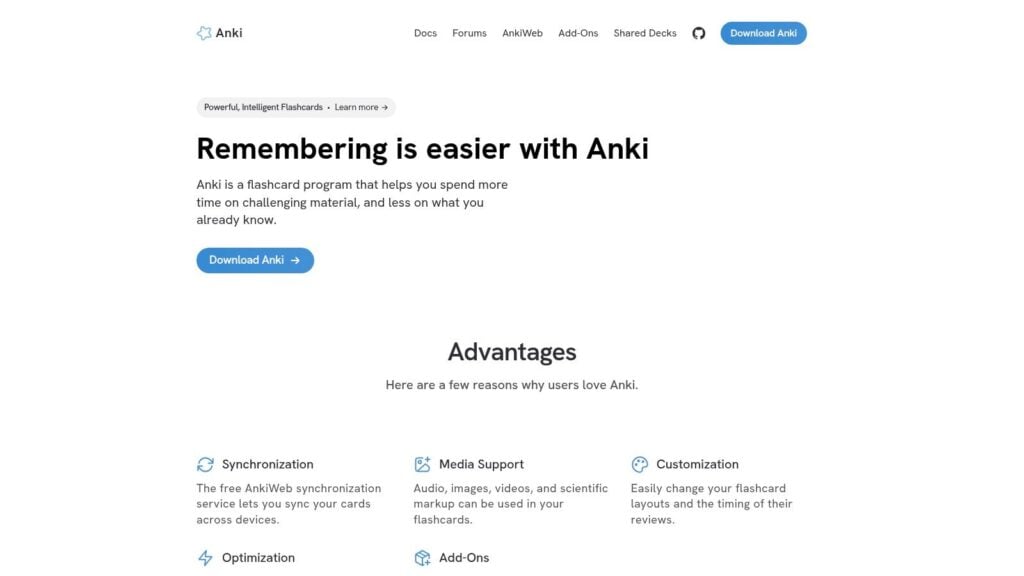
If you care about control, Anki is the benchmark.
It’s not the slickest tool in this list. It’s not the easiest for beginners either. But for serious spaced repetition design, Anki keeps coming up because it gives you real ownership of content, supports rich card formats, and doesn’t lock your teaching assets into a closed system.
Why advanced creators still pick it
When people talk about spaced repetition software seriously, they usually come back to the algorithm, content quality, and learner consistency. One analysis of spaced repetition apps says those are the three main factors that determine whether the tool helps learners, and it also recommends preferring platforms that document their algorithm or provide open-source code. Anki is highlighted as a benchmark because its algorithm options are documented and open-source, which makes it a useful standard for comparison, as explained in Eva Keiffenheim’s analysis of spaced repetition software.
That’s a big deal for course creators.
If you’re selling review products, prep decks, language study materials, medical education, or any content where retention is the product, opaque scheduling should make you cautious. With Anki, you can inspect more of what’s happening and adapt your workflow accordingly.
Open systems are harder to package neatly, but they usually age better than closed ones if your content library keeps growing.
Where Anki falls short
Anki has very little publisher polish. Cohort management is limited. Native analytics are not what most course businesses expect from a commercial LMS. And some students will need hand-holding during setup, especially if they’ve never touched a flashcard system before.
That’s why I usually recommend Anki for power-user audiences, professional exam prep, and creator teams with some instructional design discipline. If your students are willing to learn the tool, the payoff is strong. If they want everything to “just work,” you may prefer a more guided platform.
For creators building deeper learning assets, this piece on instructional design for online courses pairs well with an Anki-based approach.
4. SuperMemo
SuperMemo has pedigree. That matters to some buyers more than flashy UX, and in spaced repetition, that instinct isn’t wrong.
This is one of the oldest names in the category, and you feel that history in the product. It’s built around long-term review scheduling first. Marketplace polish and creator monetization feel secondary.
Who it fits best
SuperMemo makes sense for creators who want a hosted environment with a strong memory-training identity. If your audience values deliberate study and won’t be put off by a less modern feel, it can work well. That’s common in language learning, specialist knowledge training, and dense theory-heavy subjects where long-term retention matters more than course aesthetics.
There’s also a broader evidence point behind using this kind of tool. A widely cited summary notes that a meta-analysis of more than 250 studies found spacing practice consistently improves long-term memory across learner types and topics, as discussed in Articulate’s summary of research-backed e-learning techniques. That’s one reason these platforms continue to matter. They’re not novelty apps. They’re delivery systems for a very durable learning principle.
Practical downside
SuperMemo can feel constrained if you run a modern course business with memberships, funnels, upsells, and community layers. It’s more specialized than commercial creator platforms.
I’d also say this plainly. Research pedigree doesn’t automatically equal smooth implementation. If your learners need a gentle mobile-first experience and low friction onboarding, there are easier tools on this list. SuperMemo wins when your audience is willing to meet the system halfway.
5. RemNote
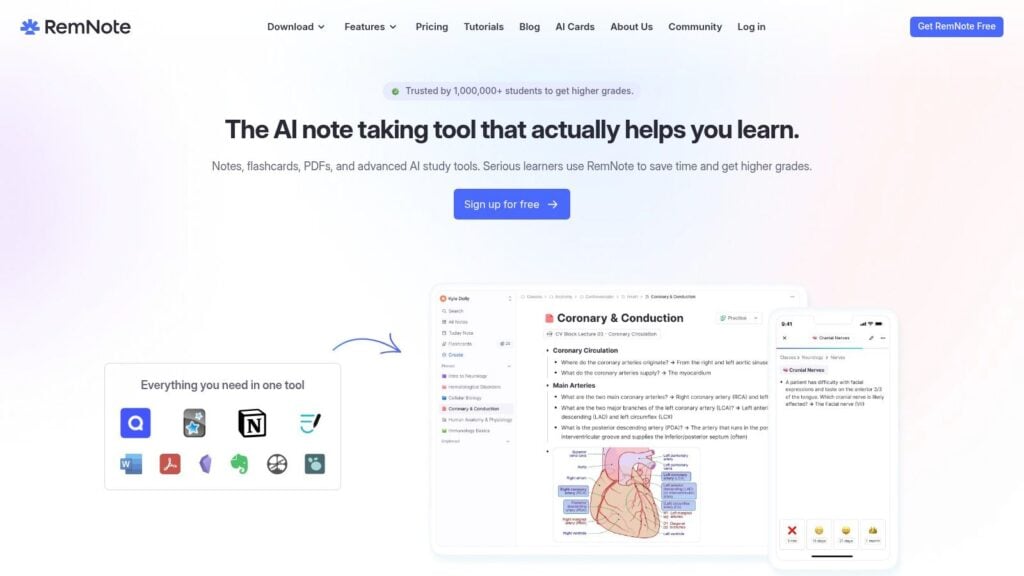
RemNote sits in a very useful middle ground.
It’s stronger than a plain flashcard app if your material starts as notes, outlines, lecture summaries, or knowledge-base content. It’s lighter than a full enterprise platform. For creators building a living library of ideas, that makes it attractive.
Why note-first authoring matters
Some courses aren’t naturally card-based at first. They begin as workshop notes, community answers, concept maps, coaching frameworks, or research summaries. RemNote lets you turn that kind of material into flashcards without jumping into a separate authoring process from scratch.
That’s why it often works well for memberships and cohort programs. You can publish documents, evolve them over time, and still attach a review habit to the material.
I like it most for creators who teach layered concepts. Think medicine, law, languages, theology, finance, coding theory, or any field where one idea branches into many smaller ideas that need reinforcement.
Where creators need caution
RemNote can get messy if your content architecture is messy. A note-first system rewards discipline. If your source material is loose, repetitive, or poorly named, the review layer becomes cluttered fast.
A few honest trade-offs:
- Strong for evolving knowledge: Good when your course content changes and grows over time.
- Less strong for pure publishing businesses: Monetization and storefront capabilities aren’t the main focus.
- Needs editorial discipline: Bad inputs create bad cards very quickly.
If your process is “teach live, clean the notes, publish the best bits, turn key ideas into review,” RemNote is a very natural fit.
6. Synap
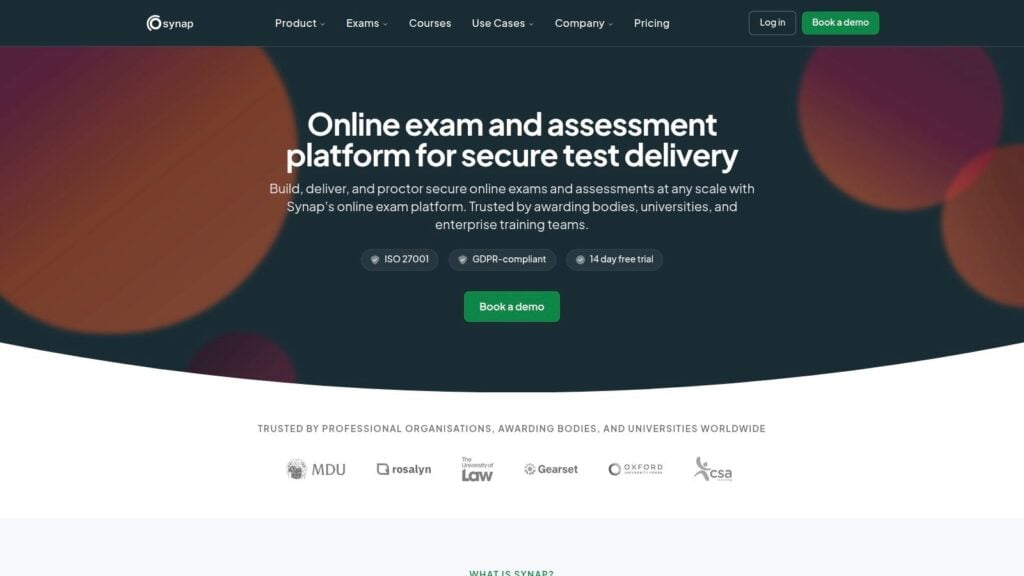
Synap is the tool I’d look at first for exam-heavy course businesses.
This is not really about charming course aesthetics. It’s about question banks, practice environments, spaced learning, and analytics around performance. If your program is built around passing an assessment or maintaining professional knowledge, that focus is exactly what you want.
Strongest fit
Synap is well suited to certification prep, professional bodies, licensing education, and high-stakes testing environments. It gives you a more assessment-centric operating model than most creator platforms.
That changes how you build. Instead of asking, “How do I make this module more engaging?” you start asking, “What should this learner be able to retrieve on demand, and how often should I test it?” For many serious training businesses, that’s a better design question.
If your students are buying confidence before an exam, question quality matters more than video production value.
Trade-offs in plain English
The strength of Synap is also its limitation. It’s not trying to be your all-purpose course business hub. If your offer includes coaching, community, downloadable resources, and a broader educational experience, you may still need another platform around it.
But if repeated practice is central to the offer, that isn’t really a weakness. It’s specialization.
I’d choose Synap over a general LMS when the review engine and question bank are the product, not just a supplement to the product.
7. Cerego
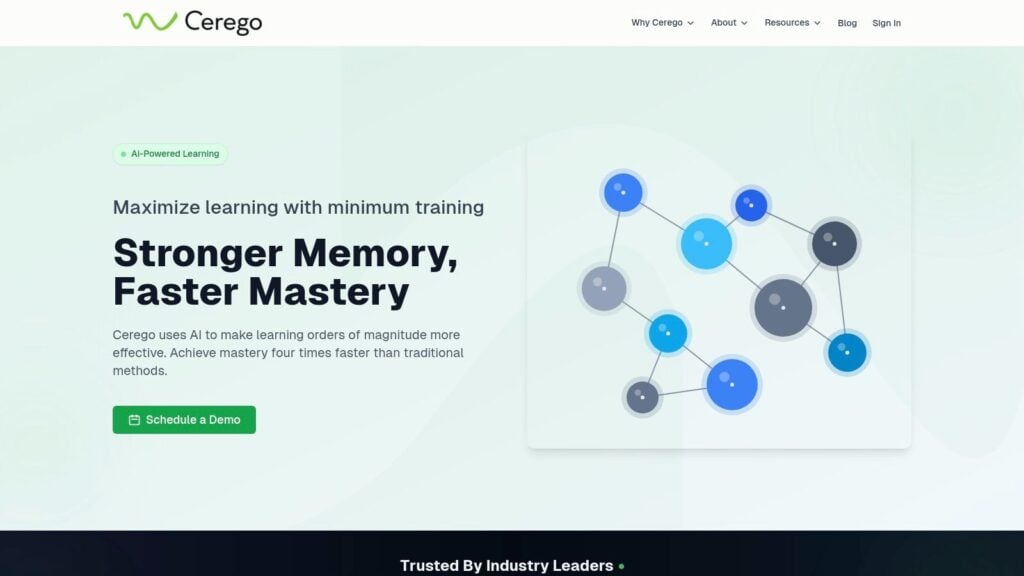
Cerego is for creators and training teams who want a hosted memory-focused system without going full DIY.
Its appeal is pretty straightforward. You get adaptive review, instructor workflows, and cohort-level assignment structure in a platform designed around durable learning. That makes it easier to use than an open tool like Anki, especially when you’re responsible for guiding a group.
Why people choose it
Cerego tends to appeal to academic programs, workforce education teams, and structured cohort learning. It gives instructors a cleaner operating environment than patching together cards, file exports, and external communication.
The learner experience also tends to feel more managed. That matters if your audience isn’t made up of study-tool hobbyists. Many learners will engage more consistently with something that feels like a guided product rather than a customizable system.
What to watch for
The main drawback is flexibility. Hosted platforms almost always give you a more polished workflow while taking away some portability and control.
That’s fine if the platform stays aligned with your needs. It’s less fine if you want to own every layer of your content stack, distribute widely outside the platform, or build unusual workflows around your review assets.
Cerego is a good fit when you want memory science delivered through a more managed environment and you’re comfortable with enterprise-style buying and deployment.
8. Axonify
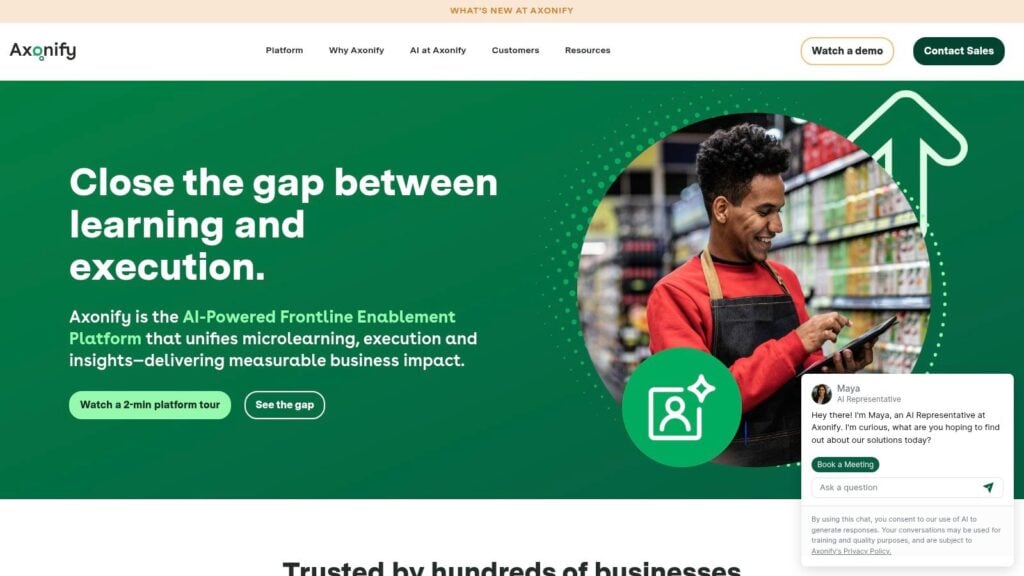
Axonify is a different beast from most creator tools.
It’s built for frontline and operational training. Think employees who need short daily reinforcement, quick knowledge checks, and ongoing reminders tied to real work. If your “course” is really part of a broader operational learning program, Axonify starts to make a lot of sense.
Best for corporate reinforcement
This is the kind of platform you choose when training has to stick in busy, distracting environments. Retail, logistics, support teams, field operations, and similar settings benefit from that cadence.
The daily reinforcement model is useful because it respects real work constraints. Individuals in these roles are not going to sit through long educational sessions regularly. They will answer short prompts and knowledge checks if the system is easy to access and relevant to the job.
Why indie creators usually won’t need it
For solo course creators and membership businesses, Axonify is often too enterprise-oriented. The deployment style, buyer journey, and use case are all tilted toward organizations with training operations, not creators selling educational products online.
Still, it belongs on this list because some “course creators” are really internal learning teams with external-facing polish. For them, Axonify can be a stronger fit than a public-course LMS with a bolted-on quiz engine.
9. Qstream
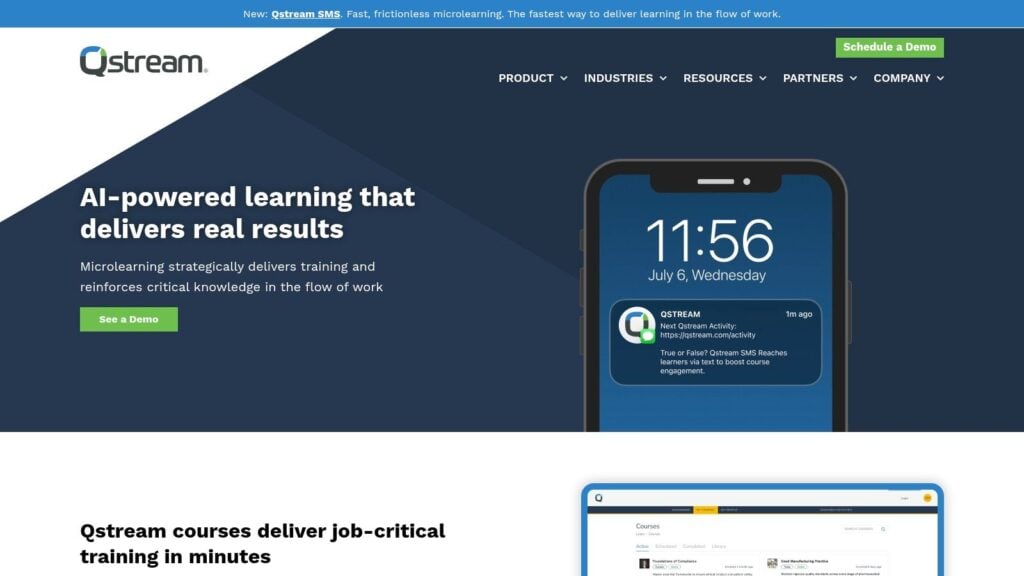
Qstream belongs firmly in the enterprise reinforcement camp.
It’s designed for interval-based micro-scenarios, ongoing knowledge reinforcement, and measurable behavior support. That makes it especially relevant in corporate learning, healthcare education, and sales enablement where training needs to show up in decisions and actions, not just course completion.
Where Qstream stands out
Qstream is useful when your learning content is scenario-driven. Instead of only reviewing facts, you can reinforce judgment, response patterns, and applied decisions through repeated prompts over time.
That’s an important distinction. Some spaced repetition tools are best for vocabulary, definitions, formulas, or discrete concepts. Qstream is stronger when learners need repeated exposure to short applied situations.
The catch
It’s not really a small-creator tool. Most independent educators won’t need the implementation model, and many won’t want the sales-led buying process.
But for larger training groups, the value is clear. If you need reinforcement wrapped around performance support, Qstream is more aligned than a standard flashcard system.
One caution though. Enterprise reinforcement can become over-automated fast. More automation isn’t always better if it creates irrelevant prompts or extra friction. Good spaced repetition still depends on the quality of the items and the learner’s willingness to keep engaging.
10. Wranx

Wranx is one of the clearest examples of spaced repetition as a habit layer.
Its short drill format makes sense when the true challenge is not access to information, but regular recall. If learners only need a few minutes a day to stay sharp, a drill-based system can outperform a bigger, heavier course experience.
A smart add-on layer
I wouldn’t think of Wranx as your main course platform. I’d think of it as reinforcement sitting on top of existing training.
That’s useful for product knowledge, sales enablement, onboarding reinforcement, policy refreshers, and language or terminology practice. It asks for a small daily commitment, which is often exactly why people keep using it.
There’s also an interesting connection to current AI discussions here. Public conversation is starting to move toward AI-generated and difficulty-adjusted review items, with at least one build report describing an AI-driven spaced repetition app that adapts based on learner responses, but the bigger unanswered creator question is still governance, review quality, and source traceability, as discussed in Sean Goedecke’s write-up on building an AI spaced repetition app. Wranx itself isn’t the point of that trend. The point is that short-form reinforcement products will likely be among the first places creators try AI-assisted item generation at scale.
Short daily review works well when each prompt earns its place. Bad prompts kill the habit quickly.
What to expect
Wranx is best when you already have the core content and just need people to remember it. If you need deep teaching, long-form explanation, or robust course selling features, use something else for delivery and let Wranx handle reinforcement.
That narrow focus is a strength when you use it intentionally.
Top 10 Spaced‑Repetition Tools for Online Course Creators
| Product | Core SRS & features | Learner UX & analytics | Best for / Target audience | Pricing & deployment |
|---|---|---|---|---|
| EdApp (Brain Boost) | Native spaced‑repetition (SM‑2), adaptive quizzes, mobile apps, admin toggle | Mobile‑first UX with push notifications; basic cohort analytics | Course creators wanting turnkey LMS with built‑in SRS | SaaS, free tier + paid plans; hosted LMS |
| Brainscape for Teachers | Confidence‑based repetition, Classes for cohorts, web & mobile | Simple flashcard UX; shareable links; basic stats (Pro) | Teachers and small cohorts needing low‑overhead flashcards | Freemium; Pro for advanced analytics & sharing |
| Anki + AnkiWeb | SM‑2 / FSRS scheduling, rich card types, media & add‑ons, .apkg export | Highly customizable UX; experience varies by device; no publisher analytics | Power users and tech‑savvy learners wanting full control | Open‑source desktop free; paid iOS app; AnkiWeb sharing |
| SuperMemo | Proprietary SuperMemo scheduling, web & mobile, hosted courses | Research‑grade timing for long‑term retention; limited publisher tools | Creators valuing deep SRS pedigree in a hosted system | Commercial product; paid plans/apps |
| RemNote | Notes→flashcards authoring, modern SRS, publishable docs | Integrated note + SRS workflow; flexible sharing; some UX/upsell friction | Knowledge‑base creators and educators building living resources | Freemium with paid upgrades; hosted SaaS |
| Synap | Spaced learning quizzes, robust question bank, randomized assessments | Assessment‑centric UX with detailed analytics; mobile apps | Exam prep, certification programs, professional bodies | SaaS, demo/quote pricing; enterprise focus |
| Cerego | Adaptive, precisely timed repetition, content & cohort analytics | Clean learner UX; instructor workflows and onboarding | Academic or enterprise cohorts needing hosted SRS & analytics | Sales‑led pricing; hosted platform |
| Axonify | Daily adaptive reinforcement bursts, AI‑assisted practice, analytics | Short daily sessions optimized for engagement; performance tracking | Frontline/operational training and enterprise L&D | Enterprise pricing and deployment |
| Qstream | Interval reinforcement, mobile micro‑scenarios, program design support | Evidence‑backed approach with measurable behavior outcomes | Corporate L&D, sales enablement, healthcare education | Enterprise / quote‑based; managed programs |
| Wranx | Daily 2–3 minute drills, certainty‑based marking, admin dashboards | Habit‑forming micro‑sessions; clear uptake & progress analytics | Reinforcement layer to complement existing training | SaaS, typically enterprise/quote pricing |
Making Learning Stick Is Your New Superpower
A lot of course creators spend most of their energy on content production. Better videos. Better slides. Better worksheets. Better editing. That work matters, of course. But if students forget the lesson a few days later, the teaching didn’t fully land.
That’s why spaced repetition tools for online course creators are worth taking seriously. They help you design for memory, not just exposure.
The tool you choose should match the job.
If you want one place to build and reinforce learning, an all-in-one option like EdApp is the practical choice. If your course already lives elsewhere and you just want a clean study companion, Brainscape is easier to roll out. If you care most about control, portability, and algorithm transparency, Anki is still the reference point. If your content starts as notes and knowledge documents, RemNote gives you a smoother path from idea to review. And if you run corporate, certification, or operational training, the enterprise tools in this list make much more sense than trying to force a consumer flashcard app into a serious training workflow.
I’d start smaller than you think.
Don’t rebuild the whole course. Pick one lesson that students routinely forget. Turn the most important concepts from that lesson into a short review sequence. Give learners a reason to come back after the initial lesson, whether that’s flashcards, low-stakes questions, micro-drills, or a scheduled review prompt inside your platform.
Then watch what happens.
You’ll usually learn two things fast. First, students appreciate structure more than creators expect. Second, quality matters more than volume. A small set of well-written review prompts will beat a giant pile of weak cards every time.
There’s also a business angle here that creators sometimes miss. Enrollment gets attention because it’s visible. Retention builds reputation because students feel the difference. When people remember what they learned, they trust your course more, recommend it more confidently, and return for the next offer with less skepticism.
That doesn’t require a perfect system. It requires a usable one.
If I had to give one piece of advice over coffee, it would be this. Choose the tool your students will return to. The smartest algorithm in the world can’t help if the workflow is annoying, the prompts are weak, or the setup scares people off. Good spaced repetition is part pedagogy, part product design, and part habit building.
Start with one tool. Build one review layer. Improve from there.
Helping students remember is one of the best upgrades you can make to an online course, and it’s one of the few that improves both learning quality and the value of your product at the same time.