
7 Learning Content Management System Features
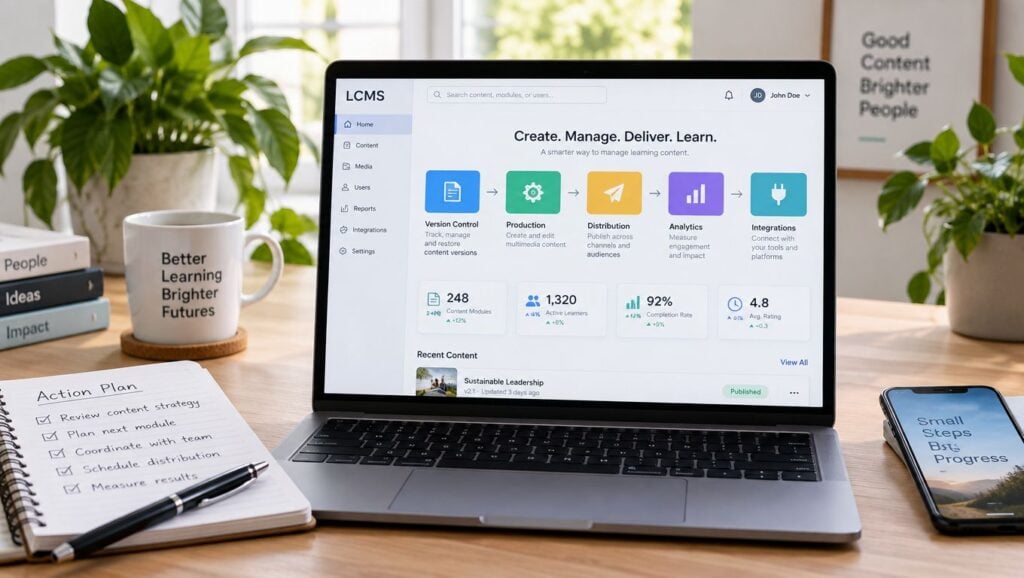
A course creator updates one lesson, translates it for another audience, publishes it to a membership site and an LMS, then discovers that older copies are still live in several places. One version has the old assessment. Another uses an outdated screenshot. A third is buried in a shared folder, and nobody knows which file should be edited next.
The right learning content management system features reduce that friction by centralizing source content, controlling versions, supporting reuse, and simplifying delivery. The best fit depends on your workflow, not the length of a vendor's feature list.
This comparison starts with content production and governance, then moves through reusable authoring, localization, centralized distribution, learning standards, software enablement, analytics, and enterprise scale. LearnStream is useful context for teams building or refining digital learning and membership experiences because its coverage sits close to the practical work of hosting and managing learning content, assigning learning plans, and connecting learning platforms.
1. MadCap Xyleme
MadCap Xyleme is built for teams with large, complicated learning catalogs that need to reuse small content components instead of duplicating complete courses. A policy paragraph, product explanation, assessment item, or regional example can be managed as a component and assembled into different learning experiences.
That model suits regulated organizations, global training teams, and membership operators with several audience tiers. You might publish one product lesson for customers, a more detailed version for partners, and an internal version for support staff. The source content stays centralized while the surrounding context changes.
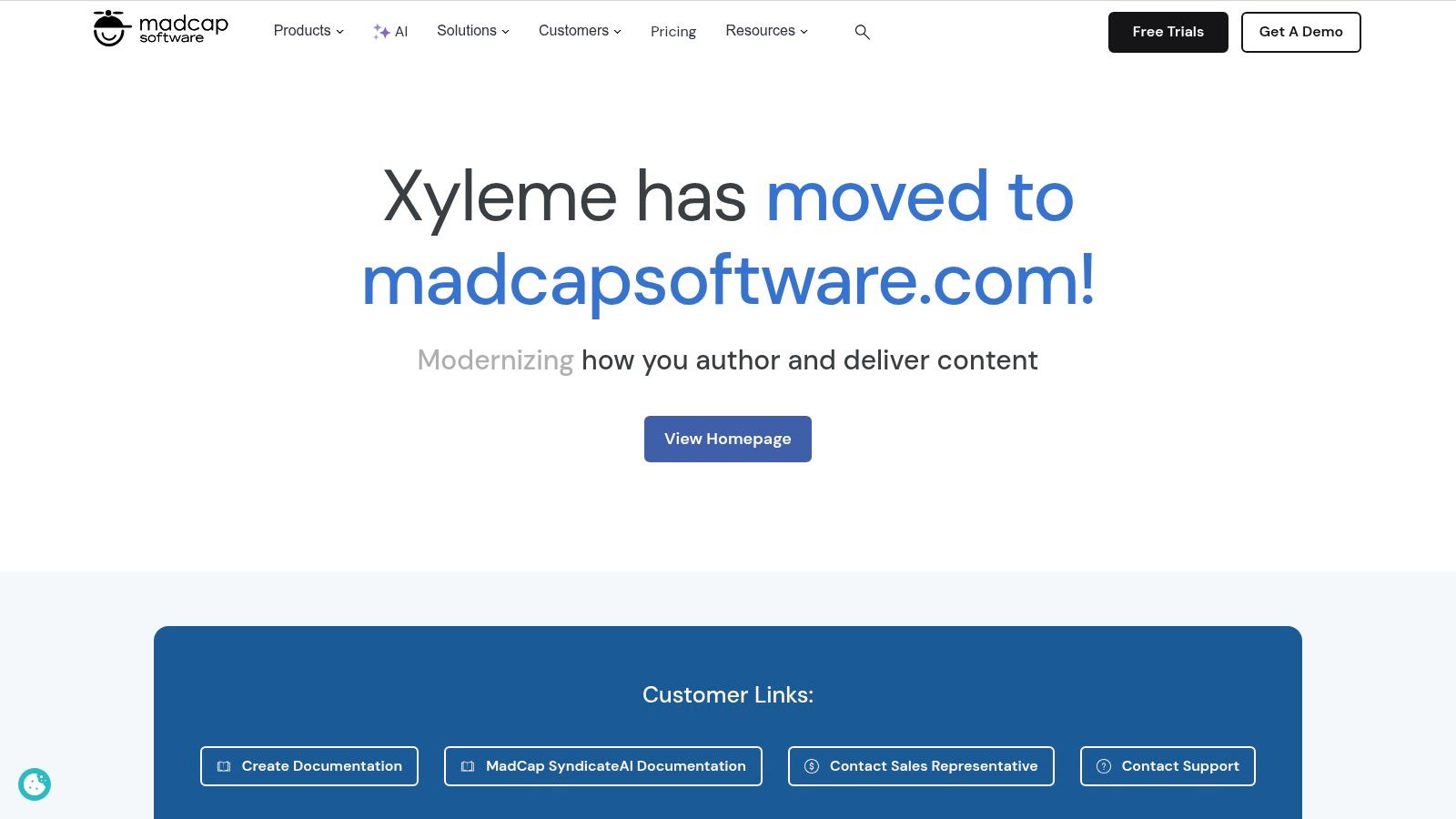
MadCap Software acquired Xyleme in 2024 and positions it as its LCMS for learning and development. The product combines structured authoring, version control, localization workflows, templates, accessibility governance, and publishing to formats such as web content, PDF, SCORM, and xAPI packages.
Where it earns its place
Xyleme's main advantage is granular reuse. Traditional LMS workflows often treat a course as one large file. That works until one sentence changes and you need to update every related course, translation, document, and portal page. Xyleme is better suited to content teams that want controlled relationships between those pieces.
Its delivery services can also support live updates across distributed learning experiences and capture xAPI data through a Learning Record Store. That gives administrators more control over the content lifecycle than a simple upload-and-republish process.
The trade-off is implementation effort. Authors need to learn structured content practices, and administrators must establish naming, approval, versioning, and ownership rules. Pricing is custom and requires a sales conversation, so smaller creators may find the platform heavier than their catalog justifies.
For a broader distinction between content management and course administration, this guide to LMS versus CMS workflows provides useful context.
2. dominKnow | ONE
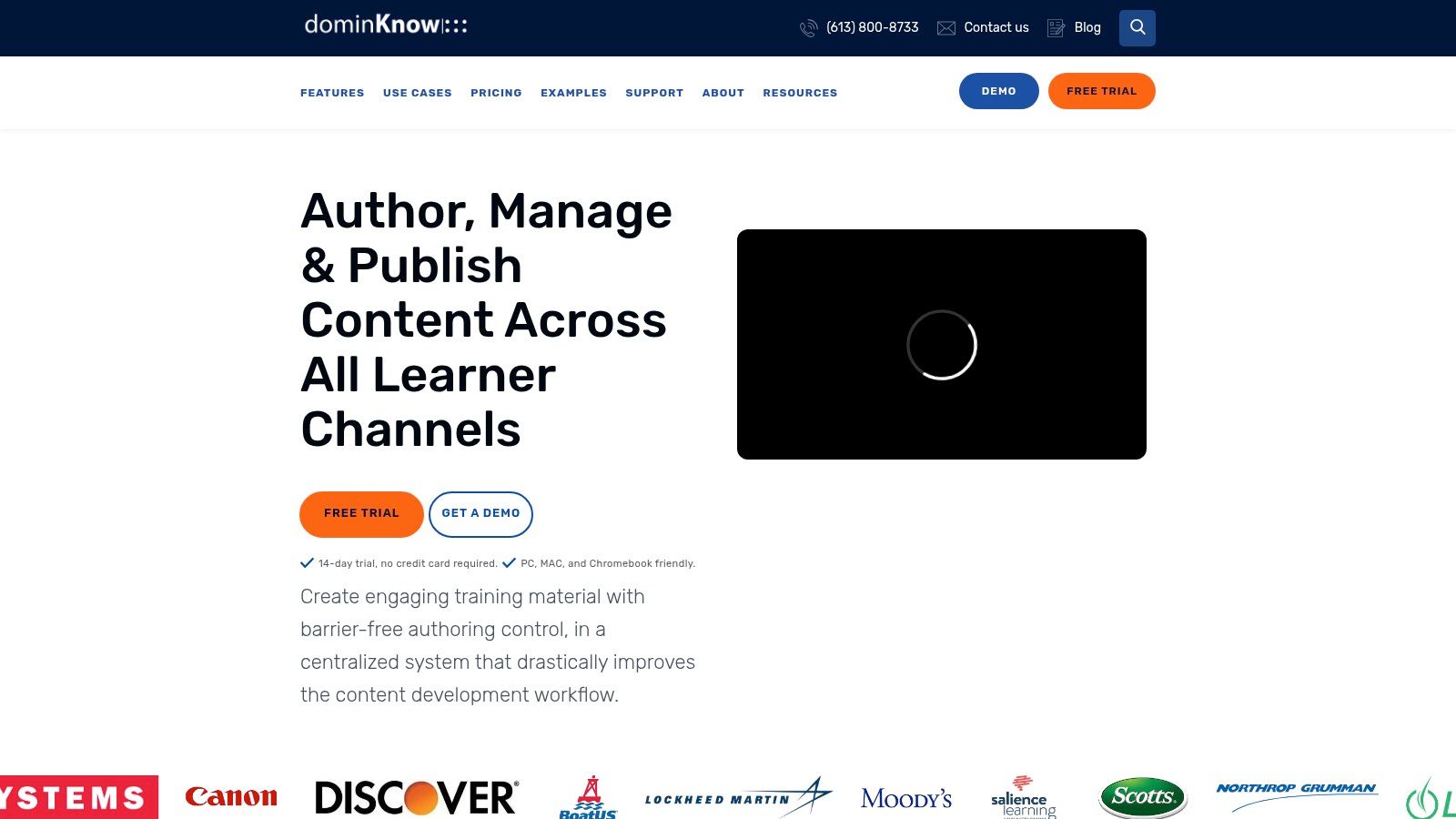
dominKnow | ONE balances cloud authoring with centralized content governance. It gives course creators responsive design tools, shared asset libraries, templates, collaboration features, review workflows, and publishing options that can support both straightforward courses and more controlled enterprise production.
The practical benefit appears when several authors work on related material. Instead of each person downloading a logo, screenshot, or instructional block and editing a private copy, the team can work from shared libraries and organizational templates. Search and baselines make it easier to identify approved assets and manage changes over time.
The platform supports per-author licensing with unlimited learners, which can be useful for membership businesses or training providers whose audience grows faster than their content team. It also offers SaaS and on-premise deployment, a meaningful choice for organizations with specific infrastructure or regulatory requirements.
The delivery decision
Its Convey delivery option lets teams host content centrally and reflect updates outside the LMS. That can reduce the familiar cycle of exporting a course, uploading it to several destinations, and repeating the process after every correction.
Accessibility is another practical strength. dominKnow | ONE includes support for WCAG 2.2 AA and software simulation capture, so teams creating process training can keep guidance and interactive demonstrations in the same production environment.
The downside is that the interface can feel rich to authors who only need basic slide-based production. Advanced governance and delivery capabilities may also depend on higher-tier plans. I'd shortlist dominKnow when several authors need to move quickly but the organization still needs approval controls, reusable assets, and a deployment model that can work in regulated environments.
Teams comparing it with standalone authoring tools can also review this overview of authoring tools for e-learning.
3. Elucidat
Elucidat is a strong option for distributed teams that need to produce, review, localize, and release learning content without placing every change in the hands of IT. Its enterprise authoring environment supports templates, reusable components, collaboration, external reviewers, and approval workflows.
That combination matters for course creators working with subject-matter experts. A product manager can review a lesson, a compliance specialist can approve a required statement, and a regional lead can check a translated version without passing files through a chain of email attachments.
Elucidat also supports accessibility-ready page types and guidance for building more inclusive content. Its SCORM and xAPI publishing options make it suitable for teams that still depend on LMS packages while exploring broader activity tracking.
Production speed versus reporting depth
AI-assisted features can help with drafting, media creation, and producing variants. Used carefully, that can shorten the first production pass. It doesn't remove the need for instructional review, brand checks, accessibility testing, or subject-matter approval. The maintenance process still belongs to the content team.
The platform is often most useful as an LCMS-like production and governance layer connected to an LMS or LRS. That distinction matters. Elucidat can help you create and release content, but teams needing deep learner-level delivery analytics may need another system to manage enrollments, records, and broader program reporting.
Pricing isn't publicly listed and is generally positioned for enterprise buyers. That makes it harder for a small membership operator to test casually. It becomes more compelling when multiple authors, external reviewers, languages, and reusable templates are creating administrative work that a simpler authoring tool can't handle.
4. Gomo Learning
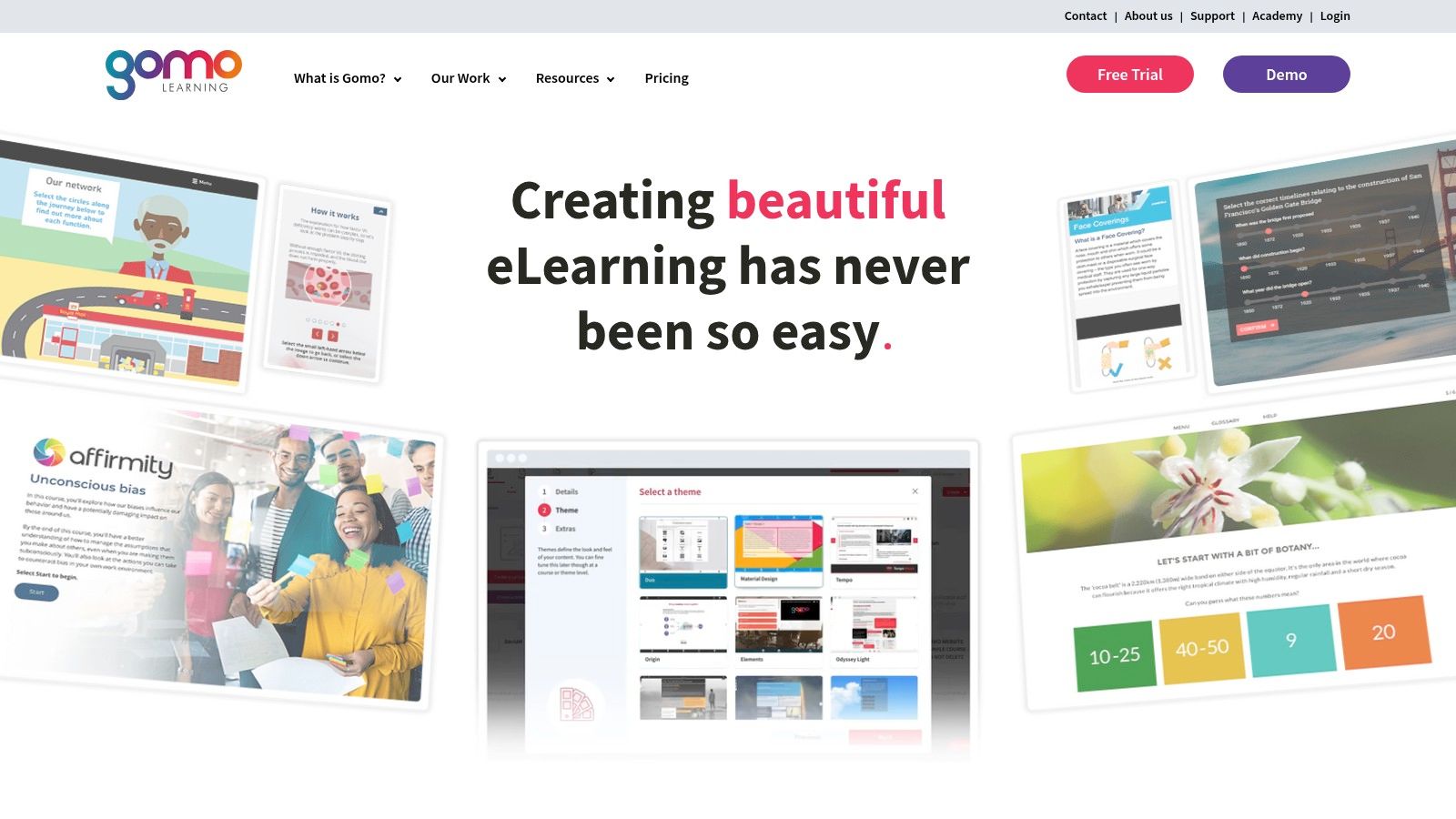
Gomo Learning focuses on responsive, cloud-based course creation and centralized delivery. Its Gomo Delivery service can host courses centrally and push updates wherever the content appears, including embedded links, portals, and LMS destinations using dispatch.
That feature addresses one of the most expensive content problems in practice, duplicate maintenance. A membership operator might publish a course inside a branded portal, sell access through a separate destination, and provide the same material to a partner LMS. If every destination receives a separate package, a minor correction becomes a multi-step release project.
Gomo's model keeps the course closer to one managed source. Teams can collaborate in the cloud, send content through review workflows, and design for phones, tablets, and desktops without creating separate versions for each screen size.
Useful for global catalogs
Built-in localization and auto-translation support can help organizations prepare regional variants. Translation still needs human review, particularly for regulated language, cultural references, assessment meaning, and examples that depend on local context. Automation can accelerate the first pass, but it shouldn't become the approval process.
Accessibility features and AWS-hosted scalability support a more structured enterprise rollout. Dispatch options also make it easier to connect centralized content with existing LMS environments rather than forcing a full platform replacement.
The trade-off is analytics depth. Organizations running complex learning programs will often connect Gomo with an LMS or LRS for more detailed learner records and reporting. Public pricing is limited, with many plans requiring a quote. I'd consider Gomo when frequent updates across several destinations are creating more work than course creation itself.
5. Rustici Content Controller
Rustici Content Controller solves a narrower problem than the other platforms in this list. It isn't an authoring tool. It centrally hosts, versions, licenses, and distributes standards-compliant learning content to multiple LMS environments.
That makes it particularly relevant to training providers, publishers, and enterprises that syndicate courses to partners, customers, franchises, or internal business units. One source package can be dispatched to different systems while the content owner controls access and licensing.
The platform supports SCORM, xAPI, and cmi5 content. It also includes license enforcement, version control, REST APIs, webhooks, reporting automation, user provisioning workflows, debug logs, and testing tools. Those capabilities become valuable when a content provider needs to know which customer received which version and whether a package behaves correctly in a particular LMS.
Standards are a distribution decision
SCORM remains useful for compatibility and basic tracking such as completion and test scores. xAPI can capture broader activity, including resources accessed, actions performed, time spent, assessments completed, and outcomes achieved. Unlike SCORM, xAPI stores records in an external Learning Record Store, which allows activity to be tracked across tools and environments. A practical comparison of SCORM, xAPI, and cmi5 differences can help clarify which layer belongs in your architecture.
Rustici Content Controller is a strong fit when distribution, intellectual property protection, and compatibility testing matter more than built-in authoring. The trade-off is obvious for smaller teams. You'll need a separate authoring stack, and pricing is quote-based for enterprise buyers.
6. SAP Enable Now
SAP Enable Now is designed around software adoption and process enablement. It helps teams create simulations, step-by-step guidance, microlearning, and documentation for people using business applications.
That focus changes how you judge the platform. A conventional course creator may begin with a lesson outline and assessment. An Enable Now team may begin with a software workflow, such as creating an order, approving an expense, or completing a customer record. The content then appears as guidance, simulation practice, reference documentation, or structured learning.
Producer and Web Recorder support reusable outputs for these scenarios. The cloud edition includes AI-assisted authoring options, while enterprise controls cover roles, permissions, single sign-on, and integrations with SAP tools.
A strong fit for change programs
SAP Enable Now makes sense for organizations rolling out new systems or changing complex business processes. Reusable content can support different roles, regions, and levels of assistance without requiring every learner to sit through the same course.
Its mature documentation and enterprise support resources can help large teams establish consistent production practices. The platform is also useful beyond SAP environments for broader process enablement, though its deepest value appears in SAP-centered environments.
The main limitation is scope. If your business primarily sells instructor-led courses, memberships, or standalone educational programs, Enable Now may feel oriented toward workplace software adoption rather than course catalog management. Many teams will still need an LMS for enrollment, structured programs, and learner-facing delivery. Pricing is enterprise and quote-based, so the implementation case should be tied to a specific software adoption or change initiative.
7. imc Learning Suite and imc Express
The imc's Learning Suite product overview presents a connected setup: imc Learning Suite manages the LMS side, while imc Express supports AI-assisted content production. That connection can reduce handoffs between drafting, review, publishing, learner access, and reporting.
imc Express includes text generation, layout assistance, text-to-speech voiceover, and localization support. The vendor says it covers 70+ languages, so verify your target languages in a demo before committing to a multilingual workflow. For course creators and membership operators, these tools can produce a first draft and regional variants without rebuilding every page manually.
That first draft still needs a review process. Check generated text for accuracy and tone, voiceovers for pronunciation, layouts for accessibility, and each course for instructional quality. Teams also need named owners for subject review, language approval, and final release. Without those controls, faster production can create more correction work later.
Best for connected enterprise workflows
Templates, collaboration features, and governance tools can help distributed authors work from shared standards. Express connects authoring with Learning Suite delivery, allowing teams to publish courses into the LMS and relate content activity to learner and program reporting.
This setup suits large organizations handling frequent content requests across many languages. Centralized administration, controlled access, security, and compliance features add value when several departments or regions share one learning operation. Reusable templates can also reduce variation as the catalog grows.
The trade-off is implementation scope. Adopting both products requires buyers to assess authoring, LMS configuration, integrations, permissions, reporting, and ongoing governance together. Public pricing is not listed and is quote-based. Smaller course businesses may prefer a lighter authoring and membership stack, unless multilingual production and enterprise controls already justify the wider platform decision.
Top 7 Learning CMS Features Comparison
| Title | Expected outcomes | Ideal use cases | Key advantages |
|---|---|---|---|
| MadCap Xyleme | Granular reuse, omnichannel delivery, strong versioning & localization | Large regulated catalogs, frequent updates, heavy localization | CCMS-style component reuse, enterprise governance, MadCap ecosystem |
| dominKnow | Per-author licensing, authors/reviewers, optional on‑prem IT | Centralized libraries, templates, review workflows, Convey delivery | Faster collaborative authoring, centralized assets, flexible deployment |
| Elucidat | Scaled production, template-driven consistency, AI-assisted variants | Large distributed content teams needing templates, review, localization | Strong collaboration, governance, localization, AI-assisted creation |
| Gomo Learning | Responsive multi-device courses, instant updates via Delivery | Global teams needing rapid updates and truly responsive content | Centralized delivery, responsive output, built‑in localization & translation |
| Rustici Content Controller | Central hosting/dispatch, license control, consolidated compatibility logs | Content providers syndicating to many LMSs or partner networks | Best-of-breed standards support (SCORM/xAPI/cmi5), IP protection, multi‑LMS distribution |
| SAP Enable Now | In‑app guidance, simulations, role‑based delivery, adoption analytics | SAP landscapes, large change/adoption programs, process enablement | Deep SAP integration, simulation/web recorder, strong governance |
| imc Learning Suite + imc Express | Rapid multilingual production, integrated publishing and analytics | Enterprises needing fast localized catalogs with tight LMS integration | AI-assisted authoring (text/TTS/layout), tight LMS integration, enterprise compliance |
Turn the Feature List Into a Practical Shortlist
A long feature list can make every platform look necessary. Start by separating the problems your team must solve from capabilities that would just be pleasant to have.
Catalog size is the first filter. If you maintain a small number of mostly independent courses, a structured component system may add more process than value. If the same lessons appear across customer, partner, employee, and membership experiences, granular reuse and version control become much more important.
Authoring volume matters too. A solo creator may prioritize a simple editor, fast publishing, and a clean learner experience. A distributed team needs templates, permissions, review workflows, asset libraries, and clear ownership. Those controls reduce accidental changes, but they also require administration and training.
Localization, delivery destinations, standards, integrations, governance, and analytics should receive the same treatment. Ask practical questions:
- Localization: Do you need translated content, translated platform navigation, regional variants, or all three?
- Delivery: Will content live in one LMS, a membership site, partner portals, apps, or several destinations?
- Standards: Do you need SCORM compatibility, xAPI activity data, cmi5, or direct web delivery?
- Governance: Who approves changes, retires old content, checks accessibility, and confirms that translations remain current?
- Analytics: Do you need completion records, detailed activity statements, release reporting, or business outcome analysis?
- Integration: Which identity, CRM, LMS, LRS, membership, and content systems must exchange data?
The history of LCMS products helps explain why these decisions exist. Early LMS platforms such as WebCT, launched in 1995, and Blackboard, launched in 1998, focused mainly on course administration. LCMS platforms emerged in the early 2000s as organizations needed reusable learning objects and more advanced content management. That shift is summarized in this history of learning content management systems.
A good evaluation exercise uses one real course, one real update, one reviewer workflow, and one membership delivery scenario. Give each vendor the same source material. Ask the team to make a change, approve it, localize it, publish it, and show what happens to the old version.
Practical rule: Ask vendors to demonstrate maintenance, not only creation. The update process often reveals more than the authoring interface.
Check whether the update reaches every destination, whether the platform preserves the earlier version, whether reviewers can see what changed, and whether learner records remain usable. Test the content on a phone as well. Modern learning platforms commonly need responsive design, offline access, reporting, accessibility, and microlearning support for mobile delivery, as outlined in this guide to LMS capabilities.
Analytics deserve a separate test. Completion counts can confirm activity, but they don't automatically show whether content improved performance. Ask the vendor to distinguish course usage, learner progress, assessment results, content versions, and broader business reporting. The platform should make clear which data it captures, where it stores that data, and how your team can export it.
Implementation effort belongs beside price in the final comparison. A platform with powerful reuse and governance may save work later, but only if authors follow the model. A simpler tool may launch faster while creating more duplicate maintenance as the catalog expands. Choose the system that matches how your team creates, updates, reviews, and delivers learning today, while leaving enough room for your digital learning and membership experience to grow.
If you're refining a course or membership operation, start with one real content update this week. Map every destination where that lesson appears, identify who approves changes, and use that workflow to evaluate a small shortlist. LearnStream offers practical guidance on learning platforms, memberships, and digital education tools to help you turn that exercise into a clearer technology decision.