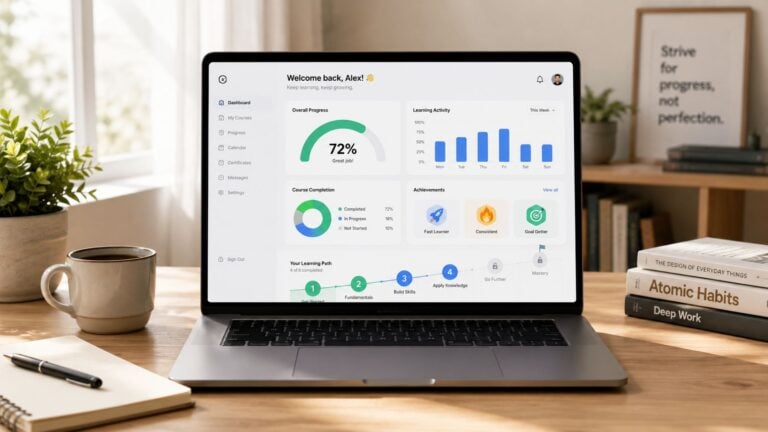
Differentiate between synchronous and asynchronous
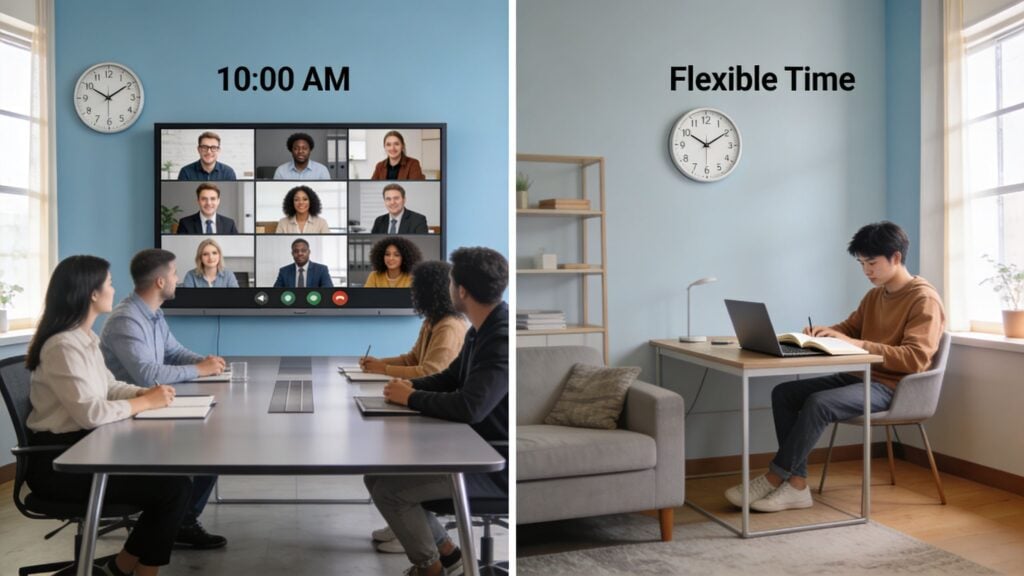
You’ve probably been there.
You finish outlining a course, map the modules, maybe even record a few lessons, and then hit the question that changes everything. Should this be live, self-paced, or some mix of both?
That decision shapes more than your calendar. It affects who buys, who finishes, who sticks around in your membership, and how much hands-on energy you’ll need to keep the experience working months from now.
I’ve made this choice the wrong way before. I used to think the format question was mostly about teaching style. In practice, it’s also a business model question. A live workshop can create urgency and connection. A self-paced course can reach people in different time zones, with different schedules, without chaining you to weekly delivery.
If you want to differentiate between synchronous and asynchronous in a useful way, start here. One format changes the learner’s day. The other changes your operating model. The best choice usually comes from understanding both.
The Big Question Every Course Creator Faces
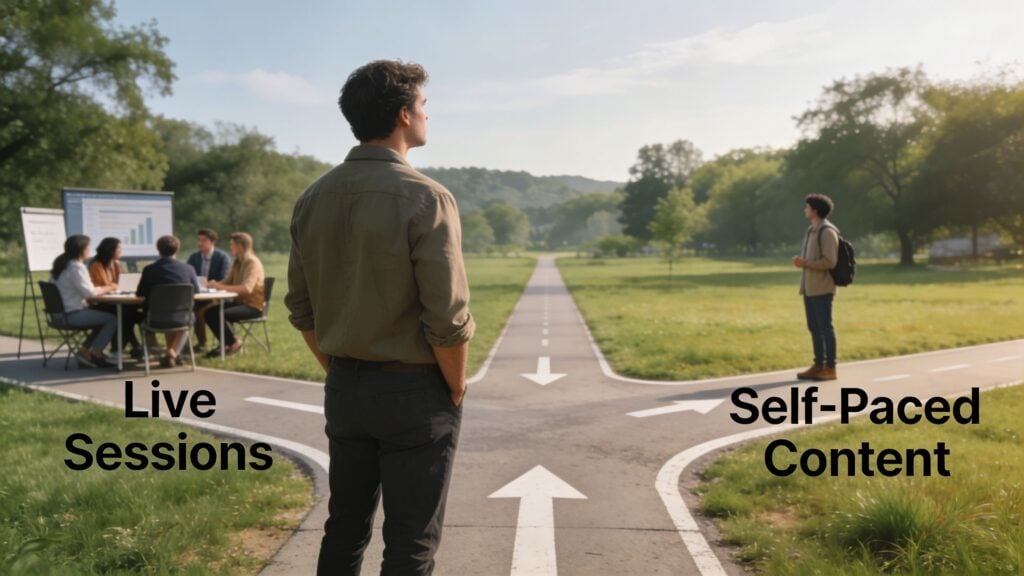
A lot of course creators get stuck at the same fork in the road.
They can picture a lively Zoom room, active chat, weekly accountability, and the kind of energy that makes people say, “I’m so glad I showed up live.” But they can also picture the downside. Calendar clashes, no-shows, and the hard limit on how many people they can personally serve at one time.
Then there’s the self-paced route. It feels scalable and clean. Record once, organize it well, and let people move through the material when life allows. That sounds great until another worry creeps in. What if learners buy the course, watch lesson one, and disappear into the internet forever?
I see this most often with creators building their first flagship offer or trying to turn a workshop into a membership. They’re not just picking a delivery method. They’re deciding what kind of experience people are paying for.
If you’ve also been working on boosting online course engagement, this question gets even sharper. Engagement doesn’t come from “adding a live call” or “uploading more videos.” It comes from matching the format to the learner’s life and the promise of the course.
What makes this decision hard
Two good instincts pull in opposite directions.
One says, “People need interaction.”
The other says, “People need flexibility.”
Both are true. The tension is real because adult learners often want support and freedom at the same time. They want to ask questions, feel momentum, and know a real person is involved. They also want to learn on a Tuesday night, during a lunch break, or three weekends later when work calms down.
The format you choose teaches people how to participate before your content teaches them anything else.
That’s why I don’t treat this as a simple definition exercise. If you can clearly differentiate between synchronous and asynchronous, you can make stronger decisions about completion, retention, pricing, and how much of your business depends on you showing up live.
What We Mean by Synchronous and Asynchronous Learning
Let’s strip this down to plain English.
Synchronous learning means people learn at the same time.
Asynchronous learning means people learn on their own schedule.
That’s the core difference.
A live Zoom workshop is synchronous. A group coaching call inside Circle, a real-time webinar, or a scheduled Q&A session in your membership are synchronous too. Everyone is present together, and the experience unfolds in real time.
A pre-recorded course inside Teachable or Thinkific is asynchronous. So is a drip course that makes available weekly lessons, a discussion forum where replies happen later, or a resource library people access when they need it.
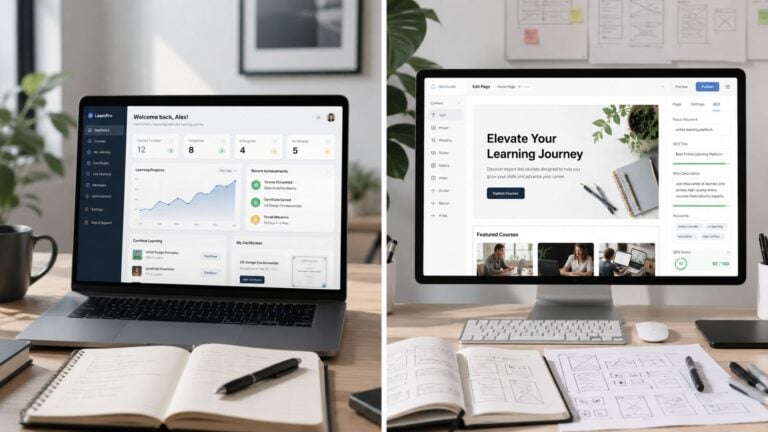
Here’s a quick comparison to make it concrete:
| Format | What it looks like | Best known strength | Common tradeoff |
|---|---|---|---|
| Synchronous | Live class, workshop, webinar, office hours | Immediate feedback and shared energy | Fixed schedule |
| Asynchronous | Recorded modules, templates, discussion boards, drip lessons | Flexibility and replay value | Less real-time accountability |
Synchronous means shared time
When I run live sessions, I’m asking learners to be there with me in a moment.
That creates a very specific kind of learning environment. Someone asks a question. Another learner says, “I was confused about that too.” I can adjust the explanation on the spot. If a concept is tricky, I can slow down, reframe it, and use a fresh example before confusion hardens.
This is why live learning often feels more personal. It’s responsive.
Asynchronous means learner-controlled time
With async learning, I’m designing for access instead of attendance.
A learner might watch a lesson before work, pause halfway through, return at night, then revisit it a week later. That replayable structure is a huge advantage for adults balancing jobs, family, and competing priorities. It also changes how I design the material. I need clearer instructions, cleaner lesson boundaries, and fewer assumptions that people will ask me in the moment if they get lost.
If you want a deeper foundation on the async side, this guide to asynchronous learning definition is a useful companion read.
Simple test: If the learner misses the scheduled time and misses the experience, it’s synchronous. If the learner can show up later and still get the core experience, it’s asynchronous.
Same knowledge outcome, different learner experience
People often get confused at this point.
They assume live must always teach better because it feels more active. But a 2024 BMC Medical Education study found no significant difference in test scores between synchronous and asynchronous learning (p = .449), which means both formats were effective for knowledge acquisition. The same study found that asynchronous learning was significantly more accepted and preferred by learners (p < .001), while synchronous learning fostered greater intrinsic motivation (p = .001) and also higher pressure (p = .003).
That tells me something important as a creator.
The question usually isn’t “Which one teaches the content at all?” The better question is “What kind of experience do I want around the content?” One format may feel easier to fit into life. The other may create more momentum in the moment.
The easiest analogy I know
Synchronous learning is like attending a fitness class.
The trainer is there. The group is there. You do the workout together. You can ask for help right away, and the shared energy keeps you moving.
Asynchronous learning is like having a well-designed workout app.
You can train when you want. Repeat a lesson. Skip ahead. Return later. It gives you freedom, but you need a bit more self-direction to keep going.
Neither is automatically better. They solve different problems.
A Head-to-Head Comparison for Course Creators
When creators try to differentiate between synchronous and asynchronous, they often stop at surface-level pros and cons. Live equals interactive. Self-paced equals flexible. That’s true, but it’s not enough to help you build a better offer.
You need to compare them through the lens that matters when you’re selling education online.

Learner engagement and interaction
Synchronous learning creates immediate interaction.
That sounds obvious, but the type of interaction matters. In a live setting, learners can ask a question right when they feel friction. You can read confusion from faces, chat comments, or silence. That kind of responsiveness helps when you’re teaching something layered, emotional, or easy to misinterpret.
There’s also evidence that live delivery can reduce mental strain during harder material. A 2024 study in the African Journal of Online Distance Learning found that cognitive load was significantly lower in synchronous learning (2.53 vs. 2.84, p = .0001). For creators, that matters most when you’re introducing a complex framework, walking through a design process, or troubleshooting implementation step by step.
Async engagement works differently. It tends to be quieter and more delayed, but not weaker by default. People can pause, reflect, take notes, and revisit content without the pressure of keeping up with a room. That often helps learners who need processing time.
Live sessions are usually better at handling confusion in the moment. Async content is usually better at giving people room to think.
Flexibility and accessibility
Here, asynchronous learning usually wins.
A live call asks learners to align their schedules with yours. That’s manageable in a small cohort. It gets much harder when your audience spans time zones, work shifts, family obligations, or inconsistent internet access windows. Even highly motivated students can miss live sessions for reasons that have nothing to do with interest.
Async content lets people participate when they’re available. For memberships and evergreen courses, this is often the difference between “I’d love this” and “I can realistically do this.”
Synchronous access is narrower, but not useless. In fact, the constraints can help some learners commit. Fixed times create rhythm. Rhythm creates accountability. Accountability can keep people moving when motivation drops.
Instructor workload and scalability
This is the category creators underestimate most.
A live-first course asks for repeated delivery. Even if your slide deck is polished, you still need to show up, lead, respond, manage timing, and bring energy. That can be wonderful if your offer is high-touch and premium. It can also become a bottleneck if your business depends on your calendar staying open forever.
Async courses shift the workload upfront. You spend more time scripting, recording, editing, organizing, and writing clean instructions. But once the system is solid, you’re not re-teaching the whole course every week.
Let’s consider this:
- Synchronous workload: Recurring delivery effort. Great for depth, harder to scale.
- Asynchronous workload: Heavy setup effort. Better for repeatable delivery.
- Hybrid workload: Requires design discipline, but gives you more control over where your time goes.
If your goal includes reach, product layering, or a membership that doesn’t depend on weekly live teaching, asynchronous assets matter a lot.
Community building potential
Synchronous experiences build group chemistry fast.
People see names, hear voices, notice shared struggles, and start to feel they’re doing this with others instead of next to others. That emotional shift can be the difference between a course that feels transactional and one that feels alive.
Async communities can still become strong, but they need more structure. A forum doesn’t create connection by itself. You need prompts, rituals, responses, and a reason for members to return. Without that, the community tab becomes decorative.
This is one reason team communication articles about how live and delayed interaction boost team productivity and collaboration can be surprisingly useful for course creators too. The underlying issue is similar. Real-time interaction creates momentum. Delayed interaction creates flexibility. The design has to support both.
Community doesn’t appear because you opened a chat space. It grows when people know when to show up, what to do, and why their contribution matters.
Technology and delivery complexity
Synchronous teaching depends on stable delivery in the moment.
You need video tools, calendar systems, reminders, support for replays, and a plan for what happens if your audio breaks or half the group can’t attend. Zoom, Google Meet, and webinar platforms can work well, but live delivery has more moving parts.
Asynchronous teaching is technically calmer for learners. They log in, watch, download, post, and continue. For you, the complexity moves into production quality, content organization, and platform experience. A messy async library is difficult to use even if the lessons are strong.
Here’s a practical breakdown:
| Decision area | Synchronous | Asynchronous |
|---|---|---|
| Scheduling | Requires attendance at set times | Learners choose when to engage |
| Support style | Immediate answers | Delayed responses, FAQs, forums |
| Content updates | Can adapt live each session | Requires revising recordings or resources |
| Scalability | Often limited by your availability | Easier to sell repeatedly |
| Energy source | Group presence and facilitation | Clear structure and learner independence |
Business fit matters more than format purity
I’ve seen creators choose live because they personally enjoy teaching that way. I’ve also seen others choose async because they want passive income. Both can backfire if the audience and offer don’t match the format.
A transformation-heavy offer often benefits from live touchpoints. A reference-style course, onboarding sequence, or skill library often works better asynchronously. The useful question isn’t which format is superior in theory. It’s which format supports the promise you’re making and the business you want to run.
When to Choose Synchronous or Asynchronous Models
Some offers should lean hard in one direction.
That doesn’t mean every course needs to be pure sync or pure async forever. It means there are situations where one format does most of the heavy lifting and keeps the offer cleaner.
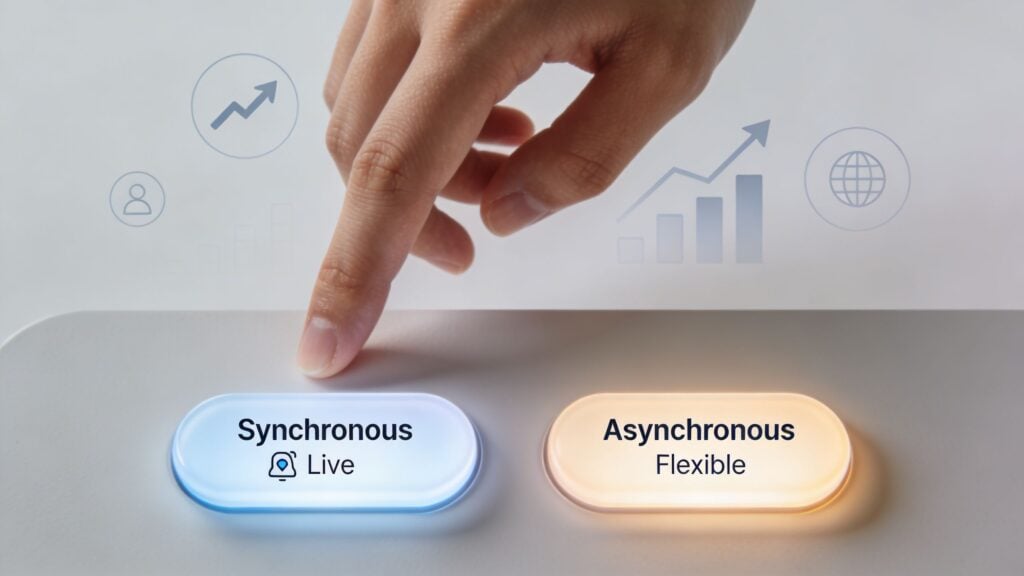
Choose synchronous when access is part of the product
A synchronous model makes sense when the live experience is a major reason people buy.
That usually includes cohort-based courses, workshops, masterminds, and premium coaching programs where feedback, accountability, and direct access are central to the offer. If your learners need critique, discussion, role-play, troubleshooting, or structured momentum, live sessions can carry much of the value.
I also like synchronous delivery when the subject matter is messy at first. Think messaging, curriculum design, sales calls, facilitation, or anything people understand better once they can ask, “Wait, but what about my situation?”
A strong fit for synchronous learning often looks like this:
- High-ticket transformation offers where people expect access to you
- Short, focused cohorts with a clear start and finish
- Practice-heavy learning where real-time correction helps
- Community-first memberships that sell belonging as much as content
The tradeoff is obvious. Your calendar becomes part of the product.
Choose asynchronous when reach and flexibility matter most
Asynchronous learning works best when learners need convenience, replayability, and a lower-friction way to start.
This is a strong fit for evergreen courses, entry-level products, onboarding tracks, digital resource libraries, and memberships where the content itself needs to stay available all the time. It’s also a better choice when your audience includes parents, shift workers, international learners, or anyone with a schedule that’s hard to predict.
I especially like async for foundational material. If the lesson needs to be clear, repeatable, and easy to revisit, recorded content often does that job better than a one-time live explanation.
Good candidates for async include:
- Evergreen courses designed to sell year-round
- Lead-in products that warm buyers before a premium offer
- Template and toolkit libraries people return to as needed
- Large-audience memberships where live attendance won’t be consistent
The downside is that some learners drift unless the experience includes structure, milestones, or community touchpoints.
Why hybrid often wins for business performance
This is the part many creators care about most.
A 2025 EdTech report referenced by the University of Cincinnati Online reported that hybrid models reached a 62% course completion rate, compared with 49% for pure asynchronous and 52% for pure synchronous. The same report noted that membership site owners using a 70/30 async/sync split reported a 35% increase in customer Lifetime Value.
That matters because completion and retention aren’t just educational outcomes. They’re business outcomes. People who complete more often feel the course worked. People who feel progress are more likely to stay in a membership, buy the next offer, or recommend you.
Business lens: If your course format improves follow-through, it can improve retention and long-term customer value too.
A quick decision filter
When I’m deciding what to build, I ask four questions:
What are people really paying for
Is it access, structure, explanation, community, speed, or convenience?Where does confusion happen
If learners get stuck in ways that need live intervention, sync deserves a larger role.What kind of business do I want to operate
Do I want a calendar-driven offer, an asset-driven offer, or a blend?What can my audience realistically attend
Motivation matters, but logistics decide more than creators like to admit.
If your answer to most of those points leans toward flexibility and scale, go async-first. If they lean toward accountability and real-time support, go sync-first. If they split down the middle, that’s usually a sign you need a deliberate hybrid model.
Designing a Powerful Hybrid Learning Experience
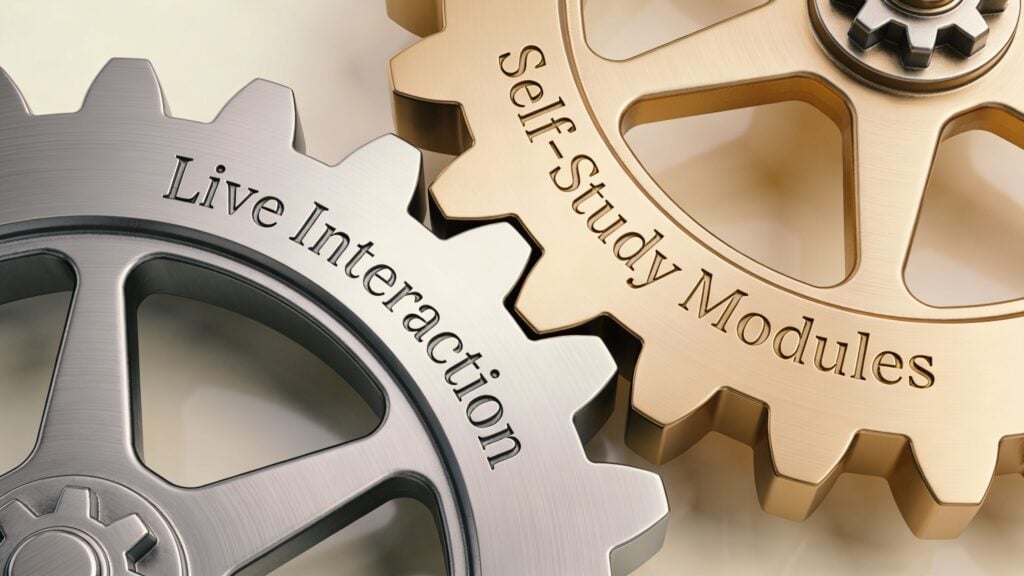
For most online education businesses, the sweet spot isn’t choosing sides. It’s building a hybrid experience on purpose.
That’s very different from tossing a monthly Zoom call into a self-paced course and calling it blended learning. A real hybrid model gives each format a job.
Give async the teaching job and sync the support job
This is my favorite starting framework for creators.
Put the stable material in asynchronous form. That includes lessons you’ll explain the same way every time, examples that benefit from replay, worksheets, templates, and setup instructions. Then use live sessions for application, Q&A, critique, troubleshooting, and momentum.
That structure keeps your teaching efficient and makes your live time more valuable. Learners don’t come to a call just to hear slides read aloud. They come ready to use what they already watched.
This model is often called a flipped approach, and it works especially well for memberships, cohort courses, and implementation programs.
Keep live support optional but meaningful
Another strong model is what I think of as async-first with office hours.
The course or membership runs mainly on recorded content, written prompts, community discussion, and resource libraries. Then you add optional live elements like monthly clinics, weekly office hours, or launch-week Q&A sessions.
This preserves flexibility while still giving people a place to bring friction. It also reduces the pressure that some learners feel around mandatory attendance. They know help exists, but they don’t have to reorganize life around every call.
If you make live sessions optional, make them useful enough that people are glad they came and safe enough that they don’t feel behind if they miss one.
Design for global learners from day one
Hybrid design gets more important when your audience is spread across regions.
A source referenced by Stanford’s teaching resources notes that standard sync models can fail 68% of international learners, while asynchromodal strategies using on-demand content plus AI-moderated forums can cut exclusion by 45%. The same source also notes that newer AI features in tools like Zoom can boost retention for non-native speakers by 29% through transcription and translation support. If you mention those features in your own planning, label them as emerging practices and keep an eye on tool updates through Stanford’s overview of synchronous and asynchronous learning.
That tells me something simple. If you want a global audience, recorded access, transcripts, summaries, and forum-based support can’t be afterthoughts.
A practical hybrid stack
You don’t need an enterprise LMS to make this work.
I’ve seen creators build strong hybrids with combinations like:
- Thinkific or Teachable for the course library
- Circle or Heartbeat for community discussion
- Zoom for live calls and replays
- Zapier for reminders and follow-up workflows
- Gamma for quickly turning lesson ideas into visual support assets
Some creators also look at adjacent tools to support learner independence between sessions. For example, resources around AI homework assistance can spark ideas for how learners might get unstuck outside live office hours, especially in practice-heavy programs.
If you want the larger concept mapped out clearly, this guide to blended teaching and learning explained is worth bookmarking.
The hybrid rule that saves a lot of trouble
Don’t duplicate the same experience in two formats.
If you record a 40-minute lesson and then spend the live call repeating the same 40 minutes, people will stop showing up live or stop watching the recordings. Each mode should do something the other one can’t do as well.
A simple division of labor works:
| Use asynchronous for | Use synchronous for |
|---|---|
| Core lessons | Clarifying edge cases |
| Templates and examples | Feedback and discussion |
| Onboarding and setup | Accountability and momentum |
| Resource libraries | Community rituals |
That’s when hybrid stops feeling messy and starts feeling premium.
Your Implementation Checklist for Launch
Strategy is nice. Launch week is where things get real.
When I’m helping someone sort this out, I don’t start with tools. I start with decisions. A strong launch usually comes from a few clear choices made early, not from trying to patch confusion later with more software.
Phase 1: Build the delivery model around the promise
Write one sentence that answers this question.
Why does this course need the format you chose?
If you can’t answer that cleanly, your learners won’t understand it either.
Use this checklist:
- Clarify the transformation: Write the before-and-after result in plain language.
- Match the format to the obstacle: If learners mainly need flexibility, lean async. If they mainly need feedback and accountability, add more sync.
- Define what must happen live: Keep this list short. If everything “must” be live, your design probably isn’t focused enough.
- Decide what can become a reusable asset: Any explanation you’ll repeat often should probably become async content.
Phase 2: Map the learner journey
Before you record or schedule anything, sketch the experience from the learner’s side.
I like to map it in sequence:
Enrollment moment
What happens right after purchase? Welcome video, email, orientation page, community invite?First win
What’s the quickest meaningful action a learner can take so they feel progress early?Support moments
Where will people predictably get stuck? That’s where you place live touchpoints, FAQs, examples, or discussion prompts.Completion marker
What tells a learner they’ve finished a module or reached a milestone?
Phase 3: Choose the simplest workable tech stack
Creators lose a lot of time trying to build the perfect stack before they’ve even validated the model.
You usually need just a few pieces:
- Course platform: Teachable, Thinkific, or another LMS where lessons live
- Live platform: Zoom or a similar tool if you’re running calls
- Community space: Circle, Heartbeat, or a forum-based option if discussion matters
- Communication layer: Email sequences and calendar reminders so nobody has to guess what’s happening
Pick tools your learners can use without a tutorial marathon. Fancy setups often create more friction than value.
Phase 4: Set expectations before learners fall behind
This part is underrated.
A learner can handle almost any format if you explain it clearly. Problems start when they expect one experience and get another. If you run a mostly async course with optional live support, say that plainly. If attendance matters for outcomes, say that plainly too.
Your welcome message should answer:
- How often should I log in
- What should I do first
- What is live and what is on demand
- Where do I ask for help
- What happens if I miss a session
That one message can prevent a surprising amount of confusion and support tickets.
Phase 5: Decide what success actually means
Don’t judge the format only by revenue on launch week.
A better scorecard includes questions like:
- Are learners finishing the core lessons
- Are live sessions producing better questions over time
- Are people returning to the community
- Do members stay long enough to use what they bought
- Which parts create momentum and which parts create drop-off
If you want a practical planning tool to keep all of that organized, save this online course launch checklist.
A final gut check before you publish
Read your offer page and ask yourself this.
Would a busy adult immediately understand how this course fits into their real life?
If the answer is no, simplify the format description until it clicks. The stronger your delivery model is, the less selling pressure you need. People buy faster when they can see themselves completing the experience.
If you’re trying to differentiate between synchronous and asynchronous, the simplest answer is this. Synchronous learning happens together in real time. Asynchronous learning happens on the learner’s own schedule. The more useful answer is that each one shapes your course business in a different way.
Live formats can create accountability, energy, and premium access. Self-paced formats can expand reach, improve convenience, and give you assets that scale. Hybrid models often work best because they combine structure with flexibility in a way that supports both learning and retention.
Choose the model that fits the transformation, your audience’s real life, and the business you want to run.