Best LMS for Online Courses in 2026: 10 Picks

You have the lessons written, the slides exported, and a dozen browser tabs open. Thinkific says it is the home for creators. Kajabi says it runs the whole business. Moodle says it is free if you host it yourself. TalentLMS talks about branches and compliance. I have been in that exact mess more than once, and the tabs do not get quieter the longer you stare at them.
The right LMS for online courses depends on three jobs, not a feature checklist. You are either selling courses to individuals, training a team, or teaching on a tight budget. Those jobs pull you toward different platforms, and a tool that is excellent for one of them can be a poor fit for the other two.
I grouped ten platforms the way I decide. Thinkific, LearnWorlds, Teachable, Kajabi, and Podia sit with people who sell. TalentLMS and 360Learning sit with people who train a team. MoodleCloud, LearnDash, and Canvas Lite sit with people who want control or a low price. Each note says who should skip it. I will be plain about fees, limits, and the parts that look better in a demo than they feel on a Tuesday night.
If you only have time for one pass, jump to the group that matches your job and ignore the rest until you have a shortlist of two.
NOTE: I’m keeping an eye on Wayflo as it promises a new way forward for online course platforms.
1. Thinkific
Thinkific is the hosted middle ground I send independent educators toward when they want a real course site without building a company operating system. You can create, deliver, and sell courses, memberships, and a community from one login. The listed annual-billing Start plan is $82 per month. Check the live price before you commit, because plan lines move.
The builder is drag and drop. Quizzes, assignments, certificates, and scheduled content are there. Checkout covers bundles, payment plans, and group orders, so a small cohort and a public course can share the same catalog.
Who should use it:
- Solo educators who want paid and free courses plus a community.
- Small businesses that need both individual checkout and light team orders.
Who should skip it: anyone hunting the cheapest creator tool, and anyone who needs deep reporting on day one. Advanced reporting, some sales tools, and some integrations sit on higher plans. Pricing also sits above the lightest storefront apps.
If you are still comparing storefronts, our Thinkific alternatives notes are the faster second pass. Coaches who also need a marketing site should look at choosing a coaching website builder before they bolt a second tool on.
I like Thinkific when the course and the community have to live together. I do not like it when the budget is already tight and reporting is the main job.
2. LearnWorlds
LearnWorlds is the pick when the course itself has to feel interactive, not just hosted. Annual billing in the listings I use is $44 per month for Starter, plus $5 per course enrollment, and $79 per month for Pro Trainer with no enrollment fee. That Starter fee is the part people miss in the demo.
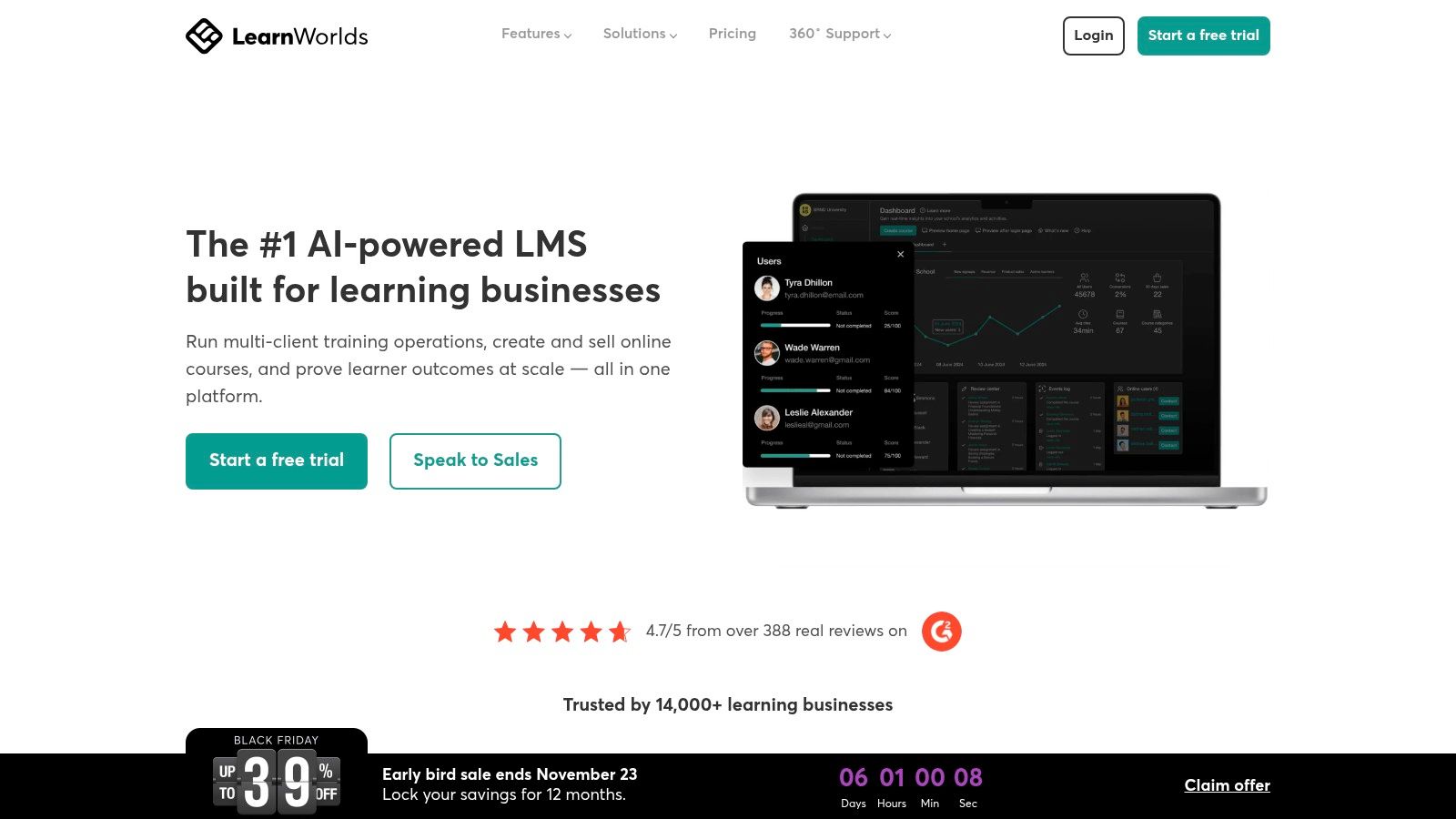
You get interactive video, AI help for courses and quizzes, a built-in community, and a 30-day trial. Certificates and learning paths show up on qualifying plans. SCORM and HTML5 support land on higher tiers, which matters if a client hands you a finished package.
Skip it if you expect white-label branding on the cheap plan, or if every enrollment has to be fee-free from day one. Starter’s per-enrollment charge adds up fast on a low-price course. Advanced white-labeling costs more.
I would start on Pro Trainer if the course is already selling. I would stay on Starter only for a short test with a small list. Memberships and payment plans are solid. The tier gates are the trade-off.
3. Teachable
Teachable is built to get a course and a checkout live without a separate website stack. The listed Starter plan is $39 per month billed monthly or $29 billed annually, with a 7.5% transaction fee. Builder is $89 monthly or $69 annually, and that plan drops the platform fee to 0%.
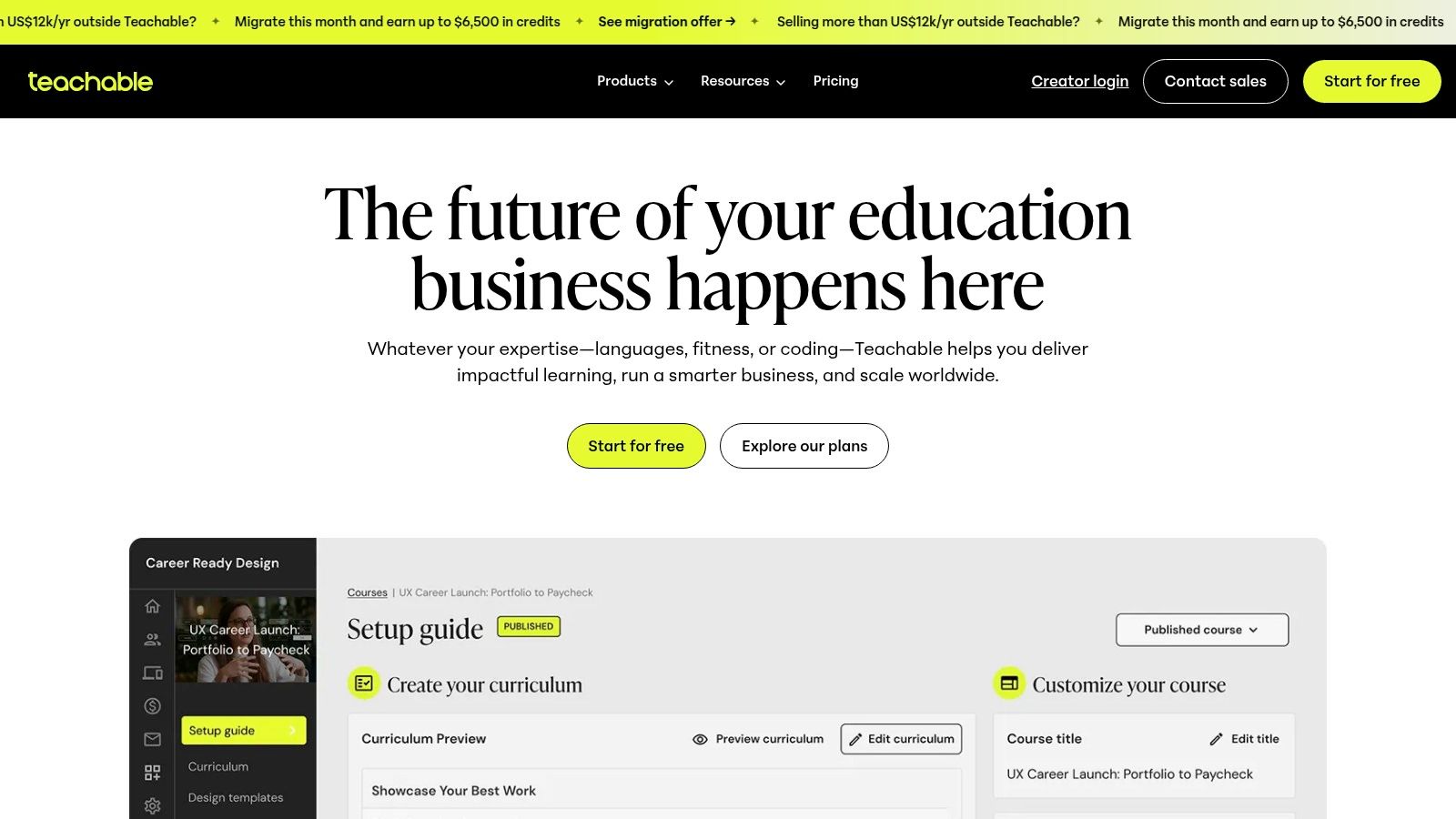
Publishing covers courses and other digital products. You also get student apps, quizzes, drip content, upsells, abandoned-cart recovery, global payments, and tax tools. There is a 7-day trial, which is short. Use it on one module, not on a full catalog rebuild.
Watch the fee: a 7.5% cut on Starter can erase more money than the cheaper monthly price saves, once sales are real.
Product counts change by plan. Advanced branding and better support sit higher up. Skip Teachable if you need branches, SCORM libraries, or heavy compliance reporting. It is a store, not a corporate academy.
For a wider look at checkout styles, see these course selling options from LearningStudioAI. I still start many first-time sellers here, then move them when the fee hurts.
4. Kajabi
A creator paying separately for a course host, an email tool, a page builder, and a checkout is carrying four bills for one business. Kajabi is the all-in-one I recommend for that situation, and only once the offer is already making money. Plans are priced well above the starter tiers in this list, with a discount for annual billing.
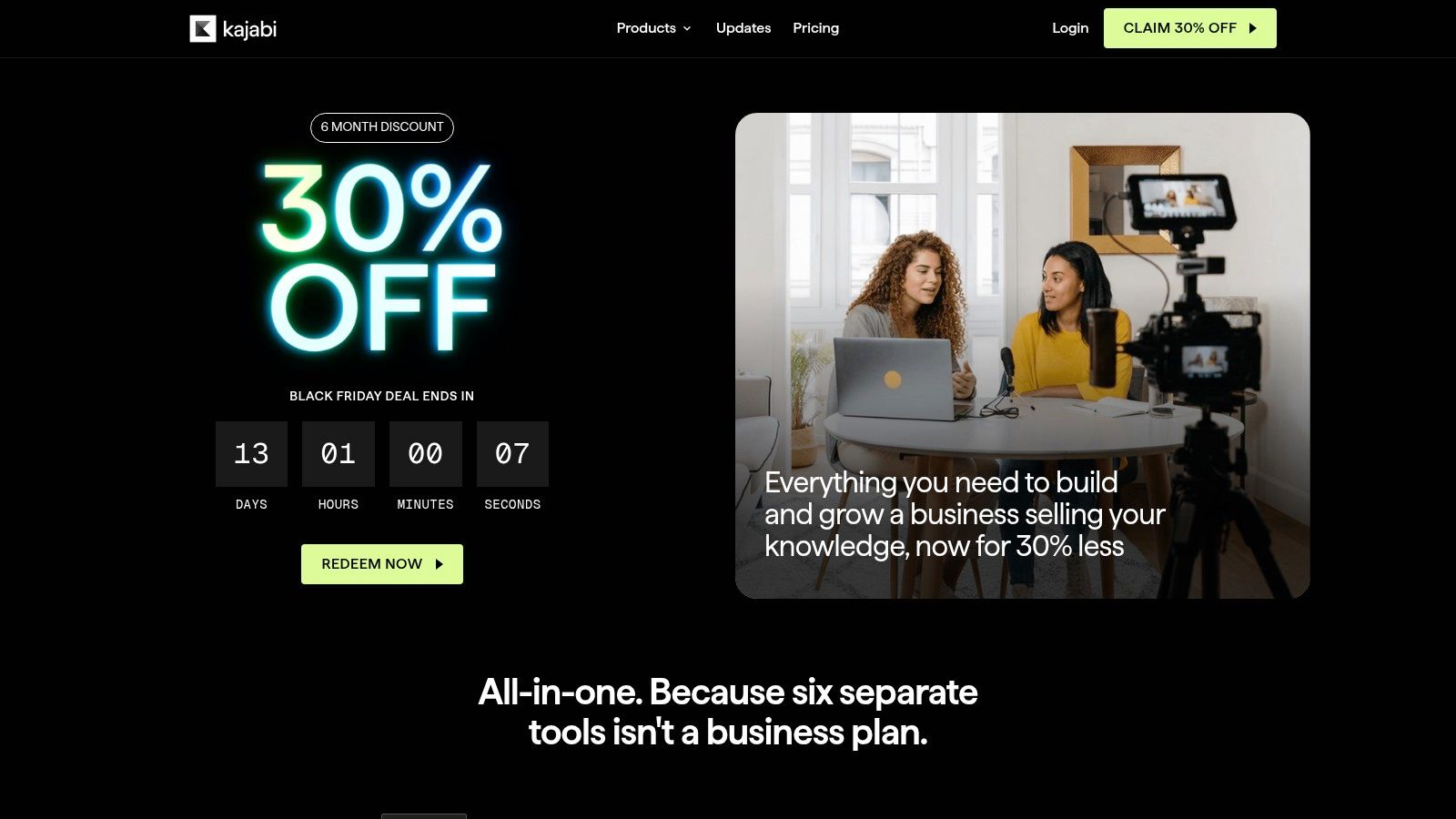
That price is the filter. You are paying to retire a pile of other subscriptions, not to get a fancier quiz tool.
What you consolidate:
- Course products and other digital sales in one catalog.
- Pages and email so launches do not depend on a second app.
- Automations and checkout for a simple creator business.
Skip it if you are pre-revenue, if you only need one course, or if you need institutional reporting and compliance workflows. Some plans cap products or business features. Kajabi aims at running a creator company, not school-style administration.
It earns its price when one Kajabi bill replaces three existing ones. As a first LMS it is a poor fit, since nothing in the catalog has proven demand yet and the subscription cost lands before the revenue does.
5. Podia
Podia fits creators who sell more than courses. Memberships, coaching, events, and downloads live in the same account, with a website, blog, landing pages, email, and checkout.
Annual pricing in the listings I check is $42 per month for Mover, which charges a 5% platform fee. Shaker is $84 and Earthquaker is $150, and both drop Podia’s own fee. Card-processor fees still apply. There is a 30-day trial, and the annual prices are published clearly, which I appreciate.
Mover and Shaker cap products and video. The platform also has less specialist training machinery than a workplace LMS. No deep branch structure, no standards stack aimed at compliance teams.
Skip Podia if your buyers are employees who need assigned paths and audit-ready reports. Stay if you want one calm dashboard for a course, a membership, and a workshop.
I would not launch a high-volume paid course on Mover. The 5% fee is fine while you test. It is a tax once the course sells every week.
6. MoodleCloud
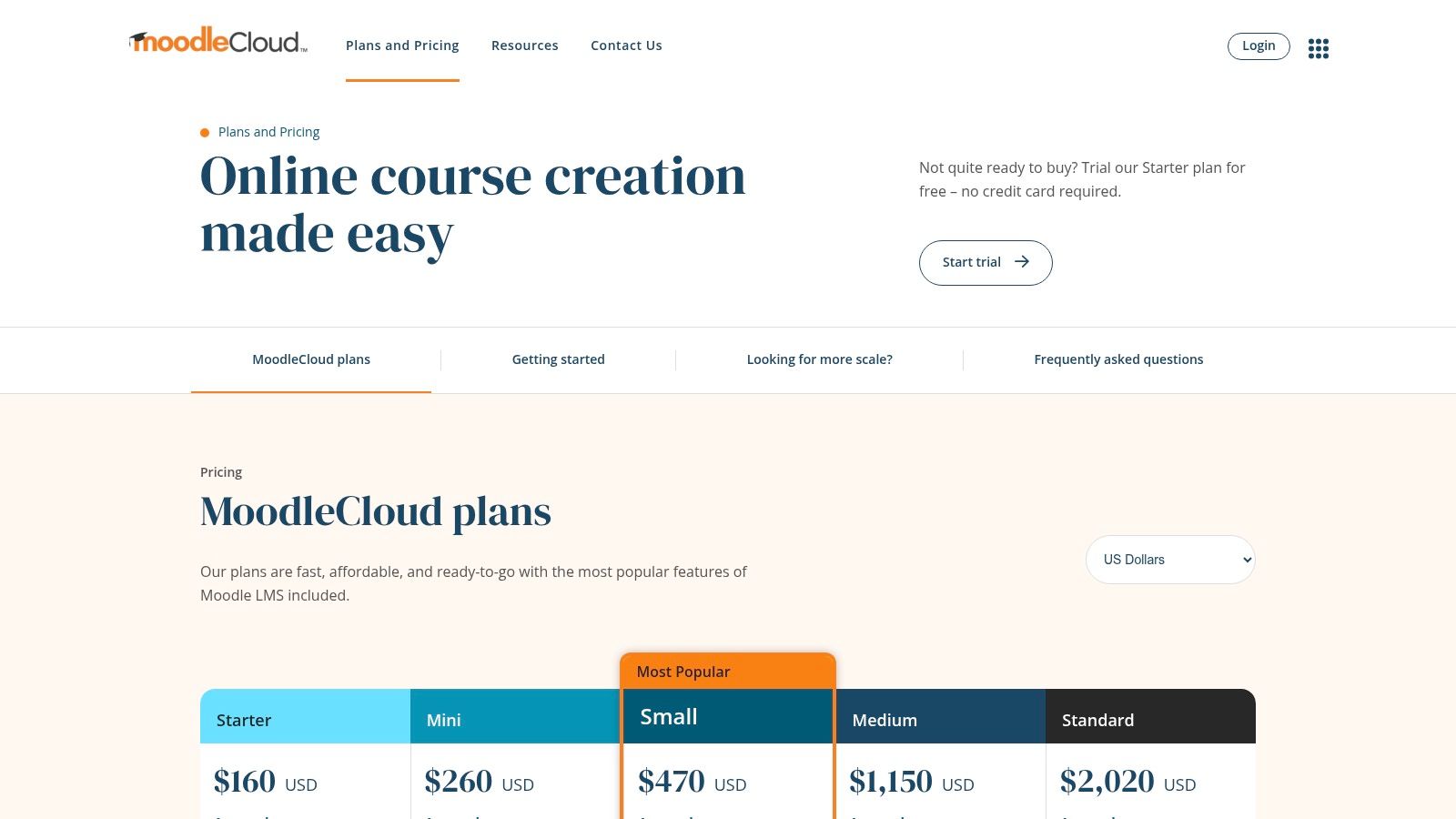
MoodleCloud is hosted Moodle, so you get the activity set without running the server. Annual plans start at $170 per year for 50 users, with user and storage caps, and there is a free trial. Stripe course sales and custom domains depend on the plan.
Moodle has been a real option for a long time. AU Press documents note that Moodle 1.0 shipped in August 2002, with about 1,000 registered sites in 2004. You are not beta-testing a hobby project. You are using a hosted slice of a system schools already know.
That history does not fix bandwidth. A study at Universitas Islam Negeri Maulana Malik Ibrahim Malang found overall LMS satisfaction at 3.8 out of 5, while 63.5% of respondents were hit by limited internet access, according to the university repository write-up. On MoodleCloud I still compress video, offer downloads, and keep assessments asynchronous.
Skip it if you want a pretty sales site or full server control. Self-hosted Moodle is the control path. MoodleCloud is the “I refuse to be the sysadmin” path.
7. TalentLMS
TalentLMS is the training LMS I open first for a small company that needs tracking, not a storefront. There is a free plan with no time limit. Paid plans are priced by user count, so the bill moves when headcount moves.
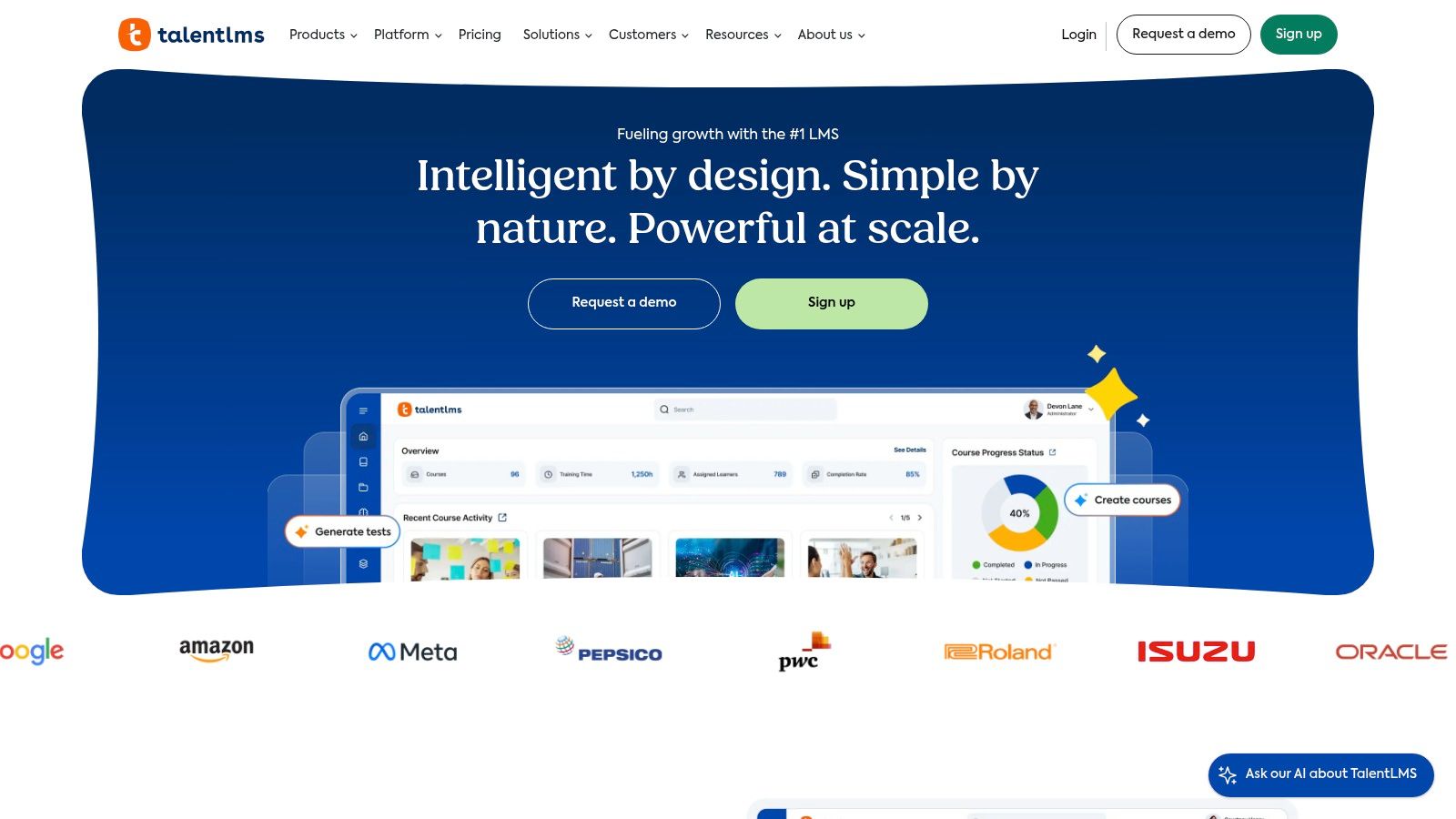
You get SCORM, Tin Can, and cmi5, learning paths, reporting, user groups, and separate training branches, plus integrations and authoring tools. Branding and features change by tier.
Do not treat every login as proof of learning. A 2025 study of 5,293 students found that learners with high location and time entropy had the lowest success rates, while other work tied persistence to performance. I trigger help from unfinished assessments and stalled paths, not from odd login hours.
If you store grades or identifiable activity for a school, FERPA guidance from the U.S. Department of Education treats that as protected education-record data when the school or its agent maintains it. Confirm the vendor is approved before you upload a roster.
Skip TalentLMS if you are selling a public course with upsells and a pretty sales page. It is built for assigned training.
8. LearnDash
LearnDash is the WordPress route. You can run the plugin on your own host or use LearnDash Cloud. I pick it when the site already exists and the owner wants the course inside that site, not on a rented subdomain.
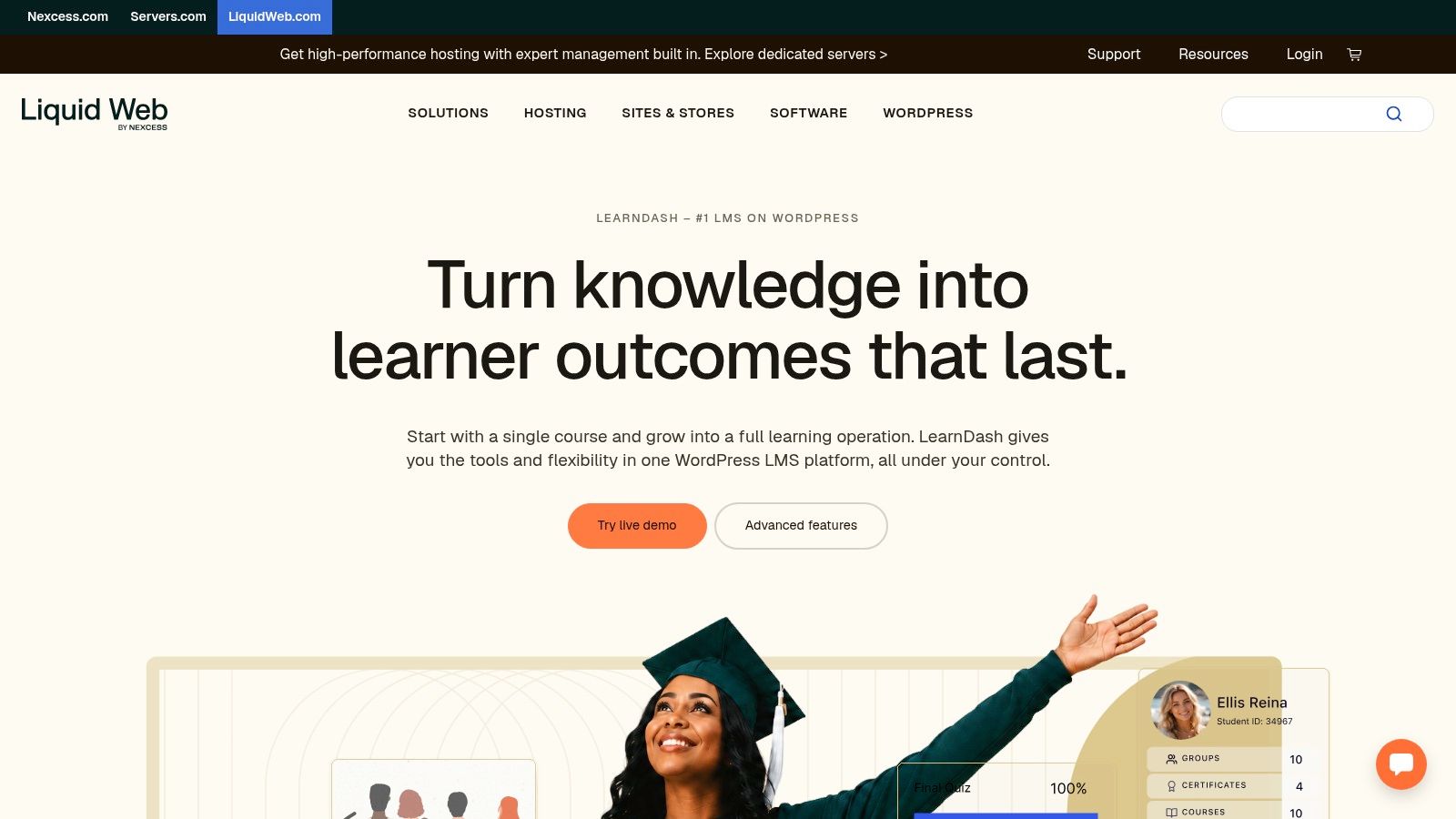
Course delivery, content protection, official add-ons, and hooks into membership and ecommerce plugins are the draw. The plugin ecosystem is wide. That width is also the bill. Hosting, backups, a membership plugin, and a payment plugin can cost more than the LMS line item.
Self-hosted WordPress means you own updates, security, and the 2 a.m. white screen. If that sentence made you tired, buy a hosted creator platform instead.
Our Systeme.io vs LearnDash comparison is the argument I have with people who want WordPress control and also want zero maintenance. You do not get both.
Skip LearnDash if nobody on the team will touch WordPress. Choose it if owning the site matters more than a polished onboarding wizard.
9. 360Learning
360Learning is for teams that want internal experts to build the courses, not a single instructional designer. The Team plan is listed at $8 per active user per month for up to 100 users. Business and Enterprise are custom quotes. Active-user billing can swing month to month, so forecast on your busy month, not your quiet one.
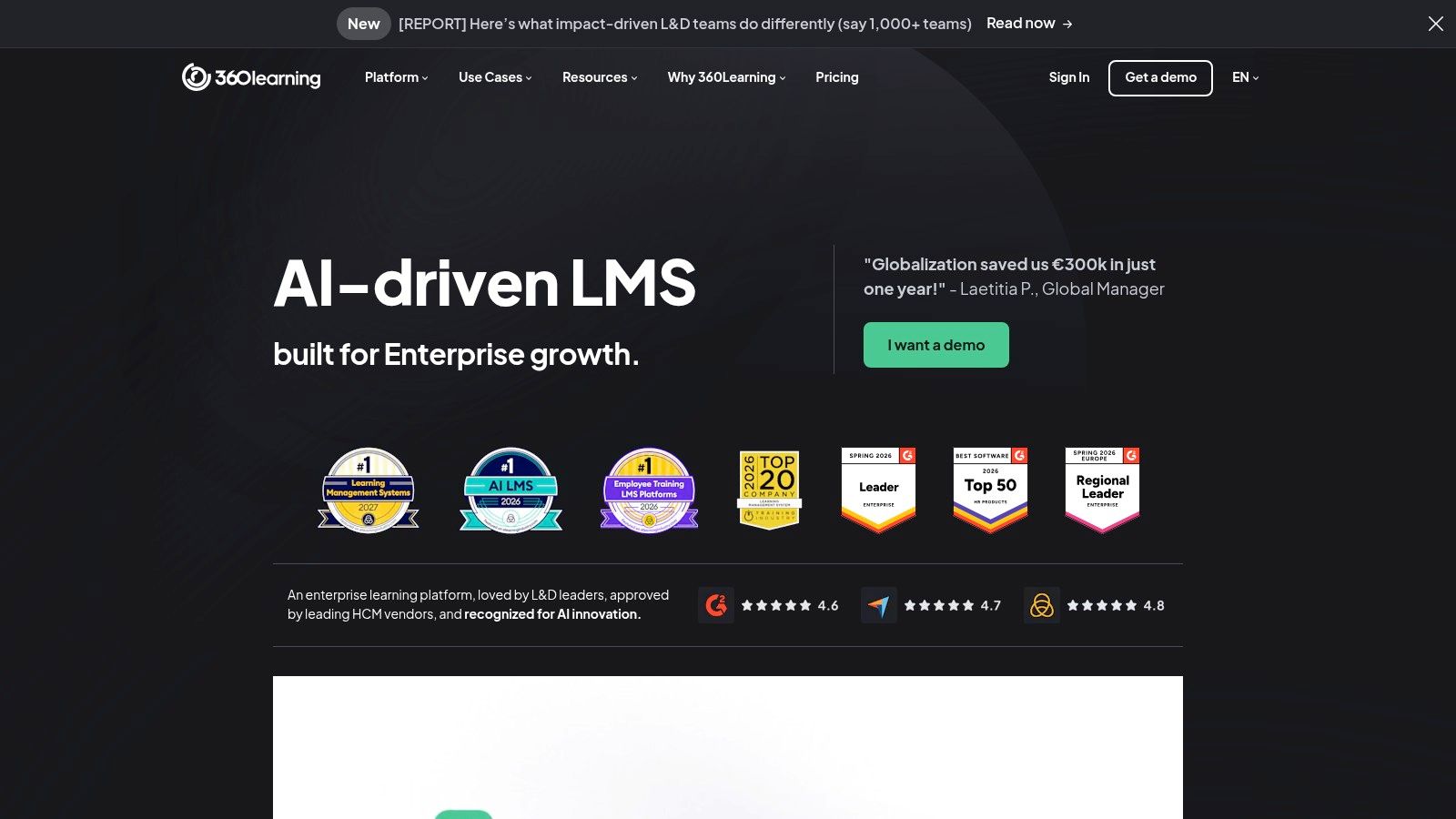
Collaborative authoring, an AI assist for course creation, a SCORM player, live and blended sessions, integrations, and analytics are the core. There is a free trial. I would put one real process doc through that trial and see whether a subject expert can publish without a producer.
A feature-heavy academy still fails if people cannot open it on a phone with a weak signal.
The Department of Education’s online-services guidance tells schools to read the privacy policy and terms before a third-party tool touches student records, including what is collected, who can see it, and what happens when the contract ends. I run that same checklist for employee data.
Skip 360Learning if you need a public course store. It is workplace learning with a per-user meter.
10. Canvas Lite
Canvas Lite is free for individual educators, and it suits tutoring, homeschooling, and small course pilots rather than a commercial academy. You get modules, pages, embedded video, assignments, grading, announcements, discussions, messaging, and the Canvas teacher and student apps. Zoom and Google Drive can connect.
Accessibility still matters on a free tier, because an accessible platform does not make your uploads accessible. Course files and pages should work with a keyboard and a screen reader. Automated scanners catch the obvious problems, so also tab through a module yourself before learners arrive.
Rights change with age. Student privacy guidance says FERPA rights move to the student at 18, or when they attend a postsecondary institution at any age. Do not leave parent access on by default for college learners.
Skip Canvas Lite if you need checkout, memberships, or marketing pages. Institutional Canvas is a separate conversation. If you are weighing classroom tools, start with our Canvas vs Google Classroom comparison.
10 LMS Platforms for Online Courses at a Glance
Shortlist by job first: selling courses as a creator, training a team, or teaching on a budget. Then read the price column carefully, because transaction and per-enrollment fees change what an entry plan costs.
| Platform | Starting price | Free plan or trial | Best for |
|---|---|---|---|
| Thinkific | $82/month, billed annually | Not stated | Creators and businesses combining courses and communities |
| LearnWorlds | $44/month, billed annually, plus $5 per enrollment | 30-day trial | Interactive courses and branded online academies |
| Teachable | $29/month, billed annually, plus a 7.5% transaction fee | 7-day trial | Selling courses and digital learning products |
| Kajabi | $89/month, billed monthly | Not stated | Established creators seeking an all-in-one business platform |
| Podia | $42/month, billed annually, plus a 5% platform fee | 30-day trial | Creators selling courses and other digital products |
| MoodleCloud | $170/year | Free trial | Hosted Moodle courses without server administration |
| TalentLMS | Free plan, with paid plans priced per user (see vendor pricing) | Free plan with no time limit | Structured employee training |
| LearnDash | Paid plugin or LearnDash Cloud (see vendor pricing) | No free tier listed | WordPress site owners seeking customizable course delivery |
| 360Learning | $8 per active user/month, up to 100 users | Free trial | Collaborative workplace learning |
| Canvas Lite | Free | Free for individual educators | Individual educators organizing and delivering courses |
How to Pick Yours and What to Do Next
Pick from the job, then from the bill.
If you are selling to individuals, stay inside Thinkific, LearnWorlds, Teachable, Kajabi, or Podia. Choose Teachable or Podia when you want a fast store and can live with a platform fee on the cheap plan. Choose LearnWorlds when the lesson itself needs interaction and you can pay to avoid the per-enrollment fee. Choose Thinkific when community and courses should share a home. Choose Kajabi only when replacing email, pages, and checkout will cut your stack.
If you are teaching employees, use TalentLMS or 360Learning. TalentLMS is the simpler standards-and-branches tool, including a free plan you can keep. 360Learning fits when many internal experts will author, and you can budget per active user.
If you are validating an idea or teaching without a sales engine, use Canvas Lite, MoodleCloud, or LearnDash. Canvas Lite costs nothing for an individual educator. MoodleCloud is the low annual host with real limits. LearnDash is worth it when WordPress is already your site and someone will maintain it.
Nearly every college already has an LMS. An EDUCAUSE-based analysis put that figure at 99% of colleges and universities, up from about 92% in 2002, with only 13–15% expecting a new system within three years. You are not early. You are choosing a workflow you will live with.
Run one real module before you pay annually. Enroll three people on the devices they own. Include one phone on a weak connection. Time how long checkout, a quiz, and a certificate take. Read the analytics only after a human looks at who is stuck.
We keep a guide that compares learning management systems for employee training by team size, pricing, SCORM and xAPI support, and use case, and it includes a pilot plan. A second guide covers course and membership pricing, tier design, free trials, hidden fees, and a simple revenue forecast. Use those when the platform is chosen and the money questions start. Then validate and launch your course with one offer, one audience, and a date, instead of another week of tabs.