10 Elearning Authoring Tools Free for Course Creators

You’ve spent a weekend building a polished course module in a free authoring tool. The lessons look good, the quiz works, and your members are ready. Then you reach the publishing screen and discover that the SCORM export, private hosting, or unbranded version requires a paid plan. The work isn’t lost, but moving it can mean rebuilding hours of content.
That’s the free-plan surprise many course creators discover too late. “Free” can mean open-source software, a desktop editor, a restricted cloud plan, or a tool that only becomes useful when paired with another platform.
This guide compares elearning authoring tools free options by the point where each one stops being useful. You’ll see what works for interactive lessons, branching scenarios, screen tutorials, responsive courses, and LMS delivery. Each entry also includes a practical low-cost pairing for membership creators who don’t need one tool to do everything.
Before choosing a workflow, it’s worth reviewing these best practices for AI-enhanced training, especially if you’re using AI to draft activities or assessments.
1. H5P
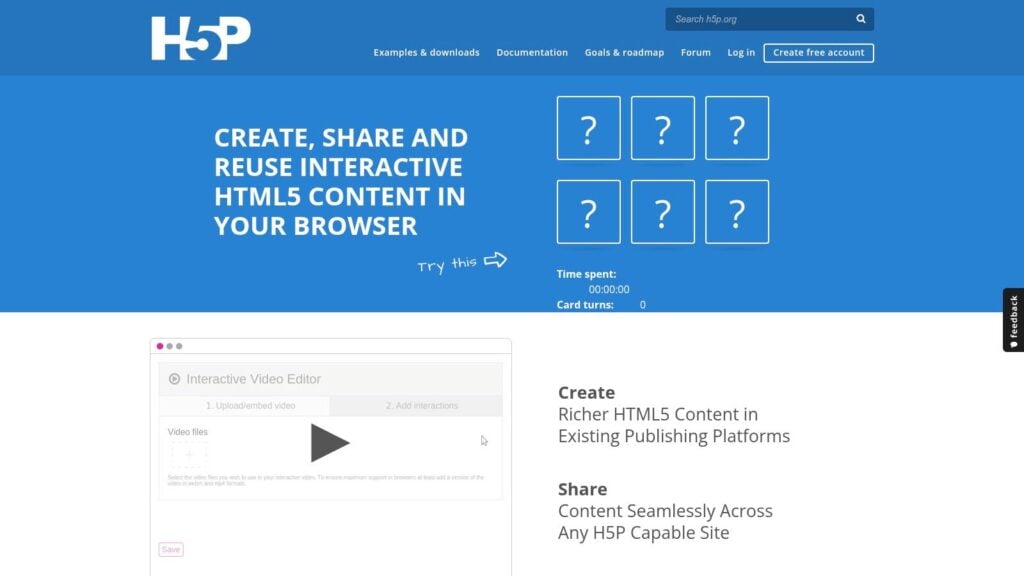
H5P is one of the strongest free options for interactive learning objects, rather than complete standalone courses. It supports activities such as quizzes, interactive video, branching scenarios, timelines, presentations, and other reusable HTML5 components.
The core is free when self-hosted. You can run it inside platforms such as Moodle, WordPress, and Drupal, which makes it useful for membership sites that already have one of those systems in place. H5P can also emit xAPI statements for tracking, although it doesn’t natively provide SCORM export. Intellum’s authoring tool overview explains why that distinction matters when your LMS expects a particular package format.
The free plan stops being convenient when you need standalone hosting, centralized team management, or advanced cloud features. You’ll need a host, CMS, or compatible learning platform, and someone has to maintain that environment.
Practical rule: Use H5P for activities that sit inside a wider course. Don’t choose it as your only tool if your LMS requires native SCORM packages.
A low-cost membership workflow is to build the main lessons in your existing LMS or website, then add H5P for interactive checks, branching practice, or video questions. That keeps the content modular and avoids paying for a separate full authoring suite.
Accessibility still needs testing. A 2025 evaluation tested screen-reader compatibility across 21 H5P content types and found 17 suitable for use, while the remaining types needed developer and user guidance. Those results come from a specific evaluation, not a universal compliance guarantee, so test the content types you plan to publish. The PubMed evaluation also supports recurring regression testing after platform updates.
2. Lumi
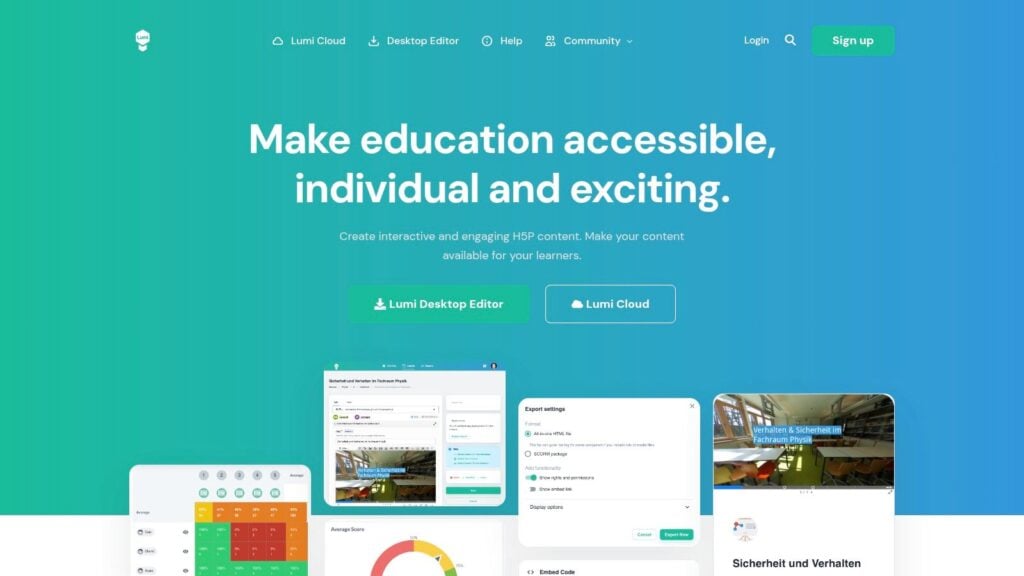
Lumi is a free desktop editor for creating H5P content offline. It’s a useful answer to the question, “How can I author H5P activities without installing Moodle, WordPress, or another CMS?”
You can work on Windows, Mac, or Linux, create H5P activities locally, and export them as HTML or SCORM packages. That SCORM packaging is the main reason to consider Lumi alongside H5P. It gives membership creators a simple route from an interactive activity on a laptop to an LMS upload.
The free plan becomes less useful when several people need to collaborate or when you want cloud storage and shared project management. Lumi also stays within the H5P ecosystem. If you need custom simulations, complex slide layouts, or extensive branching logic outside H5P content types, you’ll eventually need another tool.
Where Lumi fits best
Lumi works well for a solo creator who wants to prepare interactive lessons without maintaining a server. It’s also practical for a small team where one person handles authoring and another uploads finished packages to the LMS.
A simple low-cost workflow combines Lumi and a membership LMS. Create quizzes or interactive videos in Lumi, export the required package, and deliver the surrounding lesson through the membership platform. Your website handles payments, access, and community features, while Lumi handles the activity itself.
The main technical check is the package format your platform accepts. H5P’s native workflow can rely on integrations or xAPI statements, while Lumi’s SCORM export is more suitable for systems built around SCORM tracking. ADL’s authoring-tool guidance recommends checking the exact SCORM version and testing the package in the intended LMS before building a full course.
Lumi is free at the authoring stage, but your costs can still move to storage, LMS administration, accessibility testing, and support.
3. Adapt Learning
Adapt Learning suits a familiar situation. You want one course that works well on a phone, tablet, and laptop, and you do not want to rebuild layouts for each screen. Its open-source framework is built for responsive, mobile-first HTML5 courses, so the same project can adapt across devices without a separate mobile version.
It also gives you more control than the simpler free tools in this list. Adapt supports SCORM 1.2 and SCORM 2004 publishing, and you can extend it with themes, plugins, and extra components. That flexibility is the appeal. It is also the point where some free users stall.
For many solo course creators, the free version stops being practical before the first lesson is finished. Adapt is not a browser app where you sign in and start dragging blocks around. You need to run and maintain a Node.js and MongoDB setup, which turns hosting, installation, updates, and troubleshooting into part of the job. Intellum’s comparison of authoring tools notes the same trade-off with open-source authoring tools. The software can be free while the infrastructure work is not.
A good fit for controlled production
Adapt works best when you want a reusable responsive framework and have someone who can manage the setup without drama. That might be an internal developer, a technical contractor, or a small team that already runs its own learning stack.
For membership course creators, the low-cost workflow is clear. Build and export the course in Adapt, then deliver access through a hosted LMS or membership site. Adapt handles the learning package. The platform handles payments, subscriptions, accounts, and community features.
I would choose Adapt when branding, layout control, and responsive behavior matter more than speed of authoring. If you mainly need text, images, and basic checks, simpler tools usually get to publish faster.
4. eXeLearning
eXeLearning is a lightweight desktop authoring tool for creating structured lessons without coding. It runs on Windows, Mac, and Linux, and its publishing options include SCORM 1.2, SCORM 2004, IMS content packages, ePub, and standalone HTML websites.
That range of exports makes eXeLearning one of the more practical free choices for simple courses. You can create pages, add assessments through its built-in learning components, and package the result for an LMS. The software is licensed under AGPL-3.0, which is relevant if your organization needs to understand how it can modify or redistribute the software.
The free plan stops being useful when you need advanced interactions or a modern visual system. Its interface and templates feel dated beside cloud tools, and it doesn’t offer the same interaction library as H5P or the responsive framework of Adapt.
Keep the course structure simple
eXeLearning works best for lessons built around explanations, media, reading activities, and straightforward assessments. It’s also a good option when you need a portable course that can be exported in several formats.
For a membership creator, combine eXeLearning with your existing LMS or course platform. Use eXeLearning to create the formal lesson package, then use the membership site for billing, email sequences, discussion, and community access. You can also publish an HTML version when you need a web-based resource outside the LMS.
Before committing to a full curriculum, test a short package in your real platform. This guide to tools for creating SCORM-compliant courses is useful when comparing the required SCORM version with what your LMS accepts.
Accessibility deserves attention here, too. A tool may let you add content without helping you structure it well. One review of open educational resources found 80.8% accessibility for perceivable attributes, 85.1% for operable attributes, and 61.5% for understandable attributes. The peer-reviewed accessibility review shows why authors still need to check language, navigation, captions, alternatives, and structure manually.
5. Xerte Online Toolkits
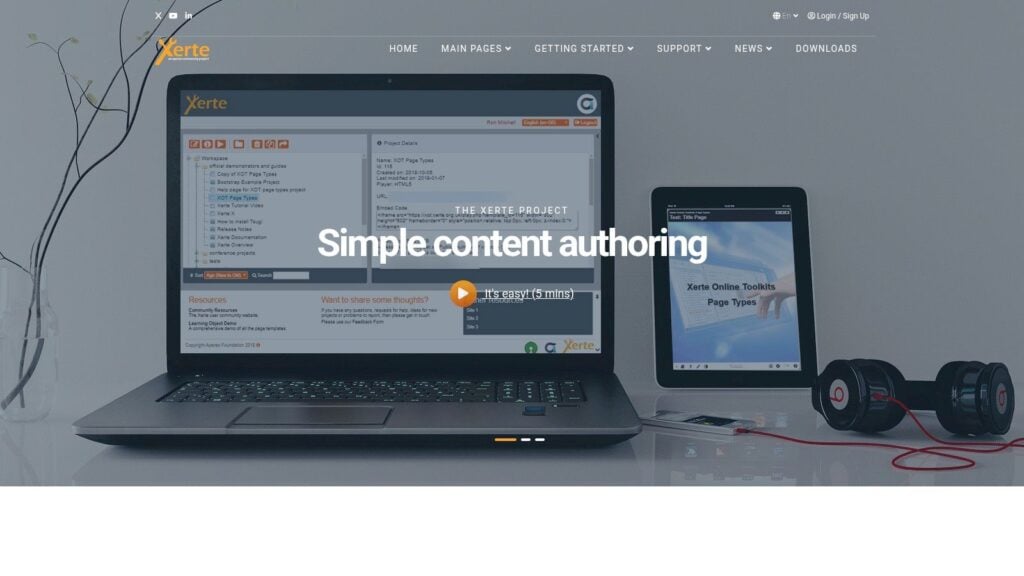
You can feel the trade-off with Xerte early. If you want a free tool that gives you structured pages, built-in interactions, and a stronger accessibility mindset than many lightweight editors, Xerte Online Toolkits is a serious option. If you want a hosted app you can open and share with a team in minutes, it gets harder.
Xerte is a browser-based authoring suite for learning objects, quizzes, media pages, and guided activities. It started at the University of Nottingham in 2004 and later became an Apereo Foundation project. The project supports SCORM 1.2 and SCORM 2004, and the platform runs in a PHP and MySQL environment. Intellum’s authoring overview is useful for broader category context, but Xerte’s own project page is the better place to start for the tool itself.
The free version stops being useful at setup and team workflow. Self-hosting is usually part of the deal, so someone has to install it, maintain updates, handle security, and keep the server running. For a solo creator with some technical help, that can be fine. For a membership business that needs quick handoff between content, support, and marketing, it can slow everything down.
Accessibility is a workflow, not a feature label
Xerte does a better job than many free tools of making structure visible while you build. That helps. It does not remove the need to test real output.
Check keyboard navigation, focus order, headings, captions, alt text, and screen-reader behavior in the place learners will use the course.
A low-cost workflow is to use Xerte for the SCORM package, then deliver access through your membership platform. Let the membership stack handle subscriptions, email, and community. Let Xerte handle the learning object. That setup works best if you can accept Xerte’s more fixed visual patterns and you care more about structured delivery than unlimited design freedom.
6. Twine
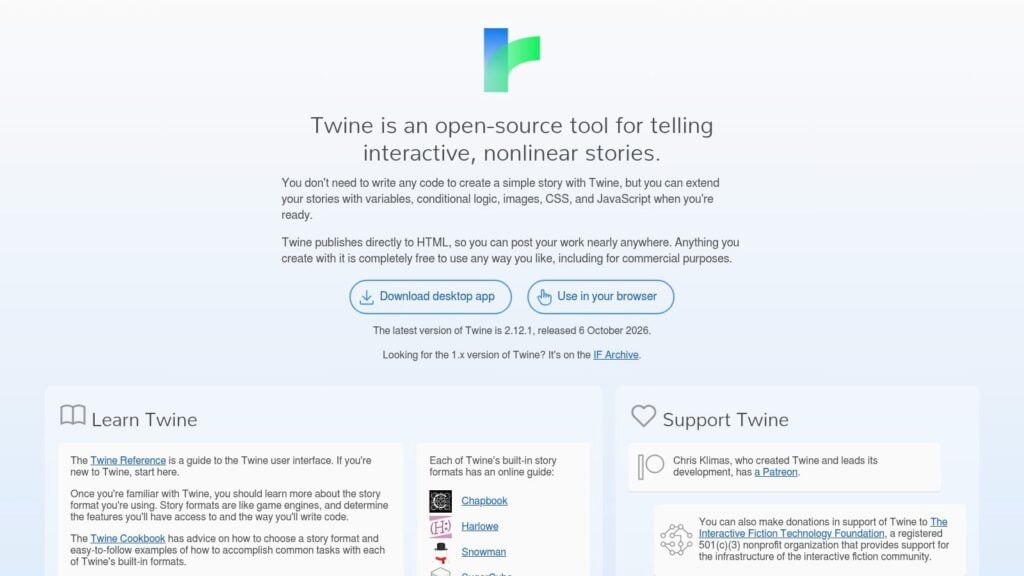
You sketch a branching lesson, click through a few paths, and quickly spot where a learner would get stuck. That is the kind of job Twine handles well. It is built for branching stories and decision-based scenarios, and the visual map makes it easy to see how passages connect. For coaching practice, customer conversations, ethics cases, or any lesson where choices matter, it is one of the fastest free tools to test the logic.
The limit appears at the point of delivery. Twine exports a standalone HTML file, which is great for publishing on a site or sharing for review. Twine’s official documentation confirms the standalone HTML export and the absence of native SCORM or xAPI tracking. The Intellum guide to authoring tools gives broader context on authoring tool categories, but for Twine itself the practical takeaway is simple. If you need LMS completion data, scores, or learner tracking, you will need a wrapper, custom code, or a second tool.
Use Twine as a scenario engine
Twine works best when you treat it as the logic layer, not the whole course stack. It is not trying to be a slide editor, and polished layouts or advanced interface behavior can push you into CSS and JavaScript sooner than some creators want.
That trade-off is real. I like Twine for validating flow before spending time on packaging.
For a membership course creator, the low-cost workflow is straightforward. Build the branching conversation in Twine, embed the HTML in your membership site for untracked practice, then rebuild only the finished scenario in a SCORM-capable tool if reporting becomes necessary. That keeps costs down and avoids polishing paths that do not work. It also gives subject matter experts an easy review format, because clicking a live scenario is usually faster than commenting on a static storyboard.
7. iSpring Free
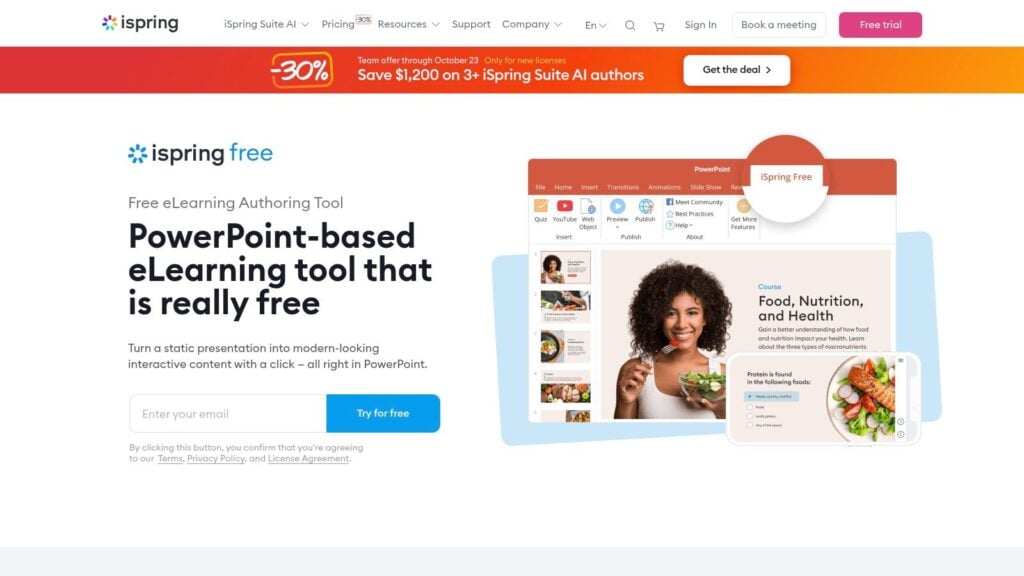
iSpring Free is a Windows PowerPoint add-in for converting presentations into SCORM packages. It preserves PowerPoint animations and triggers, and it includes basic quiz support. If your organization already has a library of decks, this can be the quickest route from existing slides to an LMS-ready lesson.
The free plan stops being useful when you need branching, simulations, advanced interactions, or broader authoring control. Those capabilities belong to the paid iSpring Suite environment. You’ll also need both Windows and PowerPoint, which rules it out for some creators and teams.
The conversion workflow is familiar. A PowerPoint author can keep working in an environment they already understand, then publish the presentation for LMS delivery. That reduces training time compared with learning a completely new editor.
Watch the device experience: A PowerPoint deck can convert successfully and still need careful review on smaller screens. Test fonts, buttons, animations, narration, and quiz behavior in the actual learner environment.
For a membership business, iSpring Free pairs naturally with a course platform that accepts SCORM. Use PowerPoint for the main lesson, iSpring for packaging, and the membership platform for subscriptions, email, and community. If your course depends on complex branching or software simulations, use iSpring Free for the introductory material and a separate tool for the advanced module.
The main advantage is speed for PowerPoint-heavy teams. The main limitation is that you’re still designing within PowerPoint’s presentation model, rather than a purpose-built responsive course framework. This comparison of Adobe Captivate and iSpring Suite can help clarify when that workflow is sufficient.
8. ActivePresenter Free Edition
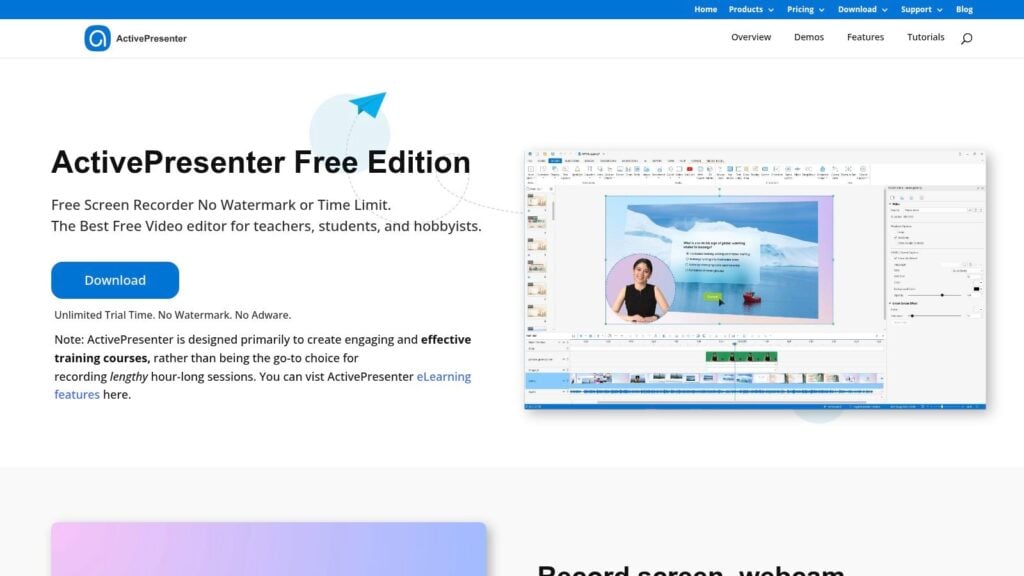
ActivePresenter Free Edition combines screen recording, timeline editing, software tutorials, HTML5 output, and interactive quizzes in a desktop application. It’s particularly useful when your course needs demonstrations, walkthroughs, or narrated software training.
The free edition stops being useful at the LMS export stage. SCORM and xAPI export, along with certain advanced outputs, require the paid Standard or Pro editions. That means you can create and preview substantial tutorial content for free, but the final delivery format may be the point where you need to upgrade.
ActivePresenter’s strength is the capture workflow. You can record an application, edit the timeline, add annotations, and build a tutorial in one place. It works well for creators who need to explain a process rather than build a purely text-based course.
Pair capture with a membership platform
A low-cost workflow uses ActivePresenter Free for video tutorials and a membership site for delivery. Publish the tutorial as HTML5 or video where appropriate, then add written instructions, downloads, and a discussion area in the membership platform. If formal SCORM tracking is essential, test the paid export requirement before producing the entire course.
The free edition is also a reasonable prototyping tool. Build a short lesson, review the pacing, and check whether learners can follow the interaction. You can then decide whether the paid export is justified or whether a simpler web-based delivery method works.
Screen-based courses need accessibility planning. Add captions or transcripts, use clear focus indicators, and provide an alternative for interactions that depend on precise mouse movement. The ActivePresenter and Articulate Storyline comparison offers additional context on how the two workflows differ.
9. Udutu Course Authoring Tool
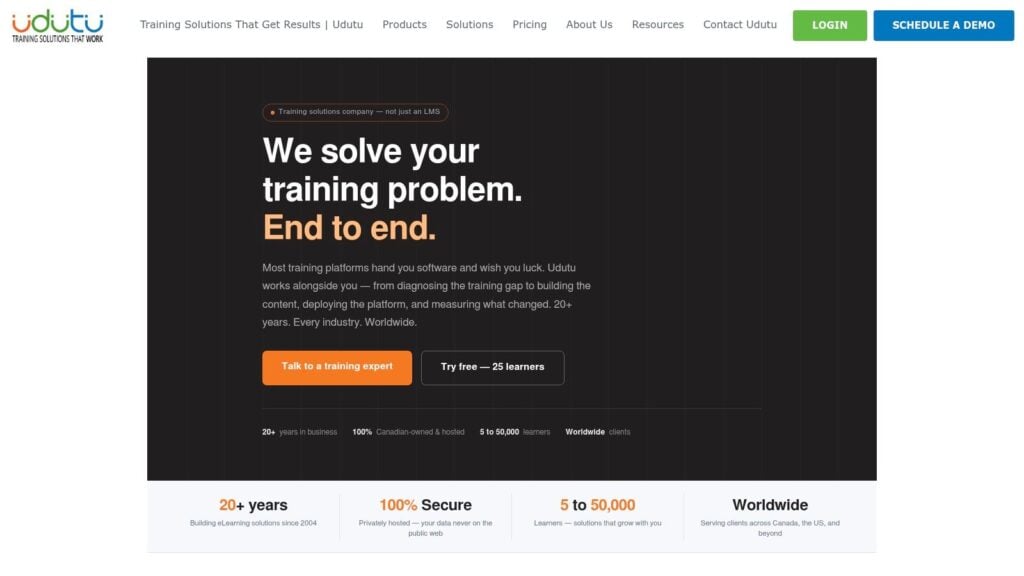
Udutu is a browser-based authoring environment for slide-style courses, interactions, branching, assessments, and PowerPoint imports. The authoring tool is free to use indefinitely, and it can export SCORM packages or publish courses to the Udutu LMS.
That makes Udutu different from free trials that expire after a limited period. You can build a course without paying for the authoring environment, then decide whether to deliver it through Udutu or another LMS.
The free plan stops being useful when you need extensive visual customization or a completely independent delivery workflow. Udutu relies on templates, and third-party LMSs may require adjustments during upload or testing. The tool is easiest to understand when you treat it as part of a wider Udutu workflow, even though SCORM export gives you another route.
A practical fit for structured courses
Udutu works well for corporate-style lessons with clear screens, knowledge checks, and straightforward branching. It’s less suitable when you want a distinctive visual identity, custom animations, or highly experimental interactions.
A low-cost membership workflow combines Udutu authoring with your existing membership site. Build and export the course in Udutu, upload the SCORM package to the platform that handles learning records, and use the membership site for billing and community access. If your platform doesn’t handle SCORM cleanly, publish through Udutu and link access from the membership area.
Before producing a large course, test PowerPoint import, fonts, navigation, quiz scoring, and completion reporting. Free authoring doesn’t remove the need to verify how the exported content behaves after deployment.
10. Genially
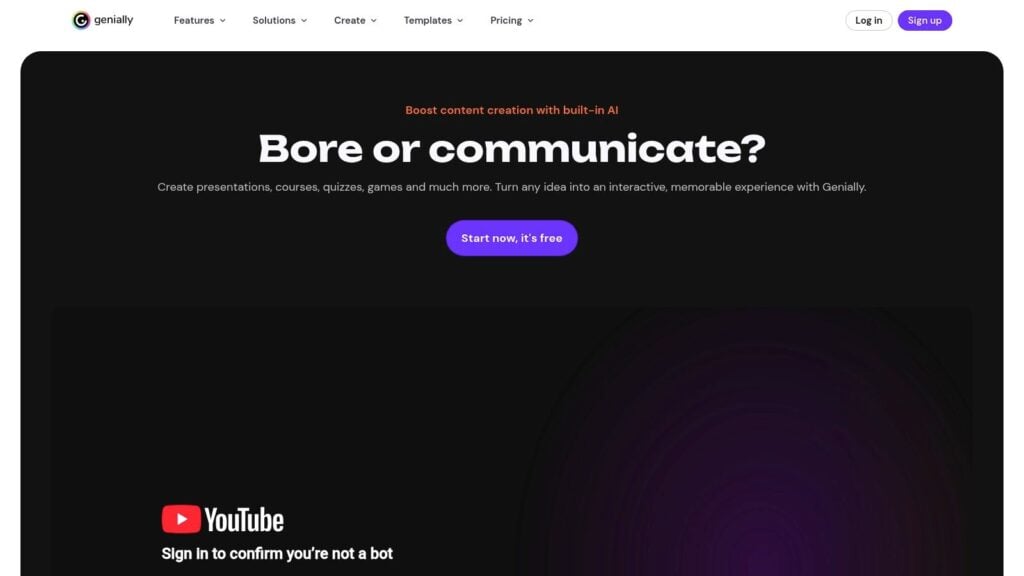
Genially is a no-code web tool for interactive presentations, microsites, games, visual explainers, and course-like modules. It’s a good choice when the experience needs strong visual storytelling, animation, clickable exploration, or a polished prototype.
The free plan stops being useful at the publishing boundary. Free projects include branding and limited export options, while SCORM 1.2, SCORM 2004, and xAPI downloads are available on the paid Author plan. If you only need a public or embedded interactive page, the free version may be enough. If your LMS requires a downloadable package, check the plan before designing the module.
Genially also offers live presentation features and analytics that depend on the plan. Those features can be useful for workshops and launches, but they don’t replace the tracking model of an LMS.
Use Genially for the visual layer
A low-cost membership workflow pairs Genially with an LMS or website. Use Genially for an interactive introduction, visual roadmap, lesson opener, or product explainer. Deliver the assessed course content through a platform that handles progress and learner records.
This approach avoids forcing Genially to act as a complete course system. It also lets you prototype the look and flow of a lesson before committing to a formal SCORM build.
Genially’s visual strengths can create accessibility risks if animations, contrast, focus order, or hidden content receive little attention. Test keyboard operation and screen-reader announcements, and provide a clear alternative when an interaction doesn’t work with assistive technology. A polished free project still needs a publishing and accessibility check before learners depend on it.
Top 10 Free eLearning Authoring Tools, Comparison
| Tool | Primary use / Core output | Key features | Target audience | Unique selling points | Price / Hosting |
|---|---|---|---|---|---|
| H5P | Interactive HTML5 microlearning objects | 40+ content types, xAPI support, embeddable in WordPress/Moodle/Drupal | Instructional designers, LMS authors, microlearning teams | Free open-source core, large community library, fast authoring | Core free OSS; H5P.com paid hosting/enterprise |
| Lumi | Offline H5P authoring + export | Desktop app (Win/Mac/Linux), export to HTML or SCORM, simple packaging | Teams needing CMS-free authoring, offline workflows | Removes CMS dependency, one-click SCORM/HTML export | Free desktop; optional Lumi Cloud paid hosting |
| Adapt Learning | Responsive mobile-first courses | Fully responsive HTML5 output, SCORM export, plugins/themes | Dev teams, mobile-first course creators, technical authors | True single-version responsive courses, extensible via plugins | Free OSS; self-hosting or commercial hosting options |
| eXeLearning | Structured lessons and SCORM packaging | SCORM/IMS/Common Cartridge/ePub/HTML export, built-in assessments, desktop app | Educators needing quick SCORM packages, non-coders | Lightweight, reliable SCORM packaging, very low barrier | Free OSS desktop app |
| Xerte Online Toolkits | Accessible, template-driven learning objects | 70+ templates, SCORM export, xAPI/LRS support, accessibility features | Non-coders, accessibility-focused teams, academics | Accessibility-first design, mature template set | Free OSS; typically self-hosted (third-party hosts available) |
| Twine | Nonlinear branching scenarios (standalone HTML) | Visual story map, multiple story formats, standalone HTML export | Scenario designers, soft-skills trainers, storytellers | Rapid branching design, highly extensible with JS/CSS | Free OSS; no native SCORM/xAPI (requires custom tracking) |
| iSpring Free | PowerPoint to SCORM conversion | Preserves animations/triggers, basic quizzes, one-click SCORM | PPT-based teams, corporate trainers migrating legacy decks | Easiest path from PowerPoint to LMS with animation fidelity | Free (Windows + PowerPoint required); paid iSpring Suite for more |
| ActivePresenter (Free) | Screen recording + timeline-based authoring | Screen capture, timeline editing, HTML5 output, quizzes | Tutorial/video creators, software training authors | Robust free capture/edit workflow in one app | Free edition generous; SCORM/xAPI and advanced outputs need paid editions |
| Udutu Course Authoring Tool | Slide-style browser authoring | Prebuilt interaction templates, branching, PPT import, SCORM export | Corporate course authors, LMS teams preferring templates | Free indefinite authoring, easy slide-based workflow | Authoring free; best paired with Udutu LMS (paid) or export SCORM |
| Genially | Interactive presentations, microsites, games | Large templates, animations, branching, presentation analytics (plan-dependent) | Designers, marketers, educators creating visual content | Fast, visually rich no-code experiences, good prototyping tool | Free plan with limits/branding; SCORM/xAPI exports on paid “Author” plan |
Test Your Export Path Before You Build Anything Big
The most useful free authoring tool is the one that reaches your learners in the format your platform can handle. A tool may create excellent quizzes, branching screens, or video tutorials, yet fail at the moment you need SCORM packaging, xAPI data, private hosting, or unbranded delivery.
Start with one tool from this list and build a short lesson. Keep the lesson small enough that rebuilding it won’t hurt, but complete enough to test the parts that matter. Add the interaction, quiz, video, or branching path you expect to use in the full course.
Then export it in the format your platform requires. Upload that package to the LMS or membership site, not only to a local browser preview. Test learner access, navigation, completion status, quiz results, mobile behavior, and any reporting your team needs.
SCORM has several practical compatibility details. ADL describes SCORM through goals including accessibility, reusability, interoperability, and durability, and its authoring guidance emphasizes conformant packages, runtime data, sequencing, navigation, and manifest information. The SCORM overview from CedMA Europe.pdf) explains why a course that looks fine as HTML can still fail as an LMS package.
Accessibility belongs in the same first test. Check keyboard-only navigation, visible focus, captions, text alternatives, headings, readable instructions, and screen-reader announcements. Test the exported course after it’s embedded or uploaded because the host platform can change the learner experience.
Also record the work required to get the test live. Note who installed the software, who prepared the package, how long troubleshooting took, and whether someone needed to edit HTML, CSS, JavaScript, XML, or server settings. That labor is part of the cost of a free tool.
The right pairing often costs less than forcing one platform to handle every job. You might use H5P with WordPress, Lumi with an LMS, Twine with a membership site, ActivePresenter for tutorials, or Genially for visual lessons. A membership platform can handle payments and access while a separate authoring tool handles learning interactions.
LearnStream publishes practical guidance on course creation, memberships, interactive learning, and software selection at learnstream.io. Before building your next large module, run the small export test, upload it to the destination, and confirm that the free workflow supports the course you plan to sell.