Community Engagement Platform Guide for Creators

Your course is finished. The checkout works. Students join the Facebook group, introduce themselves under the welcome post, and then go quiet. You keep posting questions, but most replies still come from the same familiar names.
I’d judge a community engagement platform by what happens after that welcome thread. Can members find a useful conversation? Can quieter learners participate without competing for attention? Can you teach and moderate without spending every evening cleaning up the feed?
What a Community Engagement Platform Does
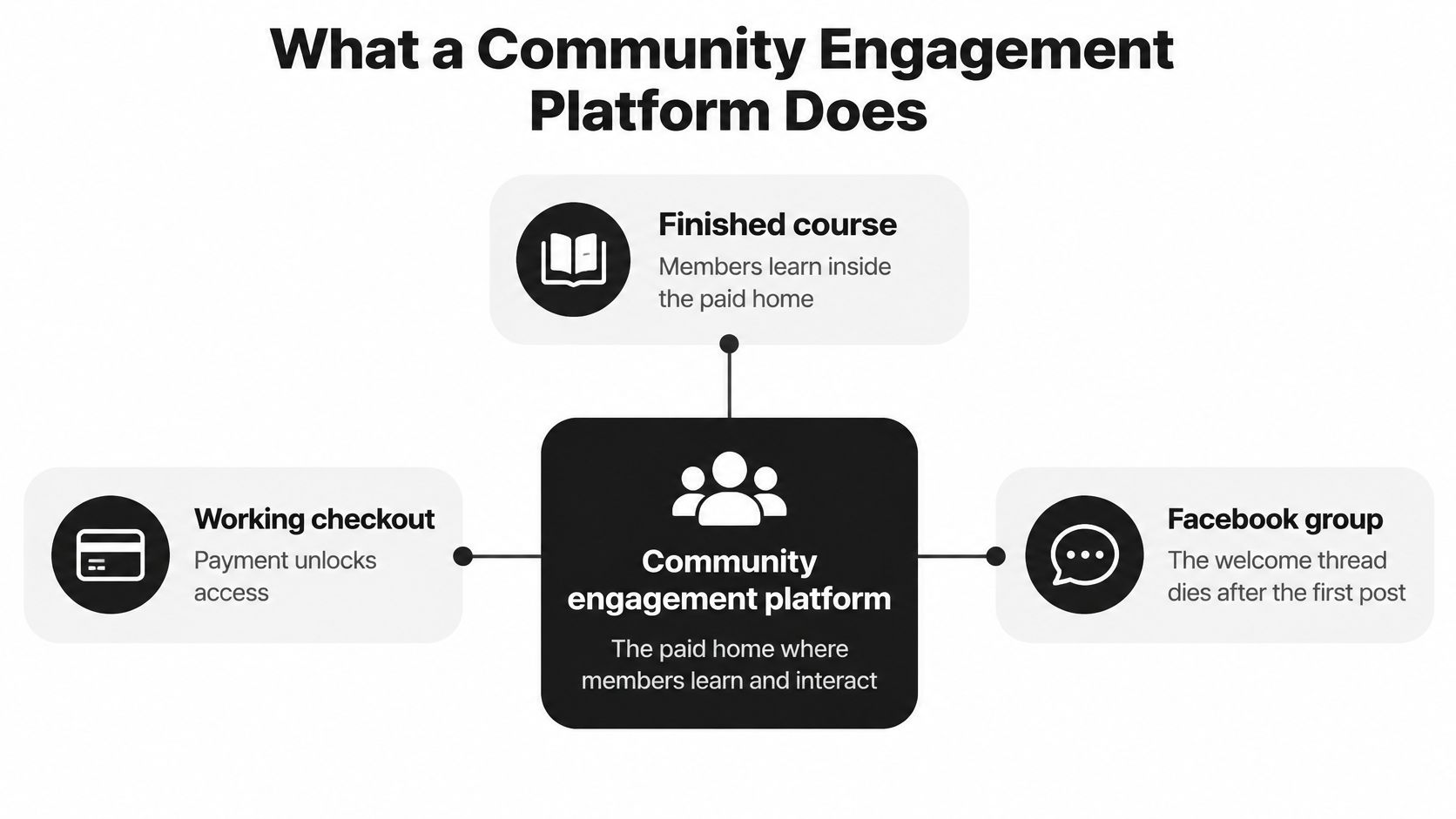
For a course creator, a community engagement platform is the paid home where members learn and interact under one login. Lessons, conversations, events, and access controls sit together instead of requiring students to piece together their own learning environment.
Say you teach illustration. A student finishes a lesson on composition and wants feedback on a sketch. In a disconnected setup, they leave the course, open Facebook, find the group, and decide where to post. Inside a well-organized membership, they open the lesson’s discussion space and upload their work beside other students’ examples.
That shorter path is useful. But convenience alone won’t make someone feel comfortable sharing unfinished work.
The jobs your community home needs to handle
I look for three practical capabilities before I consider decorative features.
- Keep access connected to purchases. Members should see the courses and conversations included in their offer. Test what happens when someone joins, cancels, or changes membership.
- Give discussions a permanent address. A space called Composition Feedback tells a learner where to ask. One scrolling feed makes them guess.
- Show participation clearly. Check whether the owner can distinguish reading, replying, and disappearing. Don’t assume every dashboard exposes all three.
Why the community belongs beside the course
A 2023 study of online-course communities found that community support explained 40% of the variation in learner engagement among 74 students at a small art and design school. That’s a meaningful association, but it doesn’t prove community support caused engagement, and one school isn’t a rule for every niche.
For me, the practical implication is modest and useful. Peer interaction and instructor presence deserve a place in the learning design, rather than being treated as extras students might discover later.
A discussion beside a lesson still needs a clear invitation. Ask students to share the decision they struggled with, not just to post their thoughts. Then make sure someone responds in a way that helps them continue.
My buying rule: Choose a home you can actively host. An impressive community area won’t help if members can’t tell where to ask or when someone will answer.
Which Platform Fits Your Membership
Community engagement platform fit for course creators
| Platform | Best when | Discussion shape | Courses in the product | Member payments | Who moderates |
|---|---|---|---|---|---|
| Circle | Evergreen membership with a branded home | Spaces and posts | Yes | Yes | Owner plus space hosts |
| Heartbeat | Cohorts that live in daily chat | Channels and direct messages | Yes | Yes | Owner inside the daily channel |
| Mighty Networks | People join mainly for the network | Spaces and feeds | Yes | Yes | Owner and community leaders |
| Skool | Simple classroom plus a gamified feed | Feed and classroom | Yes | Yes | Owner, light setup |
| Discord | Free hangout beside courses hosted elsewhere | Channels | No | No | Volunteers, no native classroom or billing |
Treat the moderator column as a staffing arrangement you must create, not a service included with the software. Buying Circle doesn’t recruit space hosts. Opening Discord doesn’t give volunteers the time or authority to resolve a difficult complaint.
For Discord, the table describes its role in this course-creator setup: the classroom and member billing live elsewhere. Don’t build your paid learning workflow around the assumption that a chat server replaces either.
Choose the behavior you want on an ordinary Tuesday
I’d start with what a member should do when there isn’t a launch, challenge, or live call underway.
If they should browse a lesson and leave a thoughtful question, Circle is a sensible shortlist candidate. If they should open a channel and exchange quick updates with classmates, Heartbeat deserves a close look.
Mighty Networks makes more sense when members join to meet one another, not just to access your teaching. Skool suits a creator who wants a straightforward classroom and feed without designing an elaborate community structure. Discord can serve as a free side room when the course already has a dependable home.
The distinction matters because creators can accidentally buy a communication habit their members don’t want. A busy chat can frustrate someone who came for a searchable library. A carefully organized library can disappoint a cohort expecting a running conversation.
Compare the work behind the interface
I’ve deliberately left dollar prices out. List prices move, and a cheap subscription can still cost you evenings if you’re the instructor, host, support desk, and moderator.
Before paying, test these ordinary jobs:
- Joining. Complete checkout as a new member and check exactly what becomes accessible.
- Finding help. Look for a lesson question on a phone without using the administrator view.
- Handling trouble. Report a post, review it, record a decision, and find the appeal route.
- Leaving. Check cancellation, access removal, and what happens to a departing member’s contributions.
Don’t interpret every Yes in the table as feature parity. Verify the plan, permissions, payment setup, and course tools you need.
Circle and Heartbeat are the closest comparison when your main decision is between a calm membership home and a daily conversation space. Neither relieves you of the hosting work. They organize that work differently.
Features That Change Who Participates
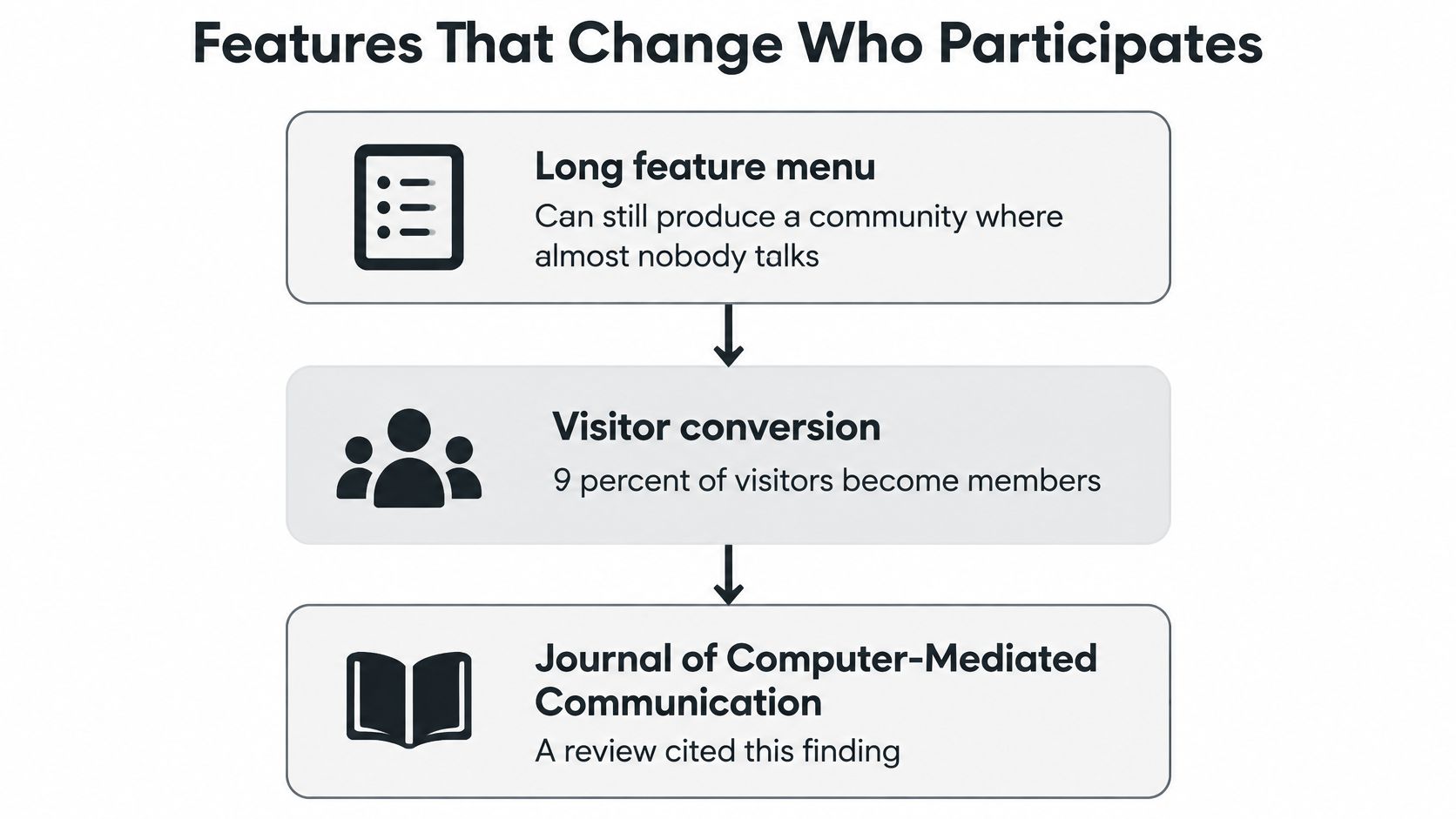
Only 1% of visitors become very active, while 9% become moderately active, according to a review cited by the Journal of Computer-Mediated Communication. Those figures are context, not targets your membership must hit.
A long feature menu can still leave almost everyone watching. I’d rather have tools that help a hesitant learner make a useful reply than another way to reward the people already posting.
Give members an obvious next action
Named spaces help when they describe a task or need. Lesson Questions, Share Your Draft, and Upcoming Office Hours give people clearer directions than General Chat.
Live sessions should have a replay and a place for follow-up. Otherwise, the member who couldn’t attend may have access to the recording but no comfortable way into the conversation.
Different invitations also suit different motivations. Research published in Information Systems Research found that need-based commitment predicted reading, affect-based commitment predicted replying and moderating, and obligation-based commitment predicted moderating only.
I’d translate that into practical prompts:
- For regular readers. Offer a one-tap question about where they’re stuck, with an optional explanation.
- For invested contributors. Invite them to host a focused discussion or welcome a newcomer.
- For dependable helpers. Ask for a rule check or moderation handover rather than a promotional post.
Measure conversation without rewarding noise
The journal review also defines message interactivity as messages divided by discussion topics. Use it to inspect conversational depth, not as proof that learning happened.
Participation signals worth tracking
| Signal | Benchmark or formula | What it tells you |
|---|---|---|
| Moderately active visitors | 9 percent, from the review cited above | Share who do more than lurk |
| Very active visitors | 1 percent, from the review cited above | Share who carry the room |
| Message interactivity | Messages divided by topics | Whether conversations develop |
| Graveyard example | Hypothetically, 10 topics with 2 replies each | Threads exist, but discussion may stop quickly |
| Living-room example | Hypothetically, 4 topics with a real back-and-forth | Fewer threads can support more useful exchange |
Those examples need a human reading. Brief replies might solve a learner’s problem perfectly, while a lengthy argument can inflate interactivity without helping anyone.
For a working dashboard, I’d track unique posters this week, newcomer return in week two, and the share of posts from the top ten contributors. These are proposed operating measures, not published benchmarks. Pair them with community engagement best practices that give members a reason to return beyond another notification.
Moderation Time and Fair Participation
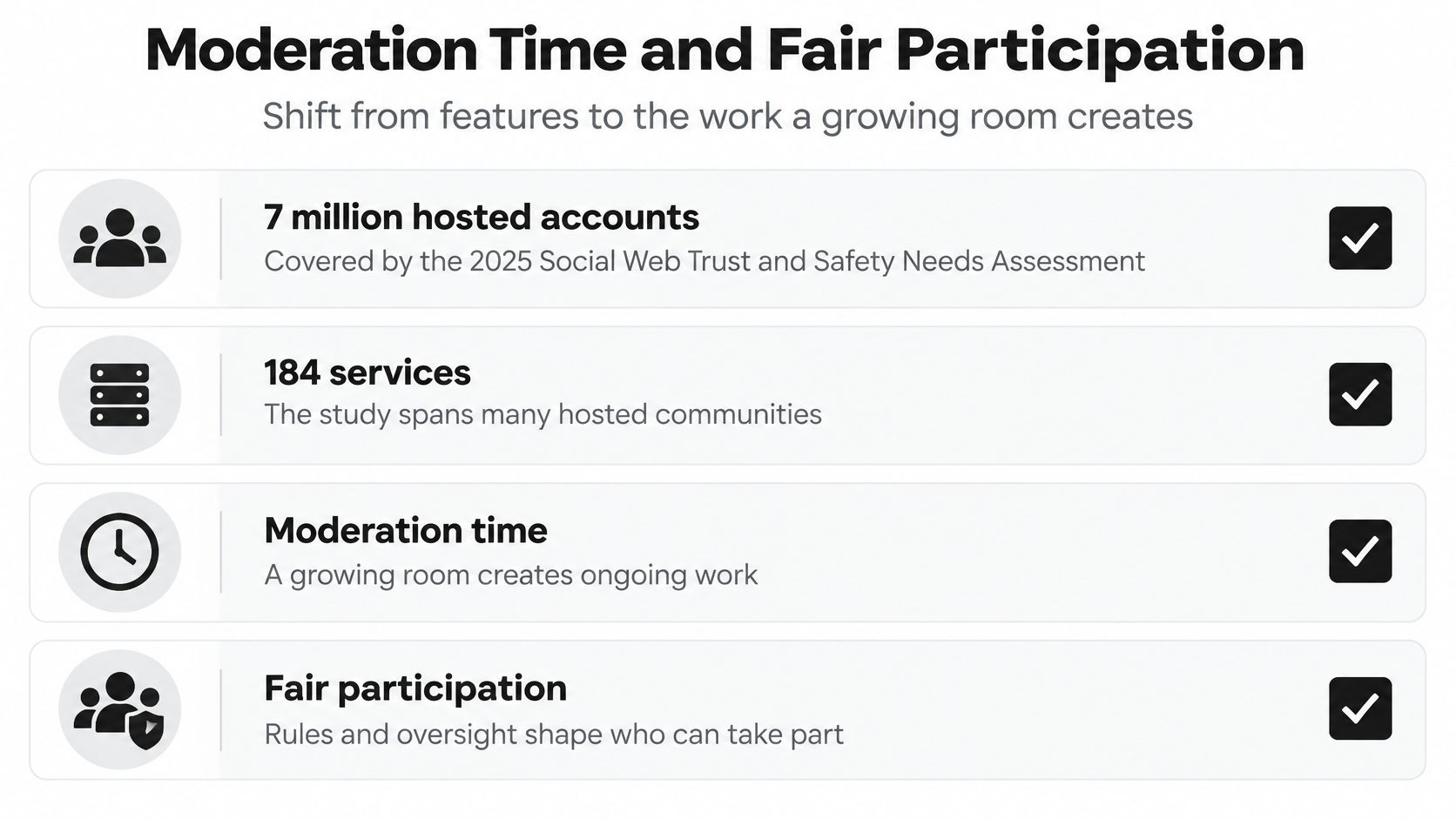
The 2025 Social Web Trust & Safety Needs Assessment, covering more than 7 million hosted accounts across 184 services, found that the moderator-to-member ratio had fallen from roughly one moderator per 1,200 active accounts to one per 3,500. More than half of surveyed moderators worked alone or in very small teams, and 45% handled at least three roles.
Those findings concern the wider social web, not course platforms. Still, they expose the staffing question I’d ask before celebrating a busier membership: who will handle the extra work?
Put hosting time on the calendar
For a hypothetical community under 200 members, I’d begin by reserving two hosted hours a week, naming one backup human, and writing an escalation rule before launch. That’s a starting budget to test, not a claim that every community can be safely moderated within it.
Separate lesson help from conduct reports. A question about an assignment shouldn’t share an undifferentiated queue with harassment.
- Teaching help. Route questions to the instructor or an appropriate lesson thread.
- Conduct enforcement. Record the report, relevant rule, decision, and responsible person.
- Appeals. Tell members how a human can review a disputed decision.
Use community guidelines examples to turn broad expectations into rules members can understand. AI can sort reports or summarize recurring issues, but it shouldn’t be the only judge.
Check whether your decisions preserve trust
A 2006 study in the Journal of Computer-Mediated Communication found greater participation intentions among the 62 participants shown a moderated rather than unmoderated community, while a separate experiment found interactivity especially helpful when replies were slow. I’d make the first response welcoming and useful, rather than leaving a newcomer uncertain whether anyone noticed.
An analysis of a 2022 Reddit dataset containing 530.5 million engagement records and 13.3 million moderation actions associated silent removals with fewer engaged highly active users (β = −0.52) and lower contribution volume (β = −0.49), both marginally significant at p < .1. Human suggestions improved subsequent engagement, while increased automated intervention was associated with declining engagement among those members.
That supports explaining decisions and retaining human review. It doesn’t establish what the same intervention would do in your course.
A 2025 study of digital consultation tools identified complexity, limited engagement, institutional inertia, and repeated participation by a small group as barriers to equitable participation, and favored combining online tools with traditional methods.
Keep email replies, recorded sessions, and low-bandwidth participation available. Review the same participation measures alongside moderation time, rather than creating another scoreboard that rewards a crowded feed.
A quieter room can be healthier if more people can contribute safely and the host still has time to teach.
Circle and Heartbeat Side by Side
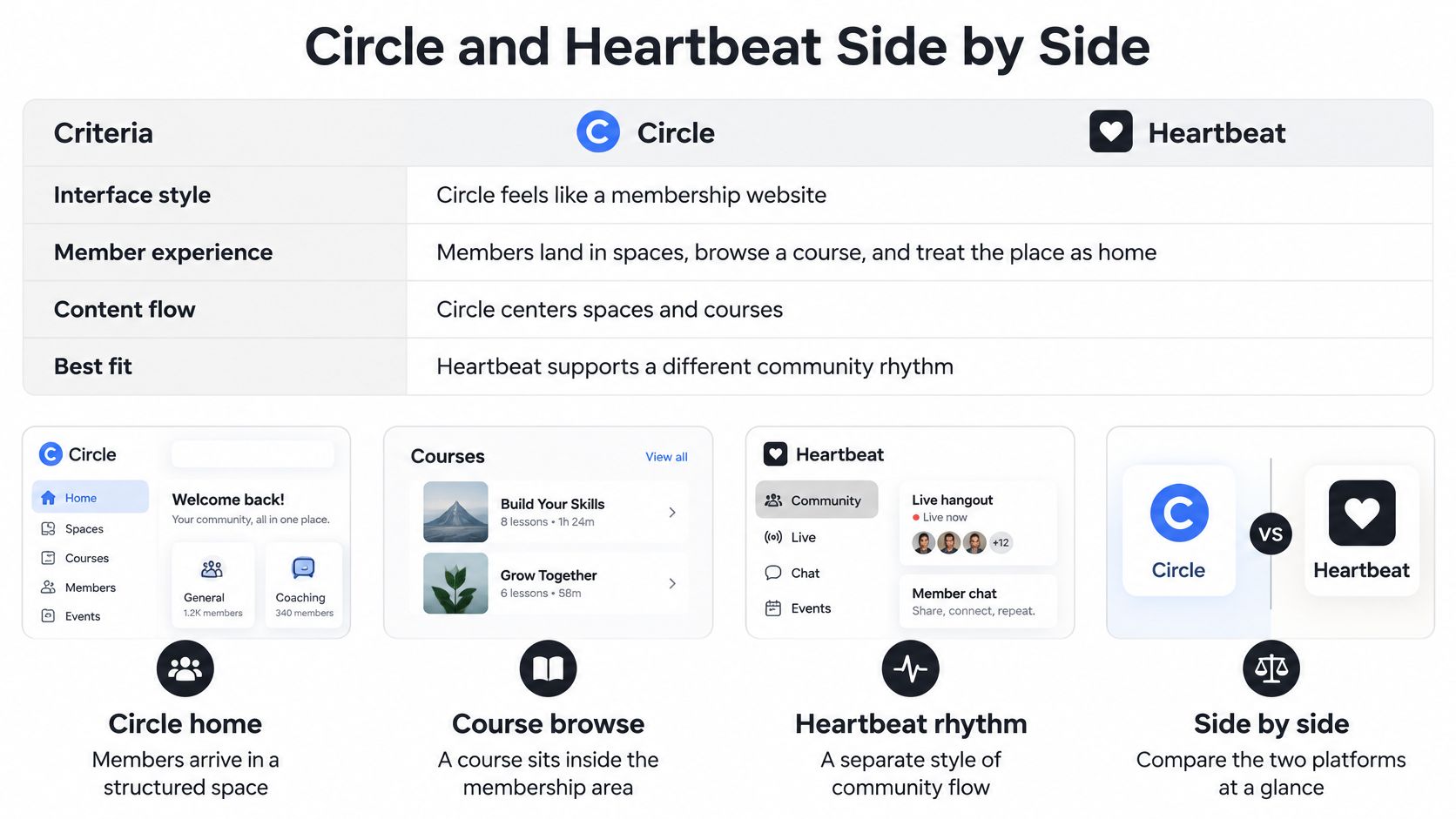
Circle feels like a membership website. Members land in spaces, browse a course, and treat the place as the home of your offer. Heartbeat feels more like a structured chat app, with channels and direct messages at the center of everyday participation.
I’d choose between them by testing how a lesson question becomes a conversation, then how someone finds that answer later.
Circle versus Heartbeat on creator decisions
| Decision | Circle | Heartbeat |
|---|---|---|
| Home feel | Membership website with spaces | Chat app with channels |
| Daily habit | Browse a space, then post | Open a channel and reply |
| Courses | Modules beside topic spaces | Courses attached to chat |
| Several offers | Separate spaces under one brand | Separate channels that can feel like one room |
| Best host | Evergreen library and calm membership | Cohort that needs daily conversation |
| Main drawback | Quiet between live calls | Harder to find old lessons after the cohort |
These are editorial fit judgments, not promises about every configuration. A trial should confirm whether your members experience those differences.
Give either platform a narrow purpose
A Food and Agriculture Organization evaluation found that 25.6% of members actively participated in discussions, 61.7% were occasional readers, and 12.7% never visited the discussion board. Participants preferred a narrow community purpose, relevant discussions, and lively moderation.
My design test for both products is therefore simple: can a member tell which space or channel belongs to their offer? Putting unrelated programs into one mixed conversation asks members to do the sorting themselves.
Four situations that make the choice clearer
An evergreen library with office hours. I’d favor Circle. Members can browse modules, ask a considered question, and return to the discussion beside the teaching. The drawback appears when they expected a group text instead, because the membership can feel empty between calls.
A hypothetical six-week cohort that should talk daily. I’d favor Heartbeat. Channels suit progress updates, quick questions, and classmates helping each other through the same assignment. Before the cohort ends, give completed lessons and useful answers a clearly labeled home so they don’t disappear into chat history.
Several coaches working under one brand. Circle’s spaces are the stronger starting point in my view. Keep each offer’s teaching and discussions distinct, then create a shared area only where members have a genuine reason to meet. Test permissions using an ordinary member account.
A solo creator checking in by phone between calls. I’d try Heartbeat first. A channel list can make it easier to spot where someone needs a response. But that convenience needs notification boundaries, or brief check-ins can turn into constant availability.
The winner is the place members open on a Tuesday night without a reminder email.
Before paying, rehearse migration with a real lesson and an existing discussion. Check how member records, access, links, and historical posts will move, rather than assuming everything transfers intact.
Also verify custom-domain availability on the plan you’re considering and test the actual mobile journey. Have a student open a notification, locate the lesson, reply, and return later. A polished administrator demo won’t tell you whether that sequence feels natural.
Use Cases for Courses and Memberships
The business model should shape the room before you choose the theme. A cohort needs a different ending from an ongoing membership, and a private coaching group needs different boundaries from a broad professional network.
I’d write down the member’s promised outcome first. Then I’d choose the smallest structure that helps them reach it.
A cohort with a shared finish line
Say you run a live program each quarter, with a hypothetical six-week teaching period. Heartbeat or a similar channel-based tool fits when learners need frequent contact while completing the same work.
The failure mode is leaving the cohort in an endless stream after teaching ends. Plan a clean archive, explain what remains available, and distinguish ongoing access from ongoing instructor support.
Week-four test: Members reply to one another in the channel without waiting for you to restart every exchange.
An evergreen membership with a growing library
Circle or Mighty Networks is a better starting point when people need to find previous lessons, attend a monthly call, and maintain relationships over a longer membership.
A lively chat-first setup can make the launch feel successful while hiding the library members paid to use. Watch what happens after the live event, when there’s no scheduled reason to visit.
Week-four test: Members still open the relevant space after the call ends. Build membership retention strategies around that useful return behavior, rather than treating attendance as the whole relationship.
A small coaching practice
For a hypothetical coach with twenty clients and a homework thread, I’d consider Skool or Heartbeat. The important promise is that clients can submit work, get a response, and understand what to do next.
A large branded network adds little if nobody needs networking. Keep the room small enough that the coach can follow progress without asking clients to repeat their situation.
Week-four test: Clients post homework in the intended place, and the coach can identify who needs help without searching private messages.
Corporate training with private cohorts
Circle or Mighty Networks deserves consideration when cohort permissions matter more than a busy public-facing feed. A manager who rarely posts may still need a reliable route to the right materials and attendance information.
Don’t infer reporting capability from the presence of events or courses. Test attendance capture, exports, administrator access, and cohort separation against the actual training requirement.
Week-four test: Learners find their cohort without seeing another client’s work, and the training manager can retrieve the records they need.
| If the test fails | Inspect first |
|---|---|
| Learners keep asking where to post | Space names and navigation |
| Answers arrive only through private messages | Visibility and comfort of the discussion area |
| Members attend but never return | The usefulness of the between-session activity |
| A manager can’t retrieve records | Reporting and access controls |
I’d investigate room shape, expectations, and permissions before changing the theme. Visual polish won’t fix a missing workflow.
Run a Two Week Platform Trial
I wouldn’t migrate a whole membership after a polished sales demo. Run a two-week working trial with current students and real teaching material instead.
Keep the setup deliberately small. You’re testing whether people can learn and participate without making you their permanent navigation assistant.
Build a room you can actually evaluate
Choose the matching shape. Start with Circle for an evergreen library, Heartbeat for a daily cohort, Mighty Networks when the network is the product, Skool for low setup, or Discord as a free side room.
Load a complete learning path. Add one real lesson, one discussion space, and one live session with a replay. Write a conduct rule, name a backup person, and separate lesson questions from harassment reports.
Invite a small familiar group. For this trial, invite ten current students rather than a cold audience. Ask them to use the room for actual course work.
Vary the invitation. During the first week, give readers a low-effort question and invite an established contributor to host a focused conversation.
Review participation and your workload
Inspect the return visit. At the end of the second week, count distinct people who replied, newcomers who returned, and whether a few members controlled the discussion.
Account for your evenings. Note whether your time went to teaching, welcoming, navigation help, or conduct cleanup. Keep the platform when conversations stay findable and hosting feels sustainable.
If members talk only when prompted, change the room shape or the task before blaming the niche.
Choose your trial platform, load the lesson, and send the student invitations this week. For the next layer of practical course and membership how-tos, read Jason Webber at LearnStream, then use your trial notes to decide what deserves a permanent place in your teaching setup.



![How to Effectively Host Webinars Using OBS Studio [Guide from Expert]](https://learnstream.io/wp-content/uploads/2024/08/image-768x333.png)