LMS Security Features Course Creators Should Know

Your course can look polished, sell well, and still hit a wall on one sales call.
A common turning point for course creators looks like this. An individual buyer enrolls with no questions asked, then a company wants 50 seats for its staff and sends over a security review. Now the conversation shifts from lessons and pricing to user permissions, sign-on, learner data, and compliance. The LMS you picked for convenience suddenly has to hold up under scrutiny.
That shift is why security deserves a place on your shortlist from the start. It affects trust, contract size, and the kinds of clients you can realistically serve. If your platform stores learner records, progress data, and payment information, security features are part of the product you sell, not background plumbing. Rules such as GDPR also raise the stakes for any business handling learner data.
In my experience coaching creators who sell both cohort programs and team training, the goal is not to master every security standard. The goal is to recognize the features that reduce risk and make buyer conversations easier. Multi-factor authentication, for example, works like a second lock on the door. A password gets someone to the entrance. MFA checks that the person opening it is really supposed to be there.
That is the lens for this roundup. Rather than giving you a generic checklist, I’m using seven LMS platforms as real examples of what good security looks like in practice. Some are a better fit if you want to win enterprise deals. Others make more sense for a smaller education business that needs sensible protections without heavy setup. If you are still weighing your options, this guide to how to choose an LMS for your business model and growth plans pairs well with the security questions covered here.
The useful question is simple. Which platform gives you enough protection for the business you run now, and enough credibility for the customers you want next?
1. Docebo
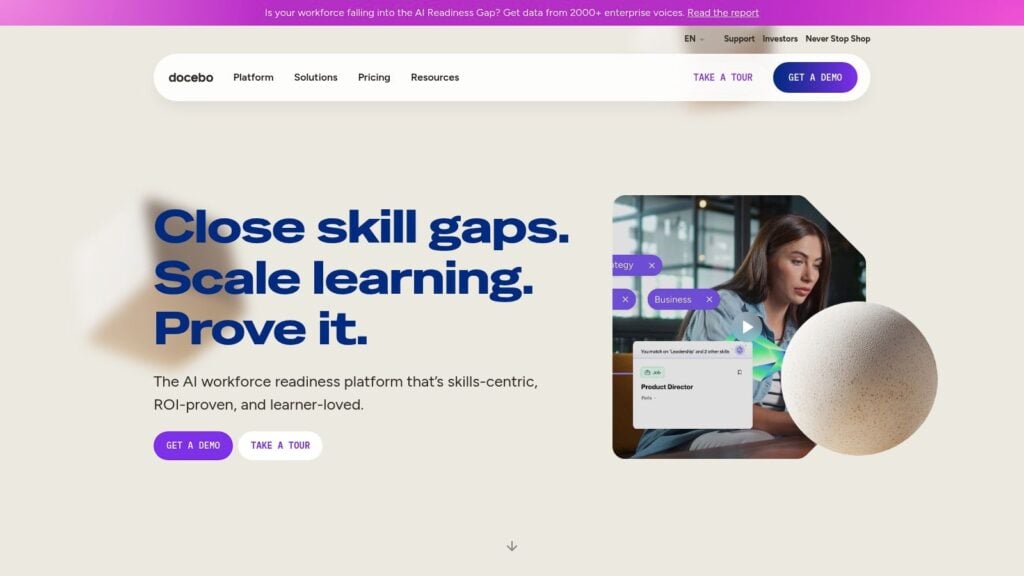
A common B2B sales moment goes like this. A company likes your course, then procurement sends a security questionnaire before anyone signs. If that is the kind of deal you want to win, Docebo deserves an early look.
You can explore the platform at Docebo. What stands out is how clearly it fits enterprise buying habits. Buyers in that segment often ask about identity management, auditability, and formal compliance signals before they ask about course design. Docebo is built for that conversation.
Why Docebo stands out for security-conscious clients
The easiest way to read Docebo is as a platform for organizations that want training to plug into existing company systems, not sit off to the side as one more tool to manage.
SSO and SAML are good examples. They let employees sign in with their company credentials, which cuts down on password sprawl and makes IT teams more comfortable approving the platform. For a course creator, that matters because a smoother login process often helps both adoption and deal approval.
Role-based access control matters just as much. RBAC works like giving different staff members different keys to the same building. An instructor may need access to course content and learner progress. A finance lead may need billing visibility. A contractor uploading videos probably should not see either. That separation reduces risk without slowing your team down.
Practical rule: If a platform cannot clearly show what each user role can access, expect problems later when your team grows or a client asks for tighter controls.
Docebo also makes sense if you serve more than one audience. Customer education, partner enablement, and internal training often need separate experiences, separate admins, and cleaner boundaries between groups. Docebo’s more detailed admin controls help keep those audiences from getting tangled together.
Where it fits best
This is not the first platform I would hand to a solo creator who just wants to upload a course and start selling this week. Pricing is quote-based, and the setup depth can take time to configure well.
That trade-off is often worth it for businesses aiming at larger contracts.
If your growth plan includes external academies, partner training, or enterprise clients with formal IT review, Docebo starts to look less like extra complexity and more like sales support. It gives you security features you can point to in real buyer conversations, which is different from having a platform that is merely easy to use. If you are comparing that kind of option against other platforms, our learning management systems reviews for different business models can help narrow the field.
A good way to judge Docebo is simple. Ask whether your next customer is likely to care about course delivery alone, or about whether your training business looks credible under a security review. Docebo is a stronger fit for the second case.
2. LearnUpon
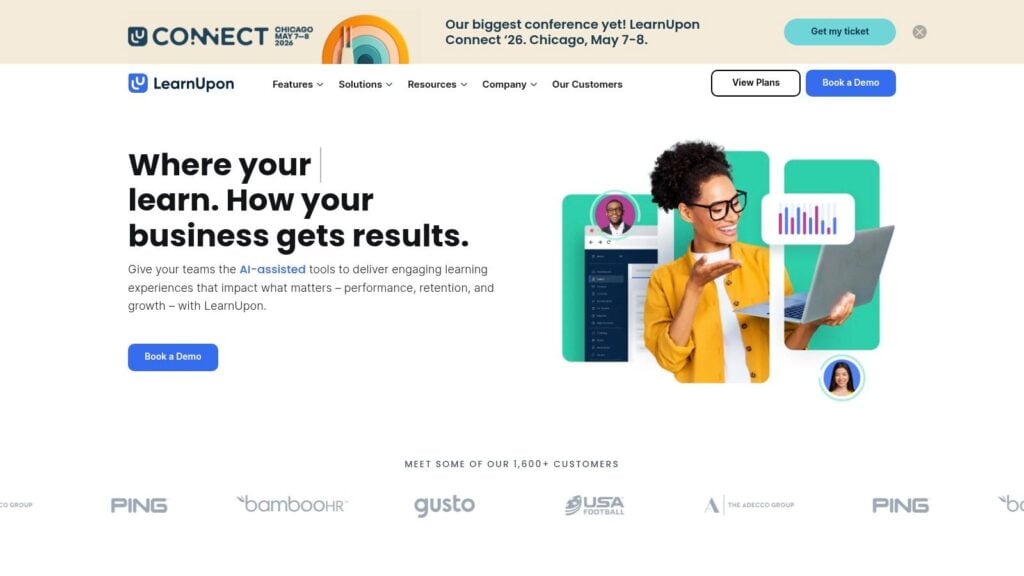
A common B2B training problem looks like this. Your course is ready, the client likes the content, and then their IT team asks how users will log in, how access is controlled, and what proof you have that the platform is managed responsibly.
That is the kind of sale LearnUpon is built to support.
You can look at the product on LearnUpon. It fits course businesses that have moved past simple direct-to-consumer selling and need a platform that feels credible in buyer reviews without becoming a full enterprise project to manage.
Why LearnUpon stands out on security
LearnUpon publicly documents ISO 27001:2022 certification and SOC 2 compliance. For a course creator, that matters because procurement teams usually want something they can verify, not a general promise that the platform takes security seriously.
This matters even more if you sell compliance training, customer education, or employee onboarding. In those deals, buyers are judging two things at once. They are buying your content, and they are judging whether the delivery system looks safe enough to bring into their organization.
A simple way to frame it is this. LearnUpon helps you answer the buyer’s next question before it becomes a problem.
SSO is not a technical extra
Single sign-on can sound like an IT checkbox, but for many course businesses it affects sales, support load, and learner completion.
LearnUpon supports SAML-based SSO, which lets a company connect training access to its existing identity system. For the client, that usually means employees sign in through the same account they already use at work. For you, it means fewer separate credentials to create and fewer password issues to clean up.
It works a lot like giving a new office tenant a badge that already opens the right doors, instead of issuing a second badge for one room across town.
That changes the day-to-day experience in practical ways:
- Your client’s IT team sees a setup they already understand.
- Learners get into training with less login friction.
- Your team spends less time on password resets and account confusion.
Those are security wins and operational wins at the same time.
Corporate buyers may love your course outcomes, but they still need to explain platform access and controls to IT and procurement.
Where it fits best
LearnUpon makes sense for training businesses serving companies that want structure but do not always need the heaviest enterprise stack. It sits in a useful middle ground. You can offer a platform with formal signals buyers recognize, while keeping the admin side more approachable than some larger systems.
The trade-off is cost and setup depth. If you are a solo creator selling a small catalog to individual learners, LearnUpon can feel like more platform than you need. If your plan includes team training portals, client rollouts, or larger contracts where security questions show up early, it becomes much easier to justify.
If you are weighing it against similar options, this guide to learning management systems for different business models can help you compare fit more clearly.
A useful test is simple. Ask whether your next buyer will care only about content access, or whether they will also care how that access is managed, approved, and explained internally. LearnUpon is a stronger fit for the second case.
3. TalentLMS
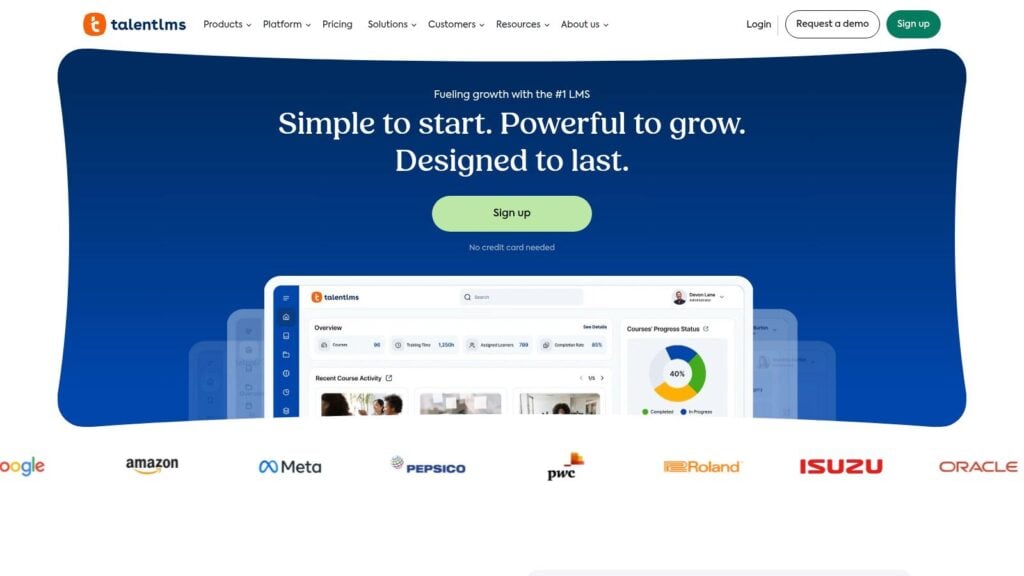
TalentLMS is the one I’d point many smaller course businesses toward when they want modern security controls without the weight of a larger enterprise rollout. It tends to be easier to understand, easier to deploy, and less intimidating for teams that don’t have dedicated IT help.
You can check it out at TalentLMS. The appeal here is balance. You get a serious baseline, including an ISO/IEC 27001:2022 program, multiple SSO options, password policy controls, role-based access, and activity logs.
A strong baseline without heavy complexity
For a lot of creators, password hygiene is still the first weak point. That matters because credential security remains one of the biggest real-world risks in learning platforms. Microsoft’s May 2023 Azure AD research found that enabling MFA reduces the likelihood of account compromise by 99.22% across workloads involving millions of users, as summarized in this LMS security analysis.
TalentLMS is useful because it gives you room to enforce better access habits without requiring a giant security team. If you want stronger password rules, SSO, and clearer user roles, you can usually get there without building a complex admin process around the platform.
Who TalentLMS fits best
I’d look harder at TalentLMS if your business sounds like one of these:
- You sell to both individuals and small teams: You need security that feels current, but you don’t need a huge enterprise procurement story yet.
- You want documentation that’s easy to follow: That matters when you’re the person setting everything up yourself.
- You need role separation for a growing team: Maybe you have an assistant, a content editor, and a client manager. They shouldn’t all have the same level of access.
This is also a good fit for creators who need to move fast. Enterprise LMS platforms can be powerful, but they can also slow you down. TalentLMS usually feels more manageable when you want to launch, tighten your settings, and keep going.
“Simple” is not the same as “weak.” A platform can be easier to run and still give you the controls that actually protect your business.
The trade-off is that you may not get the same breadth of publicly visible enterprise privacy certifications as some larger vendors. If your buyers have very formal vendor review processes, that can matter. If your main need is strong fundamentals with less complexity, TalentLMS often lands in a very practical sweet spot.
4. Absorb LMS
A common B2B moment goes like this. A company says they want to buy your training for 800 employees, but they do not want a spreadsheet of names uploaded by hand. They want staff to sign in with the company identity system, land in the right portal, and have access removed automatically when someone leaves.
That is the kind of buying situation where Absorb LMS starts to make a lot more sense.
You can explore it at Absorb LMS. Absorb stands out less for flashy creator features and more for the security controls larger clients ask about during procurement. Its documented SOC 2 Type II posture, SAML 2.0 SSO support, provisioning options, and detailed admin permissions all point in that direction.
The feature I would pay closest attention to is provisioning. Provisioning works like a guest list connected to the client’s HR or identity system. Instead of your team creating accounts one by one, users are added, updated, and placed into the right learning environment through a defined workflow.
That matters if your business is growing beyond direct-to-consumer sales.
Manual enrollment is manageable for a private cohort of 20 people. It becomes risky when a client has multiple departments, different access rules, and a security team that wants fewer human touchpoints. Every manual step creates another chance to give the wrong person the wrong access, or to leave access active longer than it should be.
Absorb is also well suited to businesses that need clear separation between internal roles. Your content manager may need course editing rights. Your client success lead may need reporting access. Your finance or operations team may need account visibility without touching course settings. A platform with detailed admin roles helps you set those boundaries before a mistake forces the issue.
Here is the practical lens I’d use when evaluating Absorb:
- SSO support: A better fit when corporate clients want employees to sign in through the company identity provider
- Provisioning workflows: Useful for repeat rollouts, large enrollments, and cleaner onboarding
- Granular admin permissions: Helpful when your own team is growing and one admin login is no longer acceptable
- Audit-friendly structure: More credible in sales conversations where buyers ask who can access what, and how that access is tracked
The business angle is simple. As client accounts get larger, security stops being a technical footnote and becomes part of the sale. Buyers want to know how access is controlled, how users are managed, and whether your platform can fit into their existing identity setup. Absorb is built for those conversations in a way many lighter course platforms are not.
There are trade-offs. Pricing is usually quote-based, and the interface can feel heavier if your main goal is selling a few standalone courses to individuals. But if you are trying to win corporate training deals, reduce manual onboarding work, and show buyers that your operation can handle enterprise requirements, Absorb earns a serious look.
5. Canvas LMS
Canvas has a different profile from most creator-first platforms on this list. It comes from an institutional world, and you can feel that in the way it handles scale, permissions, and administrative structure.
You can review the platform at Canvas by Instructure. If your work touches schools, higher education, or larger institutions, Canvas can be a very credible option because buyers already understand the category it lives in.
Why institutions tend to trust Canvas
Canvas is widely recognized for institutional-grade security signaling, including SOC 2 Type II and ISO 27001 renewals, along with broader product security architecture. That matters because school systems and universities often care about formal security governance, not just feature checkboxes.
The permissions model is also important. In a school or district context, different roles need sharply different levels of access. An instructor, a student, a course designer, and an administrator should not see the same things.
That logic applies to creator businesses too. If you partner with schools or license content into institutional programs, role structure becomes part of your credibility.
Where Canvas shines and where it feels heavy
Canvas is a strong choice when your operation looks more like a learning program than a solo course storefront. It fits well when you need integrations, structured assessment environments, and the kind of security signals institutions recognize quickly.
Here’s the trade-off. Canvas can feel like a lot if you’re an independent creator selling a straightforward course catalog. Provisioning, implementation, and advanced configuration are often better suited to a more formal admin setup.
If your buyer already has an IT team, a registrar mindset, or compliance workflows, Canvas starts making more sense. If your buyer is mostly individual consumers, it may be more platform than you need.
One security concept worth keeping in mind with institution-facing platforms is RBAC. This overview of LMS data security features explains how role-based access control limits visibility by user role and supports auditable access trails for compliance. That’s the kind of underlying control institutional buyers care about, even if they don’t say the acronym out loud.
Canvas won’t be the lightest option on this list. It might be one of the most credible if your business works inside formal education environments.
6. MoodleCloud
MoodleCloud is interesting because it gives you the Moodle ecosystem without asking you to run your own infrastructure. For a lot of creators, that’s the difference between “possible” and “not touching that.”
You can see the hosted offering at MoodleCloud. The attraction here is pretty clear. You get hosted Moodle managed by Moodle HQ, with AWS-backed infrastructure, regular updates, TLS encryption, role-based access controls, GDPR-aware tooling, and managed backups.
Why hosted Moodle is different from self-hosted Moodle
Self-hosted Moodle gives you freedom, but it also gives you responsibility. That means updates, server hardening, plugin risks, backups, and recovery planning sit on your shoulders. MoodleCloud removes a lot of that operational burden.
That doesn’t mean security becomes automatic. It does mean the baseline is managed for you more cleanly than a DIY setup. For creators who like Moodle’s flexibility but don’t want to be part-time sysadmins, that’s a big deal.
One under-discussed point in LMS security is malware scanning and security feature overload. This discussion of essential LMS security features highlights an underserved issue for creators: balancing strong controls with learner experience, while also watching for feature creep that can expand vulnerabilities. That’s especially relevant in ecosystems with lots of add-ons.
Where MoodleCloud fits best
I’d look at MoodleCloud if you want control over the learning environment but not the full maintenance headache of self-hosting. It’s a practical choice for educators who need more flexibility than a simple course platform but don’t want to manage servers, certificates, and update cycles.
A few things make it appealing:
- Managed updates: You’re less exposed to the “I forgot to patch something” problem.
- Backups included: Recovery planning is built in rather than improvised.
- GDPR-aware tooling: Useful if you serve learners in Europe or work with privacy-conscious organizations.
The limitation is that MoodleCloud doesn’t always present the same public third-party attestation story you’ll see from some enterprise LMS vendors. Deep customizations can also be more limited than self-hosted Moodle.
Still, for many creators, “hosted and sane” beats “flexible and fragile.” That’s the primary comparison.
7. Thinkific Plus
A common growth moment looks like this. You start by selling courses directly to individuals, then a manager asks for a private cohort, then an HR team asks whether their employees can log in with company credentials. At that point, security stops being a back-office detail and starts affecting sales.
That is where Thinkific Plus earns a serious look.
You can review the enterprise plan at Thinkific Plus. For course creators, its appeal is not a giant list of enterprise certifications. It is the practical set of controls that matter when your business is moving from solo creator sales to client accounts with procurement questions. Identity options, admin permissions, private access, and branded learning environments all matter here.
Why Thinkific Plus works for growing creator businesses
Thinkific Plus fits the gap between a simple course platform and a heavier enterprise LMS. That matters if you want to keep a creator-friendly setup while showing corporate buyers that access is controlled in a more professional way.
Its identity options are a good example. OpenID Connect support and SAML guidance give you a path to company-managed login, which is often one of the first questions a larger client will ask. For a course creator, that can be the difference between, “We love the content,” and, “Our IT team won’t approve this.”
There is also the day-to-day side of security. Role-based admin controls help you decide who can manage content, view learner data, or handle account settings. Private course access helps you keep paid or contract-only training restricted to the right audience. If protecting premium content is part of your business model, this guide on how to handle piracy of your online course is a useful companion to platform-level controls.
Where it shines, and where you should press for detail
Thinkific Plus is strongest for businesses that need better access control without taking on the complexity of a traditional corporate LMS. It lets you serve B2C learners and move upmarket toward B2B deals without rebuilding your entire operation.
Still, this is the part many creators miss. A platform can be a strong fit for your business even if it is not positioned like a procurement-first enterprise system. If you sell to larger companies, ask direct questions about SSO setup, admin roles, user provisioning, auditability, data handling, and any security documentation your buyer may request. Those details matter more than broad marketing language.
Some advanced identity features may depend on being on the Plus plan or using paid extensions. Buyers with strict compliance checklists may also want a wider public attestation story than Thinkific emphasizes upfront.
That does not make Thinkific Plus a weak security choice. It makes it a focused one. For creators who need to look credible to corporate clients, protect premium training, and keep operations manageable for a lean team, Thinkific Plus can be a smart middle ground.
Top 7 LMS Security Features Comparison
| Platform | Implementation complexity | Expected outcomes | Key advantages |
|---|---|---|---|
| Docebo | High, deep configuration and granular admin setup | Robust compliance, granular access control, multi-tenant scalability | Broad ISO/SOC coverage, SSO/SCIM, fine-grained permissions |
| LearnUpon | Moderate, clear SSO setup with some customization effort | High availability and hardened SSO for corporate programs | ISO & SOC compliance, hardened SAML defaults, 99.99%+ uptime |
| TalentLMS | Low to moderate, fast deployment and straightforward setup | Quick time-to-value with baseline security and SSO | Transparent pricing, ISO 27001, multiple SSO options |
| Absorb LMS | Moderate to high, feature-rich with learning curve | Secure, auditable onboarding at scale with JIT provisioning | SOC 2 Type II, SAML/JIT provisioning, granular audit logs |
| Canvas LMS (Instructure) | High, institution-oriented deployment and admin support | Institutional-grade reliability and integration for assessments | Renewed SOC2/ISO certifications, security-by-design, rich ecosystem |
| MoodleCloud | Low, hosted Moodle reduces server management tasks | Flexible Moodle functionality with managed security and GDPR tools | Hosted on AWS baseline, managed updates, GDPR-aware tooling |
| Thinkific Plus | Low to moderate, creator-focused with enterprise add-ons | Faster B2B enablement and simpler operations than heavy LMSs | OpenID Connect guidance, quick time-to-value, app ecosystem |
Make Security Your Competitive Advantage
A creator closes a promising corporate deal, then procurement sends over a security questionnaire. Suddenly the LMS is not just a place to host lessons. It is part of the sales process.
That shift catches many course businesses off guard.
In many creator communities, security gets treated like plumbing. You expect it to work, but you do not put it on the sales page or bring it into buyer conversations. That approach works until a client asks how you handle login security, admin access, backups, or audit evidence. Then security stops being a background detail and starts affecting revenue.
Security shapes who can buy from you and how easily they say yes.
If you sell to individual learners, weak controls can lead to account takeovers, leaked content, confused team permissions, and extra support tickets. If you sell to companies, buyer questions often arrive earlier than expected. Sometimes they show up on the first serious call. Sometimes they appear near the contract stage, when legal, IT, or procurement reviews your setup.
For that reason, I treat LMS selection as part of go-to-market strategy. The right platform helps you protect the business you already have and qualify for the business you want next. That is the unifying thread connecting the platforms in this roundup. Docebo, LearnUpon, Absorb, and Canvas tend to fit sellers facing formal security reviews. TalentLMS, MoodleCloud, and Thinkific Plus can make more sense when you want stronger protection without adding a heavy admin burden.
A practical way to evaluate any LMS is to picture your business in layers. The first layer is the front door. Who can log in, and how do you verify them? The second layer is the staff room. Who on your team can change settings, export data, or manage learners? The third layer is the filing cabinet. How is data stored, backed up, and documented if a client asks questions?
That model keeps the review simple.
A few features deserve special attention:
- Multi-factor authentication: MFA is one of the clearest ways to reduce account compromise. As noted earlier, Microsoft research found that requiring a second factor can block many common takeover attempts. For a course creator, that means fewer support problems and less risk tied to shared or stolen passwords.
- Role-based access control: Your VA, instructor, contractor, and client admin need different levels of access. Good role controls work like giving each person the right key instead of handing everyone a master key.
- Single sign-on: SSO can be a real buying criterion for B2B deals. If a client wants employees to sign in through their existing identity provider, your LMS needs to support that request cleanly.
- Backups and recovery: Reliability claims are easy to make. Recovery details are what matter. Ask how often backups happen, where they are stored, and what recovery looks like during an outage.
- Security documentation: Marketing pages are not enough when a buyer asks for proof. Certifications, audit summaries, and clear security documentation help you answer questions without scrambling.
Usability still matters. A secure platform that frustrates learners is like a storefront with three deadbolts and a jammed front door. People may be protected, but they are not having a good experience. Strong LMS platforms balance protection with practical day-to-day use, so learners can log in easily while admins still keep tight control over access.
For that reason, I evaluate these tools with direct questions. Does the platform support the identity methods my clients will ask for? Can I limit admin rights without messy workarounds? Are backups managed and documented? Can I point to a clear compliance posture? Will the vendor give me material I can use in procurement conversations?
Ultimately, security can help you sell.
It can shorten sales cycles, reduce avoidable support issues, and make larger buyers more comfortable trusting you with their learners and data. It also gives you a stronger story to tell. You are not only selling content. You are selling a learning product that companies and individuals can trust.
And when enterprise buyers ask tougher questions, it helps to understand what they mean when they request documents like a SOC 2 report. You do not need to become an auditor. You do need enough fluency to recognize what buyers are asking for and which LMS platforms help you answer with confidence.