Best Online Learning Platform for Trade Schools
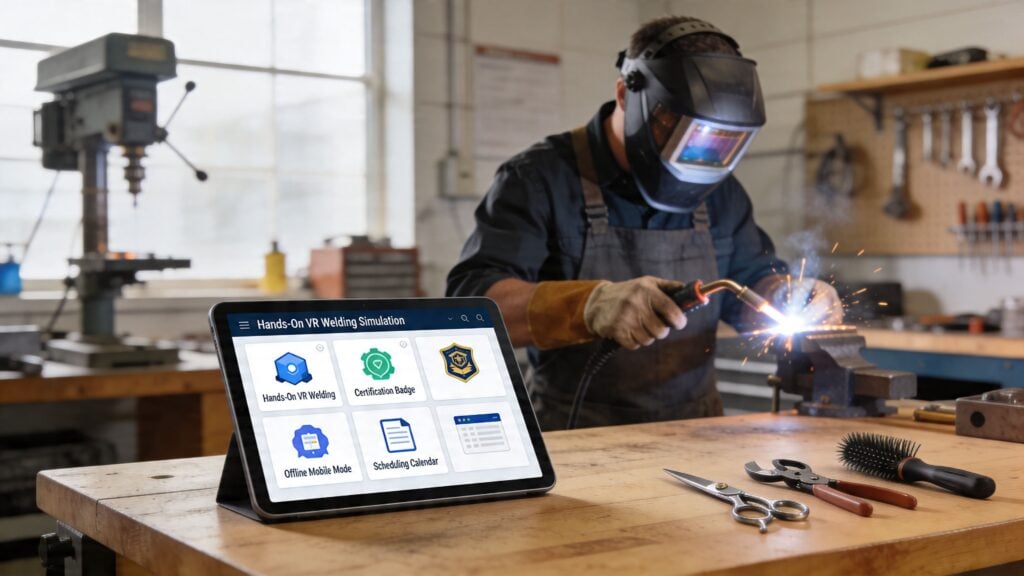
An electrical instructor is trying to show proper terminal placement on a live video call. The camera is shaky, students are typing questions faster than anyone can answer them, and the most important detail is happening just outside the frame.
That is the practical problem trade schools are trying to solve with online learning.
General LMS platforms were largely built around lectures, essays, quizzes, and discussion boards. Trade and vocational programs ask for something different. Welding, HVAC, plumbing, automotive, cosmetology, electrical, and allied health training need a system that can deliver theory online, support in-person lab work, track competencies, collect proof of performance, and keep students progressing in a blended format.
That is also why the “best” platform depends so much on the school.
A small certification academy running evening cohorts needs speed, simple course setup, and clear student reminders. A technical college with accreditation pressure usually needs outcomes mapping, reporting, SIS integration, and cleaner handoffs between instructors, registrars, and compliance staff. Those are very different buying decisions, even if both schools are teaching hands-on skills.
In practice, the strongest setups use online learning for the parts software handles well. Theory modules, safety content, review lessons, attendance workflows, checklists, employer documentation, and pre-lab preparation fit naturally online. Physical skill development usually works better in labs, shops, clinics, or apprenticeships where an instructor can watch technique and correct it in real time.
Schools early in the selection process often underestimate how much platform structure affects daily teaching. A lightweight classroom tool can feel fine at first, then break down once programs need grading rules, evidence collection, progress tracking, and multi-instructor consistency. If you’re comparing a full LMS with a simpler classroom tool, this Canvas vs Google Classroom comparison is a useful starting point.
If your school is also thinking about growth, enrollment, and positioning, good delivery tech works even better when paired with a smart marketing for schools strategy.
The platforms below are filtered through that trade-school lens. The focus is not academic theory. It is whether the system helps instructors teach hands-on programs, supports blended delivery, and tracks competency in a way that is effective in practice.
1. Instructure Canvas
Canvas makes sense when a trade school needs structure without making instructors fight the system every day. It has the feel of a higher ed LMS because that’s what it is, but that can be a big advantage for vocational programs tied to credits, outcomes, and accreditation reviews.
If you’re running electrical, HVAC, or allied health pathways with clear competencies, Canvas gives you solid tools for outcomes, mastery scales, pacing, rubrics, and integrations. In practice, that means an instructor can separate “watched the demo” from “met the competency.” That distinction matters a lot in trades.
Where Canvas fits best
Canvas is strongest in schools that already think institutionally.
That includes community colleges, technical colleges, and career programs that need SIS connections, formal grading workflows, and a platform that different departments can share without everything turning into duct tape and workarounds. SpeedGrader is especially useful when instructors need to review uploads, short videos, or rubric-based performance evidence instead of relying only on quizzes.
A lot of schools compare Canvas to lighter classroom tools when they’re early in the process. If that’s your situation, this breakdown of Canvas vs Google Classroom is a helpful reality check.
Practical rule: If your registrar, compliance lead, and instructors all need the platform to make sense, Canvas usually holds up better than creator-first tools.
Trade-offs to know before you buy
Canvas isn’t the easiest platform to configure well. It can do a lot, but somebody has to own the setup. If no one on your team can manage outcomes design, permissions, integrations, and term structure, you’ll feel the weight of that flexibility.
I also wouldn’t choose Canvas for a tiny shop launching a few public short courses next month. It’s better when the school needs durable infrastructure, not just a quick storefront.
You can explore the platform at Canvas by Instructure.
2. D2L Brightspace
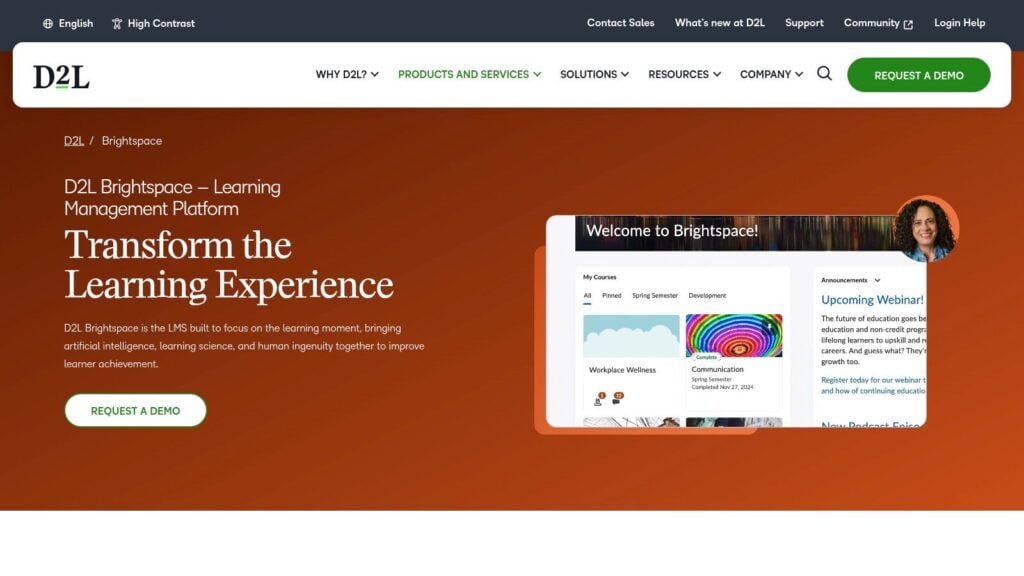
Brightspace is one of the few platforms on this list that feels built for schools that care about mastery and progression. That’s a good fit for trade education, where students often move through skills in stages rather than in one clean pass.
I like Brightspace most for programs that need to answer questions like: Which students are ready for the next lab? Which outcomes are slipping? Which learners are behind on the theory work that supports practical assessment?
Why trade schools like it
Its competency-based features are the main draw. Mastery View, outcomes alignment, mobile-ready course delivery, and analytics all support a blended setup where students study theory online and prove practical ability elsewhere.
That matters because a hybrid approach is often the honest one in vocational training. One background brief in the supplied research pointed to a gap in the market around hands-on teaching and noted that employers often value on-the-job training more than remote instruction. I think Brightspace fits that reality well because it doesn’t force you into an all-online fantasy.
A second strength is accessibility. For schools serving career changers, working adults, and students balancing jobs, an LMS has to be usable on phones and simple to use after a long shift. Brightspace tends to do that better than clunkier enterprise systems.
Where it can get complicated
Brightspace can get expensive once you add services and advanced packages. The product depth is real, but so is the onboarding work.
If your team is small and nontechnical, ask hard questions during the demo about admin workflows, template creation, and how quickly instructors can learn the gradebook. A powerful LMS that nobody fully understands becomes shelfware fast.
You can review Brightspace at D2L Brightspace.
3. Blackboard Learn Ultra
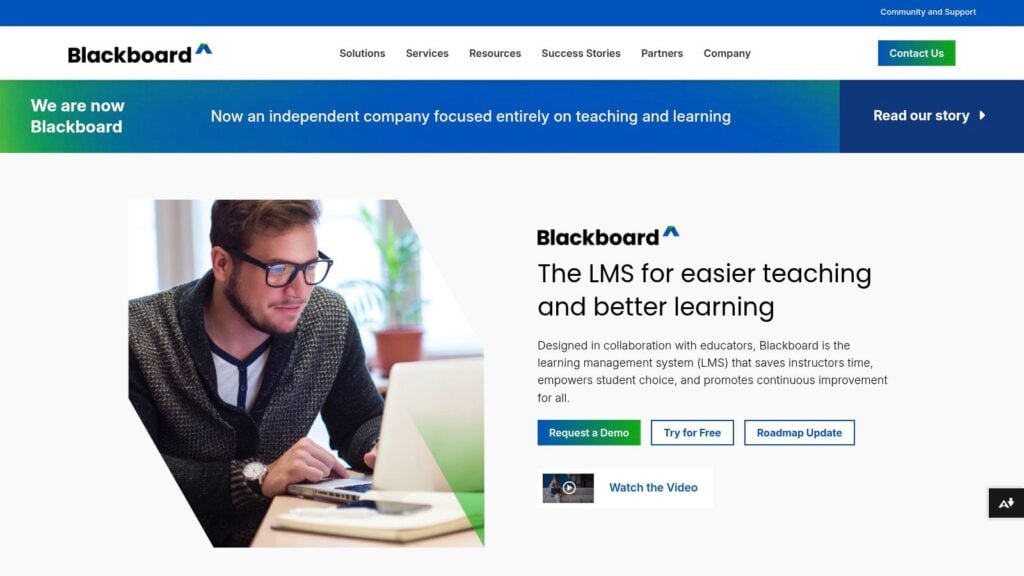
Blackboard Learn Ultra is the platform I usually put in the “serious institutional buyer” bucket. Not because it’s the coolest option, but because it handles structure, reporting, and outcomes alignment in a way that many career-focused institutions already understand.
For trade schools, Blackboard’s best use case is straightforward. You need a formal LMS that can track goals down to specific assessment elements, show progress toward competencies, and give administrators clean oversight.
What it does well for vocational delivery
Ultra’s course experience is much cleaner than older Blackboard setups, and that’s important. Instructors don’t want to spend their evenings hunting through cluttered menus just to post a practical checklist or release a module after a safety quiz.
The outcome and goal alignment tools are particularly important here. In a trade context, that helps programs connect classroom theory to performance milestones and certification prep in a more defensible way. If your school deals with program review, board expectations, or external scrutiny, that reporting backbone is useful.
A trade school doesn’t need the prettiest LMS. It needs one that shows who learned what, who assessed it, and what comes next.
When Blackboard is the wrong fit
I wouldn’t recommend Blackboard Learn Ultra to a school that wants simple, cheap, and fast. It isn’t built for that.
Migration can also be messy if you’re coming from a very different platform or from ad hoc systems like shared drives, email chains, and disconnected webinar tools. The more institutional your operation is, the more Blackboard makes sense. The more entrepreneurial and lightweight your model is, the less appealing it becomes.
Take a look at Blackboard Learn Ultra.
4. Moodle LMS
A trade school usually feels Moodle’s appeal after it outgrows improvised systems. One instructor is posting welding theory in a shared drive, another is tracking lab performance in spreadsheets, and the office is chasing attendance in a separate tool. Moodle gives you one place to bring that together, then shape it around how your programs are run.
That flexibility matters for vocational training. Trade programs rarely fit a standard academic template. You may need attendance plugins, competency frameworks, SCORM content from publishers, mobile access for students on job sites, and different pathways for apprentices, dual-enrollment students, and short-term certificate cohorts. Moodle can handle that mix, but only if the school is ready to manage it well.
Why Moodle remains a practical option
The main advantage is control.
Because Moodle is open source, schools can self-host, use MoodleCloud, or work with a certified partner. That gives trade schools real options on budget, data ownership, and customization. A smaller electrical or HVAC program can start with a simple setup, then add features as reporting, compliance, and blended delivery get more demanding.
I also like Moodle for schools that care about competency tracking but do not want to pay enterprise pricing right away. With the right configuration, it can support theory modules, practical checklists, assessments, badges, and progression rules in a way that matches hands-on training better than many generic course platforms.
The honest downside
Moodle asks more from your team than a polished SaaS LMS.
However, this requires realistic planning. If your school does not have admin support, theme setup help, plugin governance, and a plan for instructor training, Moodle can turn into a patchwork system fast. I’ve seen strong Moodle deployments run for years with very little drama. I’ve also seen neglected ones become the digital version of a workshop with every tool tossed into one drawer.
For trade schools, that is the primary trade-off. Moodle gives you freedom, but freedom creates setup and maintenance work.
You can explore options at Moodle LMS.
5. Open edX
Open edX is attractive for trade schools that are building more than a digital classroom. It fits schools and training providers that want a public course catalog, stackable credentials, and room to serve several learner groups at once.
I usually recommend it for union training centers, statewide workforce programs, large apprenticeship networks, and trade organizations with a broader reach. The platform supports self-paced theory, blended delivery, and credential pathways in a way that makes sense for hands-on fields where classroom instruction is only one part of the training model.
Best use case for Open edX
Open edX works best when the school wants to deliver skills training at scale without flattening everything into generic academic courses.
A good example is a trade provider that offers online safety theory before lab time, short refresher modules for working technicians, and paid certificate prep for the public. Open edX can support that mix with course discovery, enrollment flows, learner progress tracking, and credentialing options that go beyond a single cohort in a single term.
That matters in vocational education. Trade schools often serve full-time students, apprentices, employer-sponsored learners, and continuing education buyers at the same time. Open edX handles that multi-audience model better than many systems built mainly for semester-based instruction.
What schools often underestimate
Open edX requires real implementation planning.
The platform gives schools a lot of control over course design, ecommerce, integrations, and reporting. That flexibility is useful, but it also creates more setup work than a plug-and-play LMS. Teams need technical ownership, clear authoring standards, and a realistic support plan before launch. Otherwise, the system can feel like a well-equipped shop with no one assigned to maintain the tools.
I like Open edX for organizations with a clear growth plan and the budget to support it. I would not put it at the top of the list for a small trade school that needs a simple instructor-friendly LMS running in a few weeks.
If your roadmap includes microcredentials, paid public courses, and regional workforce reach, Open edX deserves a real look.
You can review the platform at Open edX.
6. Absorb LMS
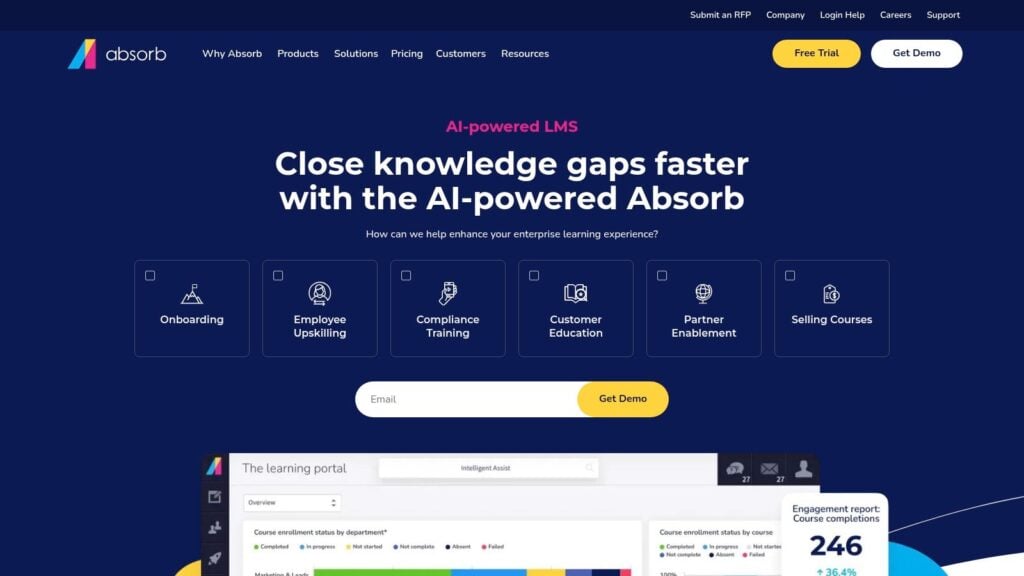
Absorb works well for trade schools that operate more like training businesses than traditional campuses. It gives you a polished learner experience, ecommerce options, and portal flexibility without pushing you into a higher-ed system built around registrar workflows first.
I bring Absorb up when a school serves several buyer types at once. That might include full-program students, apprentices who only need related instruction, employer-sponsored cohorts, and working techs buying short refresher courses on their own. In that setup, the LMS has to do more than post assignments. It has to support sales, branding, reporting, and clean audience separation.
Where Absorb earns its keep
Multi-portal support is one of the practical reasons schools choose it.
A welding school, for example, might want one branded environment for employer contracts, another for public certification prep, and another for enrolled students who need theory before shop time. Absorb handles that model better than many academic LMS platforms. For vocational providers with both tuition revenue and short-course revenue, that flexibility is useful.
This trend is important for trade schools that serve employers. Companies already expect digital training components, progress visibility, and a system that feels professional on their side too.
Admin teams should still ask hard questions about permissions, data separation, and account provisioning before rollout. A good starting point is this guide to LMS security features course creators should know, especially if employer partners will have any level of access.
Where it falls short
Absorb is a weaker fit for schools that need deep academic infrastructure. It can deliver courses well, but complex SIS workflows, faculty governance, and traditional higher-ed reporting usually fit more naturally in Canvas, Brightspace, or Blackboard.
I also tell buyers to price the full build, not the demo version in their heads. Portals, reporting upgrades, implementation help, and support tiers can change the number quickly. Absorb can be a good business decision, but only if the revenue model justifies the added cost.
You can see the platform at Absorb LMS.
7. Docebo
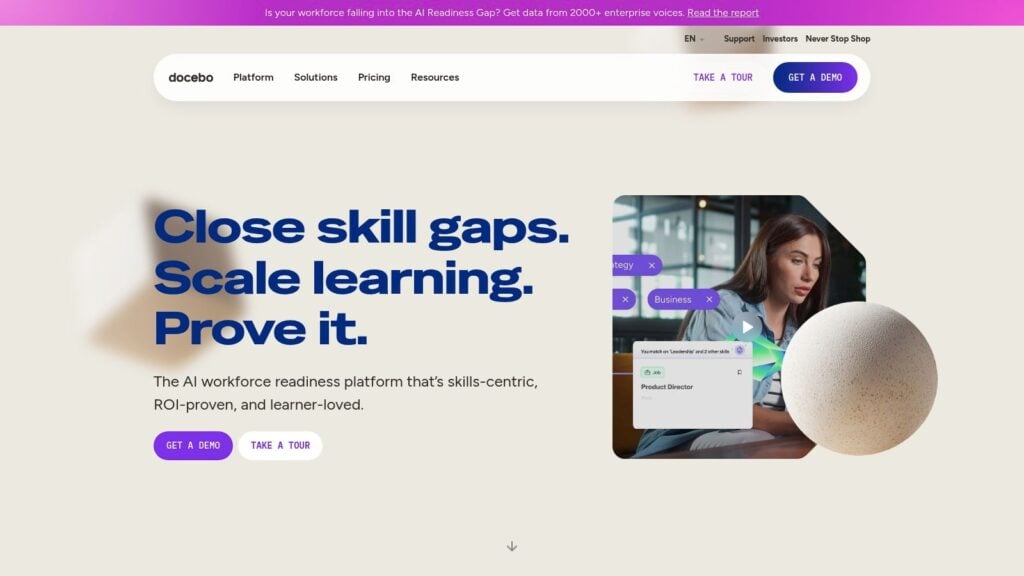
A trade school that teaches HVAC or electrical work may also sell certification prep to employers, train distributor partners, and run continuing education for working technicians. That is the kind of setup where Docebo starts to make sense.
It fits organizations that operate more like a training business than a campus LMS environment. Manufacturer training networks, association programs, partner education, and employer-facing certification catalogs are its natural territory. Commerce tools, extended-enterprise features, and CRM integrations such as Salesforce support that model well.
Why some trade programs choose it anyway
Some vocational providers sit in both worlds. They have enrolled students, but they also have contract training, customer education, and outside audiences who need a different experience from the core student body. In those cases, Docebo can handle the business side better than a platform designed mainly for semester-based academics.
I also like it for teams that already run a connected stack. If enrollments flow through a CRM, reporting feeds other business systems, and external partners need controlled access, Docebo gives admins more room to build those workflows.
In these setups, security and admin planning are more critical than many buyers expect. Before rollout, review the basics in this guide to LMS security features course creators should know.
The trade-off is complexity
Docebo can feel heavy for a straightforward trade school use case.
If instructors mainly need to assign theory modules, quizzes, and pre-lab content to enrolled cohorts, this platform may be more system than they need. Its value shows up when training sits inside a larger commercial operation with multiple audiences, approval paths, and reporting needs. That usually means more implementation work, more configuration decisions, and more coordination across departments.
For hands-on trade education, that is the key trade-off. Docebo is stronger at scaling external training than supporting the day-to-day rhythm of labs, shop instruction, and campus academic processes.
You can learn more at Docebo.
8. TalentLMS
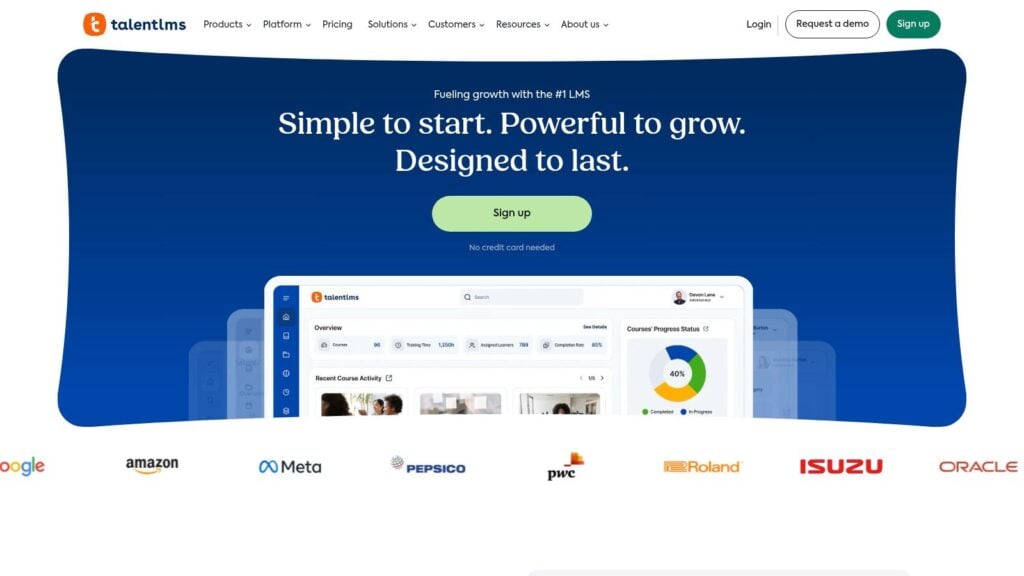
A platform’s advanced features are useless if your team never gets courses built and learners enrolled. That is why TalentLMS earns a spot on this list.
It is one of the better fits for small trade schools, short-course providers, and training businesses that need online delivery in place fast. If the immediate goal is to post theory modules, assign pre-lab work, collect quiz results, and issue completion records without a long setup cycle, TalentLMS handles that job well.
Why smaller trade schools like it
TalentLMS covers the practical core. You can build courses, organize learning paths, create separate branches for different programs or audiences, and give admins a system they can easily manage without calling IT for every change.
That matters in vocational education because many schools are not trying to recreate a university LMS. They are trying to support blended instruction. A plumbing program might need online safety theory before shop time. An HVAC school might want evening certification prep that students can finish between work shifts. A cosmetology academy might need a simple way to deliver state board review content and track completions. TalentLMS fits those use cases because it is straightforward to set up and easy to maintain.
I also like it for pilots. Schools testing online theory alongside hands-on training usually learn a lot in the first term. Which modules students finish. Where they stall. Which instructors update content. TalentLMS lets a team answer those questions before committing to a heavier platform.
Where the limits show up
The ceiling appears once the school needs deeper academic structure.
If you need strong SIS integration, detailed competency mapping across programs, complex approval workflows, or highly specific institutional reporting, TalentLMS starts to feel light. It works better as a practical delivery system than as the operating backbone for a large vocational college with layered governance and strict program oversight.
That trade-off is not a flaw. It is the point.
Choose TalentLMS when speed, clarity, and budget matter more than institutional complexity.
You can review plans and features at TalentLMS.
9. Tovuti LMS
Tovuti is a good fit for trade schools that think like education businesses. If you’re selling public courses, memberships, recertification training, and live virtual sessions, Tovuti gives you a lot of those pieces in one place.
It tends to appeal to schools offering refreshers and ongoing professional training rather than full academic programs. OSHA updates, EPA-related refreshers, safety education, and continuing ed are the kinds of offers where Tovuti often makes sense.
What stands out
The built-in interactivity and site control are the main attraction. Schools can create a more branded experience, manage subscriptions or memberships, automate reminders, and handle renewals in a cleaner way than with many institutional LMSs.
That’s useful in trades because a lot of revenue isn’t just from one-time enrollments. It’s from recurring learning needs, certification cycles, and employer cohorts that come back year after year.
The supplied research also pointed to growing interest in hybrid stacks and stronger engagement models for trade education. Tovuti fits that direction better than a plain course repository because it supports events, notifications, and more active learner touchpoints.
Where I’d be cautious
Tovuti can feel feature-rich in a good way and in a slightly exhausting way. If your team loves options, you’ll enjoy it. If your team needs tight simplicity, the admin side may feel busier than expected.
I’d also ask very direct demo questions about reporting granularity, compliance workflows, and how renewals are managed for your exact use case. This is not a platform I’d buy on vibes alone.
You can book a demo at Tovuti LMS.
10. LearnDash
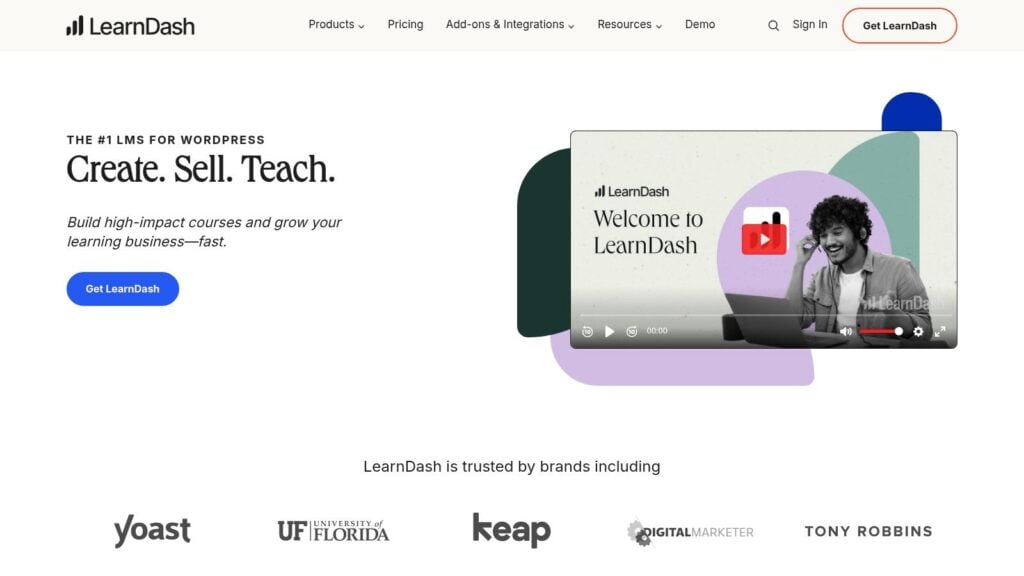
A small welding school with one administrator, a part-time instructor, and a WordPress site already bringing in leads has very different LMS needs than a multi-campus technical college. LearnDash fits that first scenario well.
It makes sense for private trade schools that want to run training, sell enrollments, and control the public website from one system. If the team already knows WordPress, LearnDash can be a cost-conscious way to launch blended or self-paced programs without stepping into a long enterprise procurement cycle.
Why it works for trade schools with in-house hustle
LearnDash gives schools a practical toolkit: courses, quizzes, drip schedules, certificates, groups, and e-commerce options through the broader WordPress stack. That matters for vocational providers because many of them are not trying to recreate a university LMS. They need a site that can publish programs, take payments, manage short-course access, and support hands-on training with a clear online component.
I tend to recommend it for owner-operated academies, niche certification businesses, and skills bootcamps that sell directly to learners or local employers.
The trade-off is clear. You get flexibility and site control, but you also inherit WordPress responsibility. For the right school, that is a fair exchange.
If you’re weighing other WordPress-first course tools, this comparison of Systeme.io vs LearnDash for course businesses is a useful shortcut.
Where the fit gets shaky
LearnDash is less convincing for schools that need formal competency tracking across lab work, externships, instructor sign-offs, and audit-ready reporting. You can piece some of that together with add-ons and process discipline, but it is not the same as using a platform built from the start for institutional oversight.
There is also the maintenance reality. Hosting, plugin conflicts, backups, security, update testing, and performance tuning all sit somewhere on your team. If nobody owns that work, the platform stops feeling affordable very quickly.
You can check it out at LearnDash.
Top 10 LMS for Trade Schools, Feature Comparison
| Platform | Core features & UX | Value proposition / Unique selling point | Ideal audience / Use case | Pricing model |
|---|---|---|---|---|
| Instructure Canvas | CBE workflows; SpeedGrader rubrics; broad LTI & SIS integrations; institutional reliability | Higher‑ed standard for outcomes tracking and large deployments | Universities, credit & trade programs needing mastery pacing and scale | Custom/quote (enterprise) |
| D2L Brightspace | CBE toolset; Mastery View gradebook; H5P authoring; mobile‑first & analytics | Accessibility‑first CBE features with implementation support | Institutions running mastery/progression programs and licensure prep | Custom/quote (+ add‑ons) |
| Blackboard Learn Ultra (Anthology) | Question‑level outcome alignment; mastery visualizations; flexible grading | Accreditation‑friendly reporting used by career colleges | Career colleges & universities focused on structured competency tracking | Quote‑based (enterprise) |
| Moodle LMS | Modular plugins; SCORM/xAPI & LTI support; mobile app with offline | Open‑source flexibility and low core software cost | Vocational/technical programs wanting customization and cost control | Open‑source core; paid managed hosting/partners |
| Open edX | Studio authoring; advanced analytics; discussions; built‑in ecommerce | MOOC‑scale delivery and microcredential/certificate workflows | Workforce upskilling, large cohorts, blended/self‑paced programs | Open‑source (self‑host) or managed partner pricing |
| Absorb LMS | Built‑in e‑commerce; multi‑portal branding; reporting & automations; modern UX | Turnkey monetization for external learners and CE markets | Trade schools selling CE, apprenticeships, or public courses | Quote‑based; scales with portals/features |
| Docebo | Extended‑enterprise portals; Salesforce/MS Teams integrations; APIs; AI tools | B2B/partner education platform focused on revenue & integrations | Organizations training employers, associations, and certification programs | Custom/quote (module‑based) |
| TalentLMS | Fast deployment; SCORM support; branches, SSO; intuitive admin | Transparent, budget‑friendly pricing for pilots and small orgs | Small trade schools, short‑course academies, multi‑branch pilots | Tiered public pricing; free starter plan |
| Tovuti LMS | Interactive content tools; e‑commerce & subscriptions; multi‑tenant site builder | Strong interactivity plus renewal/compliance workflows for memberships | Organizations selling CE, compliance refreshers, and subscriptions | Quote‑based |
| LearnDash | WordPress plugin; drag‑drop builder; drip content; WooCommerce/Stripe | Low recurring cost + full WordPress control and extensibility | Small private academies, bootcamps, instructors wanting site control | Annual plugin license + hosting (affordable tiers) |
Your Next Step in Digital Trade Education
A welding instructor finishes class at 4 p.m., then spends the evening chasing makeup work, checking safety sign-offs, and trying to tell which students are ready for the next lab. That is the real test for an LMS in a trade school. The platform has to keep theory, evidence, communication, and progression organized without getting in the way of shop time.
That lens usually narrows the list fast.
Schools running credit-bearing programs with formal assessment, accreditation pressure, and multiple stakeholder groups should start with Canvas, Brightspace, and Blackboard Learn Ultra. Those platforms fit institutions that need consistency across departments, stronger governance, and clearer reporting. Schools that need tighter cost control or more freedom to configure the system often find Moodle more practical. Open edX makes more sense when the goal includes larger catalogs, public-facing programs, or a broader skills ecosystem. Absorb, Docebo, TalentLMS, Tovuti, and LearnDash are stronger fits for schools selling continuing education, training employer partners, or launching short-course revenue lines.
Trade schools should shop differently than general academic programs.
A good platform for this sector does more than post readings and grade quizzes. It needs to support blended delivery, instructor feedback, photo or video proof of work, pacing across lab and classroom time, and competency checks that reflect how hands-on skills are taught. Academic LMS advice often assumes learning can be measured mostly through assignments and tests. That assumption breaks down fast in HVAC, welding, electrical, cosmetology, dental assisting, and other practical programs.
For this reason, blended delivery is the most credible path for many schools.
The strongest setup for many trade schools is a platform that handles the digital side cleanly while instructors focus on demos, labs, supervised practice, and real skill evaluation.
Student expectations also shape the decision. As noted earlier, online learning is now normal for a large share of learners, so trade students typically expect mobile access, clear schedules, quick communication, and visible progress. They still want hands-on instruction. They also expect the digital side to work without confusion.
That does not mean software drives outcomes by itself. Delivery model, affordability, scheduling, instructor support, and student advising still carry a lot of weight. The LMS becomes the operating system for those pieces. If it is clumsy, staff create workarounds, instructors avoid features, and students miss signals that should be obvious.
If you are down to a shortlist, keep the evaluation practical:
- Pick the delivery model first. Decide whether the platform is serving blended diploma programs, employer-sponsored training, short CE courses, or a mix.
- Map one real program. Use an actual pathway such as HVAC Level 1 or Plumbing Fundamentals instead of a broad future-state wish list.
- Ask vendors to show competency workflows. Have them demonstrate how instructors review evidence, mark practical milestones, release the next module, and flag students who need intervention.
- Put instructors in the demo. Academic leaders may approve the purchase, but instructors carry the daily workload.
- Test the admin load early. Ask who manages cohorts, terms, permissions, reporting, and recurring setup tasks. Hidden labor shows up here.
I usually recommend live demos with two or three serious contenders, not ten spreadsheet comparisons. Show each vendor the same trade-school scenario and watch what happens. The right fit becomes clearer when the conversation shifts from feature lists to actual teaching operations.
Good software will not make a weak program strong.
It can, however, give a strong program better structure for theory delivery, attendance, communication, evidence capture, and student momentum. That is usually the difference between an LMS that looks good in a sales call and one that helps a trade school run better.